
October 2019 Technology Newsletter
By: Michael Kealy
Cybersecurity Awareness Month
Companies that don't have the proper security procedures in place can often leave themselves and their stakeholders vulnerable to a social engineering attack.

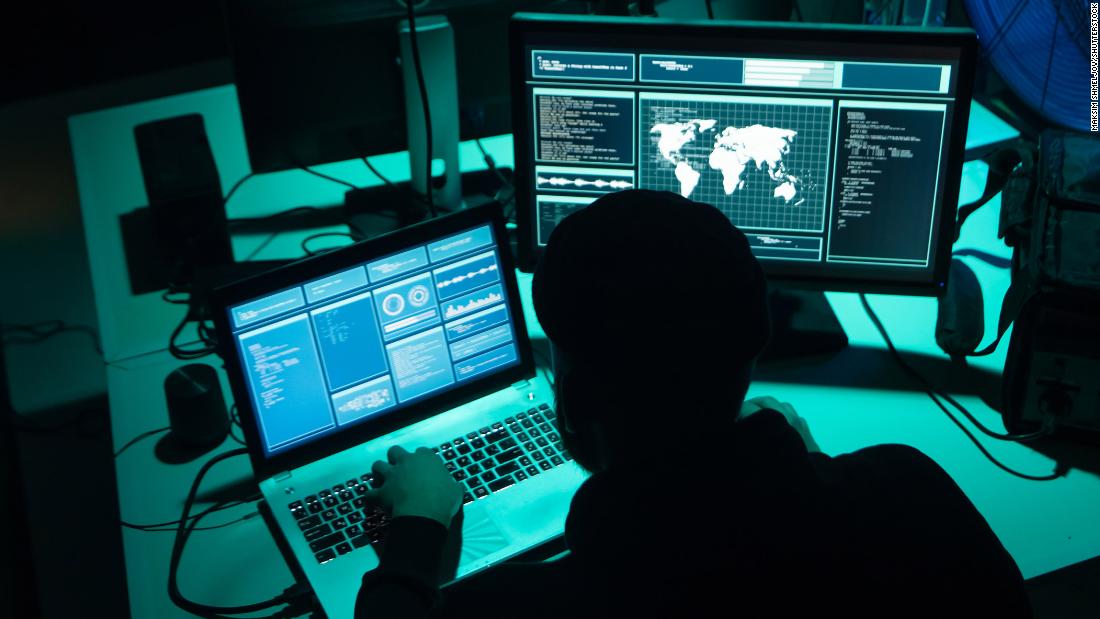

Protecting Personally Identifiable Information From Phone Phishing
Requests to verify or update personally identifiable information should be done in two ways:
- Via the PowerSchool Parent Portal using the returning student registration tab
- Done in person at each building where the identification of the individual requesting the verification/change can be verified.
These changes are being implemented to protect the personally identifiable information of all stakeholders and to prevent the unauthorized disclosure of personally identifiable information by district personnel.
IMPORTANT: USB Use Is Being Restricted Soon
IMPORTANT: Changes Coming To BCSD Public Wi-Fi
Below are screenshots of what the process will look like:
When a user connects to the guest SSID, a splash page will be displayed automatically. If using an Apple device the Apple pop-up window will show the splash page. Users need to enter their own name and email address and click Continue.


Drone Professional Development 11/5
zSpace Professional Development 11/5
- Charles Barone
- Susan Bloomer
- Aaron Burke
- Sarah Coleman
- Jeanne Dottavio
- Renee Ferrara
- Carmen Finton
- Michael Gersh
- Lauren Gonyo
- Ashly Hala
- Mary Ann Hamilton
- Sheryl Hawks
- Zachary Joyce
- Jeanette Lynch
- Alexa Marinaccio
- Monica Paredes
- Sergio Perez
- Gloria Rosati-Peterson
- Ralph Sansone
- Shannon Varekamp
- Danielle Yeaple
Reminder: Castle Learning
https://cl.castlelearning.com/review/clo/account/logon/
Click Sign In With Google Button
Reminder: TEQ Online Professional Development
The TEQ platform offers lessons in the following areas:
Adobe Digital Storytelling Google Promethean
Apple Digital Citizenship Holiday Science
Assessment Early Childhood iPad SMART
Blended Learning Educational Frameworks Math Social Studies
Chromebooks ELA Microsoft Special Ed
Civics ENL/ELL NAO STEM
Computer Science General Interest Project Based Learning and more!
Teq is an approved NYS CTLE PD Provider, so any qualified courses that you complete can be used towards your state-mandated professional learning hours. Just be sure to take the quiz after completing a course to receive your certificate of completion!
Accessing the platform is easy! We have enabled Google Single Sign On so you don't have to remember any passwords. A welcome email was recently sent to all teachers. You can access the program by logging in (http://opd.teq.com/) and selecting “Login with your Google Account”.
Reminder: Discovery Education Streaming Plus
Go to: google.discoveryeducation.com
A few reminders about Discovery Education Streaming Plus:
Did you know...
Discovery Ed has a built in professional development tool for teachers
Discovery Ed is more than just a video streaming service
Discovery Ed has a library of still images to use in lessons
Discovery Ed has lesson plans and activities
Teachers can search lesson plans, activites, and videos by topics or standards
To learn more contact you library media specialist or submit a Technology Help ticket.
Driving the skills agenda: Preparing students for the future
Schools play a crucial role in preparing students for the jobs ahead of them, but what skills will the next workforce need? Google sponsored the Economist Intelligence Unit: Skills of the Future research to understand this important topic.
Skills of the Future
Employers agree that problem-solving, teamwork, and collaboration are the skills most in demand—both now and in the future.
Impactful Teaching Strategies
The Economist Intelligence Unit’s report, Fostering Exploration and Excellence in 21st Century Schools, finds that integrating different educational strategies and techniques is the most effective way to develop next-generation skills.
Support These Skills
Through detailed case studies, teachers all over the world share how they use educational technology and hands-on learning to help prepare their students for the future.
With a rapidly changing workplace, it’s more important than ever for students to develop 21st-century skills, and for teachers to drive them forward.
GSUITE Updates
Customize text size and position for captions in Google Slides
Quick launch summary
You can now personalize caption text size and position while presenting in Google Slides. These features can help make captions easier to read, like ensuring all audience members can view captions in a large room. Or, you could make your text smaller to maximize the number of words on screen at once.While presenting, select the dropdown menu next to the Captions button on the toolbar. From there, you can then set the text size and position.
Better line spacing support for branding in Google Docs and Slides
Quick launch summary
You can now set custom line spacing to be less than one in Google Docs and Google Slides. This allows for more detailed control of line spacing so you can better control the appearance of your fonts. Our users have told us this is a critical need for meeting brand guidelines or creating documentation that requires visual polish. Additionally, this will help preserve formatting when importing and exporting files in legacy formats.Set profile picture for Gmail and all Google apps
What’s changing
We’re combining the Gmail photo with the Google account profile photo for G Suite users. Now, when you go to change this setting in Gmail, you’ll be directed to the “About me” section of your Google profile settings to set your profile picture.Who’s impacted
Admins and end usersWhy you’d use it
Currently, profile pictures set in Gmail are only displayed in Gmail. This means your profile picture in Gmail may be different than your Google account profile photo, which can make it difficult to know which picture will be displayed where. This change simplifies things by allowing you to set a single profile picture in one place and then displaying that single photo across all Google apps.How to get started
- Admins: No action required. For more information on letting users change their photo and profile information, see this article in the Help Center.
- End users: When you visit Settings > General > My Picture in Gmail on the web, you’ll be directed to change your picture in the “About me” section of your Google profile settings.
- If your Gmail and profile photos are currently different, and you have permission to edit your photo, you’ll see a pop-up when you visit your About me settings which will prompt you to select one of the images or choose an entirely new photo.


Michael Kealy
Beacon City School District
Email: kealy.m@beaconk12.org
Website: https://www.beaconk12.org/Page/43
Location: 101 Matteawan Road, Beacon, NY, USA
Phone: 845-838-6900
Twitter: @techkealy