

Welcome Back!
Please take some time to read through this very important information regarding the start of school and how things will look.


Schoology for Parents
Schoology is where teachers post assignments, class documents, resources and announcements, and calendar events with upcoming projects. It can also serve as a digital extension of the classroom allowing for online discussion of course content, submission of assignments and more.
A Parent Schoology account allows parents to view the information teachers post on their classroom Schoology page. Each child has a unique code that will associate parent accounts with the appropriate child/student account. To create your parent account, you will need access to the parent portal to locate your child’s unique code.
Click on the link for instruction:
https://docs.google.com/document/d/171uSzIzKTbK9nBnAKpdDNT8RVmAAXnXzJfjIWNnQmOY/edit

Building Hours
LSHS and LNHS Building hours during hybrid learning:
Due to the need for social distancing within the Hybrid Learning model before and after school, Lakeville North and Lakeville South have adjusted building hours for students to 7:30 am - 3:00 pm.
In order to maintain traffic flow safely, students will not be allowed to enter the school building until 7:30 am (doors will be locked from entry unless they are enrolled in an Early Bird.) Once students enter the building, they will report directly to their first-hour class unless they are getting school breakfast.
Upon the final bell, students will be asked to depart the building promptly by 3 pm unless they are participating in scheduled school-sanctioned activities.
Thank you for your support as we work together to provide a safe and quality educational environment for our students!


First Day of School
If you are wondering what cohort your student is in or if they are enrolled in distance learning please check out the follow directions:
Cohorts can be seen in the portal:
Log into the Portal (https://sis.isd194.org/campus/portal/lakeville.jsp)
Click on More
Click on Learning Group

FAQ: Schedules
Seniors: I have a student aide in my schedule. What do I do? Only seniors are allowed to have a student aide hour. Seniors can stay in the building in the commons during that time or they may leave by following our procedures for that. See Ms. Patti Peters.
How do I know what lunch I have? Lunches will post to schedules this weekend.
Can I still request a schedule change? All schedule change requests have to be submitted to the Dean by the end of the day on September 16th.
Check your schedule? Please be sure to check your portal for your schedule before school Monday, September 14th. There may be changes over the weekend.


Distance Learners
Student schedules can be seen in the portal. All courses will be taken virtually. Each day students can choose what time they want to do their schooling. There is not a set schedule that students need to follow. Teachers will post lessons each day in Schoology. You will see video lessons, deadlines, assignments, etc. for each course in Schoology.
Distance learners will have school each day. There will be new lessons posted Monday-Friday for students to do.
All students start school on Monday, September 14th.
Attendance is taken daily. Please read below for more detailed attendance information.

Hybrid Learners
Cohort A: Last Names A-K
Monday and Tuesday: Attend in-person learning
Wednesday-Friday: Virtual learning
Cohort B: Last Names L-Z
Monday-Wednesday: Virtual learning
Thursday and Friday: Attend in-person learning
All students start school on Monday, September 14th.
On virtual days/distance learning days students will need to check Schoology for lessons and assignments. There is NOT a bell schedule to follow. Students just need to log on and do the work each day when it works for them. Attendance is taken daily. Please read below for more detailed attendance information.


What if my child can't be in school?
Your child can still attend school virtually each day even from home. All lessons and work will be posted to Schoology. Students will be able to keep up with school from home. If your child is sick and cannot complete his/her work please let the teachers know.
Please make sure to call or email the attendance line.
Student absences, early dismissals or late arrivals must be reported by a parent or legal guardian via a written note, phone call or email.
Please state the student’s first and last name, grade, and the reason for their absence (illness, doctor appointment, etc.).
Attendance Office Phone: (952) 232-3318
LSHS Attendance Email: lshsattendance@isd194.org
Attendance Clerk: Amy Bassett

iPad Updates
- Cohort A students will get them on Monday during 1st hour.
- Cohort B students and Distance Learners: Can get their iPads on Monday, September 14th from 7:30-3:00. Come to the main entrance.
Keyboards: Students will be getting keyboards and different cases. The iPads came with a temporary case until the other cases arrive. In the meantime, if you have a wireless keyboard that you would like to use you can.
Stylus Pen: Students may want to purchase a stylus pen to use with their iPad.
Earbuds: Students may want earbuds or airpods to listen to videos on their iPad.
Teachers will be showing short iPad videos in each class on Monday to help with setup and navigation. The videos will also be posted to Schoology for distance learners.
We are aware that some iPads may not be working yet. Our tech department is working on fixing that.


Lunch
Lunches will be posted to students schedule during their 4th period this weekend.
New Lunch Procedures from Student Nutrition:
Student ID cards:
* Student ID cards were handed out with the iPads. If students didn't get their ID card they will get in Monday or Thursday during 4th hour.
* Students must have their ID at lunch
* Students can take a photo of their ID with their phones and use that at the register too.
* If a student loses their ID, they can go into Infinite Campus under their account and print out a new card
* Once all photos are taken by Lifetouch, we will have them generate permanent ID cards to distribute to students.
* Each year we will replace the student's IDs once the Lifetouch photos are taken, so they will need to store them somewhere over the summer where they can pull them out to use in September until new IDs are available.
* We are working on getting the ability to print replacement cards for students. There will be a nominal fee if we need to print replacement cards.
Menus & A la Carte:
* Next week, we will have very limited menu and a la carte choices.
Meals for Hybrid Learning:
* Students will need to pre-order 3 day meal kits for distance learning days. Meals are available to all students.
* Orders will remain standing unless a student fails to pick up their meals, at which point households will need to resubmit an order.
* Students will need to come through the cafeteria to pick up their meals after the final bell on Tuesday and Friday.
Meals for Students in Total Distance Learning:
* North and South will be spearheading our 5-day meal packs for students in distance learning this year.
* Households will need to pre-order these meals.
* Once a meal pack is ordered, a household will have a standing order in place unless they fail to pick up their meals. In that event, they will need to reorder their meal packs.
* Households will need to pick up the 5-day meal packs on Wednesdays. We have tentatively designated 11:30 - 1:00 as the pick up window.
* People receiving meals will need to park their cars and come inside the designated doors to check out their meals
Storage for Students in Activities with Meal Packs on Tuesday and Friday:
* We are working on the logistics of this.
Tables:
* Tables are marked to keep students social distanced. All tables will be cleaned between each lunch.
As we navigate through this together, we will do our best to provide our students with as normal of a lunch experience as possible.


Picture Day is Coming! Monday 9/21 and Thursday 9/24!
LSHS Families for your convenience, the website will be available for online orders up to 48 hours after picture day. Please order at: http://my.lifetouch.com/mylifetouch/pictureDayId/EVT24KG4K

Tech Support for Students & Families
Need support for your home network?
Contact your Internet Service Provider.
Need support for your home device?
Best Buy Geek Squad
15300 Cedar Ave, Apple Valley, MN 55124
(952) 431-2466
Having trouble logging into Infinite Campus Parent Portal?
Contact SISsupport@isd194.org or 952.232.2048 for assistance
Technical support available for district owned devices, software, and hotspots:
Submit a ticket to our Incident IQ ticketing system using our remote support wizard.
In case of an emergency, contact District tech support.
email: techhelp@isd194.org
hotline: 952-232-3078

Infinite Campus Portal Information

Connect Your iPad to a Wi-Fi network
Go to Settings > Wi-Fi, then turn on Wi-Fi.
Tap on Wifi on the left side of the screen
Toggle on and select one of the following:
A network (your network name should appear): Enter the password, if required.
Other: Joins a hidden network. Enter the name of the hidden network, security type, and password.
If appears at the top of the screen, your iPad is connected to a Wi-Fi network. (To verify this, open Safari to view a webpage.)Your iPad reconnects when you return to the same location.
Technical support available for district owned devices, software, and hotspots:
Submit a ticket to our Incident IQ ticketing system using our remote support wizard.
In case of an emergency, contact District tech support.
email: techhelp@isd194.org
hotline: 952-232-3078

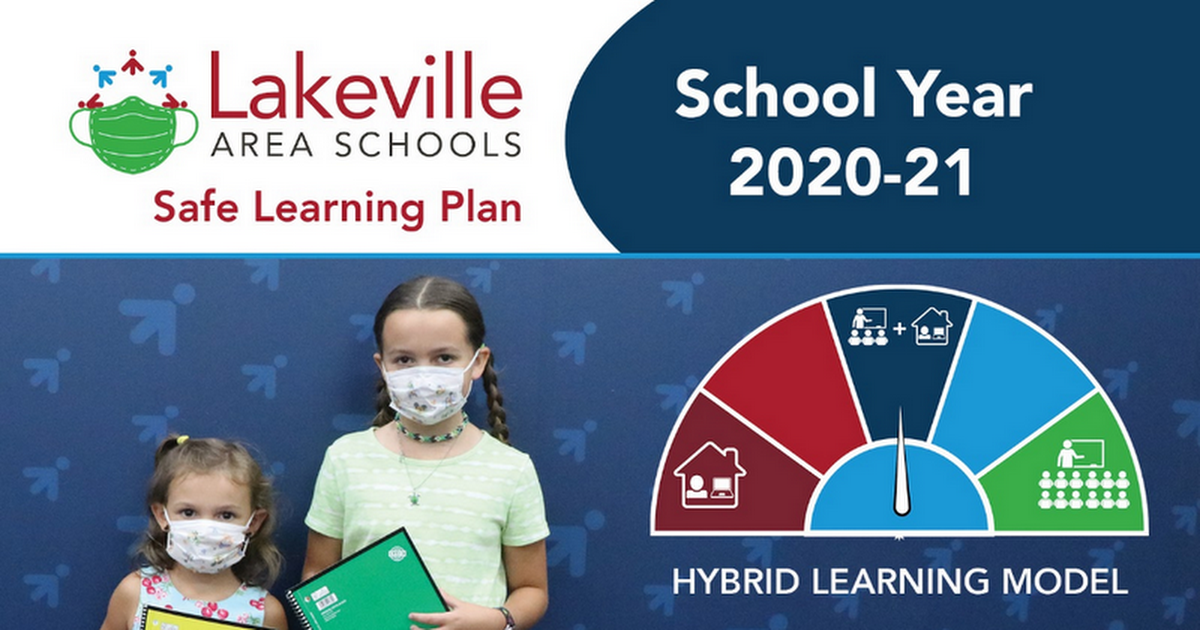
ISD 194 SAFE LEARNING PLAN


Follow Us!
Twitter:
@Murphy_LSHS
@McDermott_LSHS
@ActivitiesLSHS
Instagram:
@lshscougars
Facebook:
@CougarDeans
Email: isd194@isd194.org
Website: https://isd194.org/lakeville-south/
Location: 21335 Jacquard Avenue, Lakeville, MN, USA
Phone: 952.232.3300
Facebook: https://www.facebook.com/CougarDeans
Twitter: @Murphy_LSHS