Smore logo
remove_red_eye 249

ECSD Technology Newsletter

ECSD TechnologyNewsletter

2/22/22

Happy 2/22/22 -


Hold on because its about to get Nerdy . . . Spreadsheets. . Yes I said it - There are so many other things that we could be talking about on 2/2/222 but reflecting on these numbers made me think of Spreadsheets. I used to not be a fan of spreadsheets. I had the misperception that they were complicated, boring, and I really only needed them to look at data. Boy, was I wrong! Looking back on it I really wish that I would have had my students work more with spreadsheets. I could have used this to help teach the skills of organization, graphing, calculating, programming, and to teach how to make sense of large data. Below are 2 lessons that I have found from two different sources that you may be interested in trying with your students. If you would like more information or help planning or would like me to model a lesson please let me know.


1. This is one of the resources that I shared in last week's newsletter. Christine Pinto has great Google templates for younger students. In this activity Students are introduced to Spreadsheets and click and drag clip art onto a grid to design a map, city, or game. You can see the Template HERE. Once you click, "make a copy" you can try for yourself and then share through Google Classroom.


2. Applied Digital Skill lesson for Middle or High School - In this activity students research and organize information about a location to create an interactive guide. This is an applied digital skill lesson from Google for Education meaning that this lesson is self paced and has interactive steps and an assessment

Google Templates for Littles

Christine Pinto, author of "Google for Littles", has some great free Google templates that teachers can copy and use. Check them out below!
Templates

Templates

Here you can find templates that I have created or have generated through collaboration with others. christinepinto.com/dots Students practice reading simple sentence and insert dots to create a visual for the slides. I See Dots (no blog) christinepinto.com/buildasundae In Google Docs, students manipulate a Google Drawing that includes items to build a sundae.

launch christinepinto.com

Google Updates Google Updates

There are some great updates in Google for Education for the month of February. The video below explains the new offerings. Here are the links that you may need to explore more!


Applied Digital Skills: Celebrate Black History, Culture & Identity


Translated Google Meets

EDU in 90: The Latest, January 2022

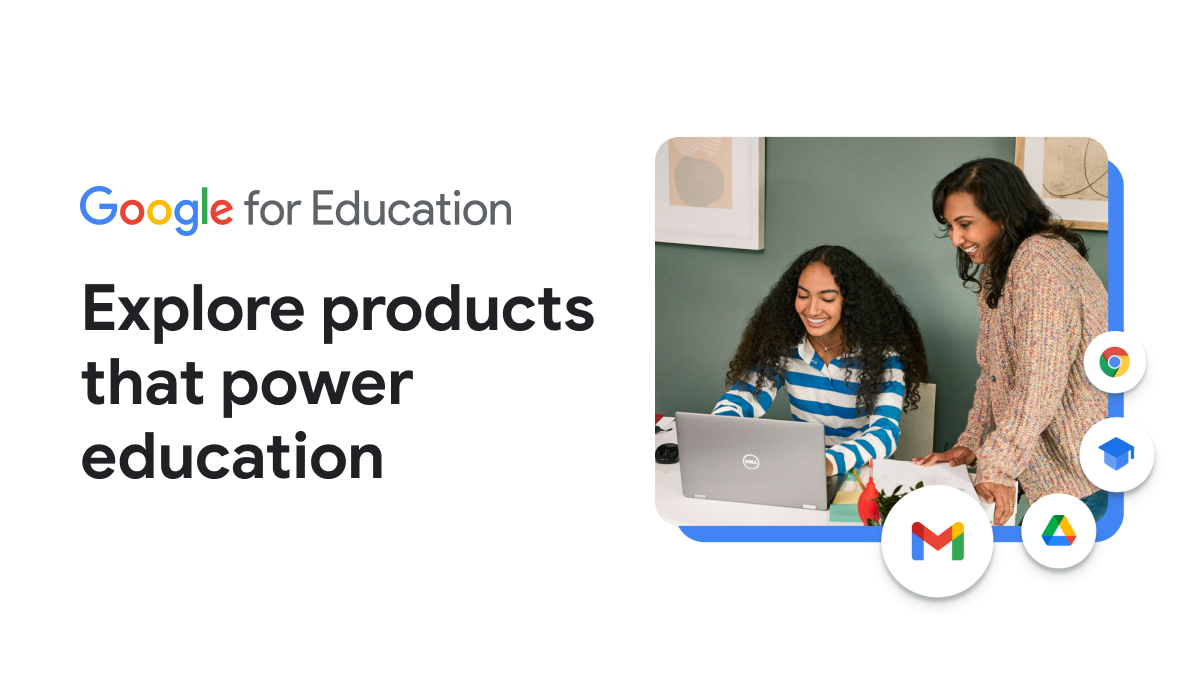
Google for Education Teacher Center

The Google for Education Teaching Center is a resource that many of us have used to go through the Google Educator Certification. When we were logging into it the other day during Google Class I noticed that they now have a tab called "product guide" Product Guide offers short tutorials on all of the products that we have access to in Google Workspace for Education. Please let me know if you have any questions about anything Google! You can E-mail me at clint.winter@elbert.k12.ga.us
Training Courses | Teacher Center | Google for Education

Training Courses | Teacher Center | Google for Education

Learn how to use Google tools to keep students engaged while teaching remotely. Discover new ways to assess student learning, check in on student well-being, and communicate effectively with parents and guardians.

launch edu.google.com
zoom_out_map

Elbert County School District Technology Department

Joe Dawson - Elbert County Elementary School

Matt Johnson - Elbert County Middle School

Sherri Rampey -Elbert County Primary School

Hector Santiago - Elbert County Comprehensive High School

Clint Winter - Instructional Technology Coordinator Elbert County School District

Website: elbert.k12.ga.us
Phone: 706.213.4000
Twitter: @elbertcoschools

Loading indicator

close

Created with

Communicate quickly and effectively with interactive newsletters.

Smore empowers educators to connect with their community, streamline school communications,
and increase engagement.

Create a newsletter