Reducing Visual Load
Tech Tip Tuesday (March 10, 2026)
What can I do? 👀
Students are “checking out” of digital texts before they’ve even finished the first paragraph.
We often label this a lack of stamina or a gap in comprehension.
But what if the barrier isn’t the content? What if it’s the visual load?
Think of a student’s brain like a battery. If they spend 40% of their “mental charge” just trying to keep their place on single-spaced lines or squinting at a cramped font, they only have 60% left to actually understand the science or history we’re teaching.
Here are four ways to reduce visual load,
whether students are reading on a device or from printed materials.
*all graphics courtesy of Google Nano Banana 2
1. 🔤 Use large, accessible fonts.
Use large, common, and accessible fonts like Times New Roman or Arial to ensure that everyone can read it easily.
2. 📏 Add generous spacing.
Reducing visual crowding with generous spacing (1.5–2.0 line spacing plus extra space between paragraphs) helps developing readers track lines more easily.
3. 🔍 Boost contrast, avoid clutter.
Choose high-contrast text and plain backgrounds.
Avoid busy backgrounds and cramming.
Use a checker if you need to practice or check your work!
4. ✂️ Chunk text and support tracking.
Break text into short sections with clear headings.
Use digital tools like Reader Modes in Google Chrome or Read&Write to highlight lines.
Can't change the text yourself?
Use Simplify in Read&Write!
✍🏻 Need the text level lowered? ⏬
Try the Re-level Text Gem! Once you copy it, you can change the instructions to make it precisely what you want.
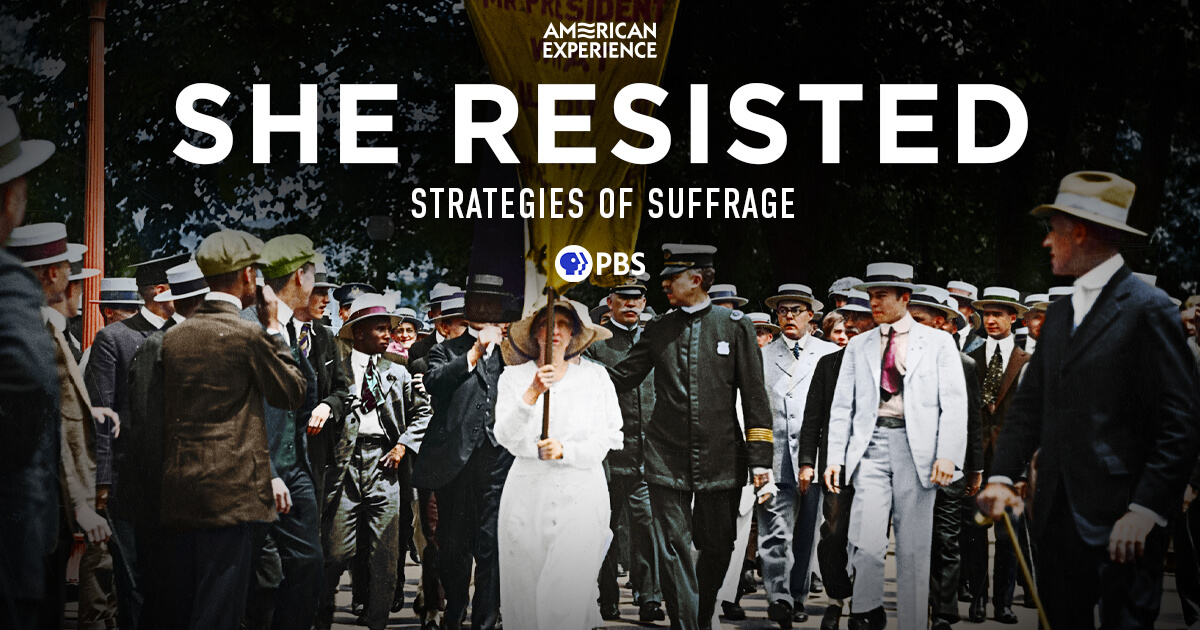
🗳️ Strategies of Suffrage: Teaching Women’s Fight for the Vote
Introduce students to the many ways suffragists organized and resisted with Strategies of Suffrage from PBS’s American Experience. This interactive collection spotlights tactics such as street speaking, parades, pickets, propaganda, women’s clubs, conventions, and even imprisonment, helping students see that winning the vote required courage, creativity, and persistence. Each short section provides primary source context you can use to spark discussion, model close reading, or launch inquiry projects around how everyday people have shaped American democracy.
🕹️ Retro Games That Practice Real Skills
8-Bit Academy offers free, no-login-needed math and reading games that feel like classic 8-bit and 16-bit video games but are built around real K–6 skill practice. Students can strengthen addition, subtraction, multiplication, phonics, grammar, typing, science, and more while beating levels, collecting points, and tackling arcade-style challenges. Games adjust in difficulty, and there are focused practice sets as well as just-for-fun arcade options.
TL;DR
- The AAP (American Academy of Pediatrics) has moved away from strict daily screen time limits and now focuses more on how and why kids use digital media.
- Families are encouraged to prioritize high-quality content, look at underlying reasons for use (boredom, loneliness, etc.), and create realistic family media plans (like device-free meals).
- The goal is to reduce guilt and “parent blame,” support healthy digital habits that fit each family, and acknowledge that schools and society also shape kids’ screen use.
I wondered why the baseball was getting closer and closer.
Brian Krause, Instructional Technology Coach
📧 Email: bkrause@ltcillinois.org
📱 Work Cell Phone: (815) 362-4791
🐥 TwiX: @bmkeducation