Bringing it Together (UDL)
Tech Tip Tuesday (November 26, 2024)
Bring it around town, Spongebob.
Let's tie up this UDL harvest.
Ensuring consistency while teaching is essential for creating an inclusive learning environment that meets the diverse needs of all students.
Here are three effective ways to maintain UDL principles in your teaching:
1. Integrate Choice in Assignments
When designing a unit, consider allowing students to choose their project format (e.g., presentation, video, or creative writing) based on their interests. Additionally, you can incorporate collaborative group work where students can share their perspectives and learn from one another, enhancing their sense of belonging and motivation.
2. Use Varied Instructional Materials
As you prepare your lesson plans, create a checklist of diverse resources that you can use to represent the content. For instance, if you’re teaching a historical event, you might include a documentary clip, a timeline graphic, and a primary source document. This approach ensures that all learners can access and engage with the material effectively.
3. Encourage Ongoing Reflection and Feedback
Use tools like Google Forms or Seesaw to create simple reflection prompts at the end of each week. Ask questions like, "What did you enjoy most about this week’s lessons?" or "What challenges did you face?" This feedback will help you adjust your teaching strategies and ensure that you are meeting the diverse needs of your students.
Docs templates! (plus Slides and more!)
Many of us know about getting Google Slides templates from Slidesgo or SlidesCarnival, but what about Google Docs?!
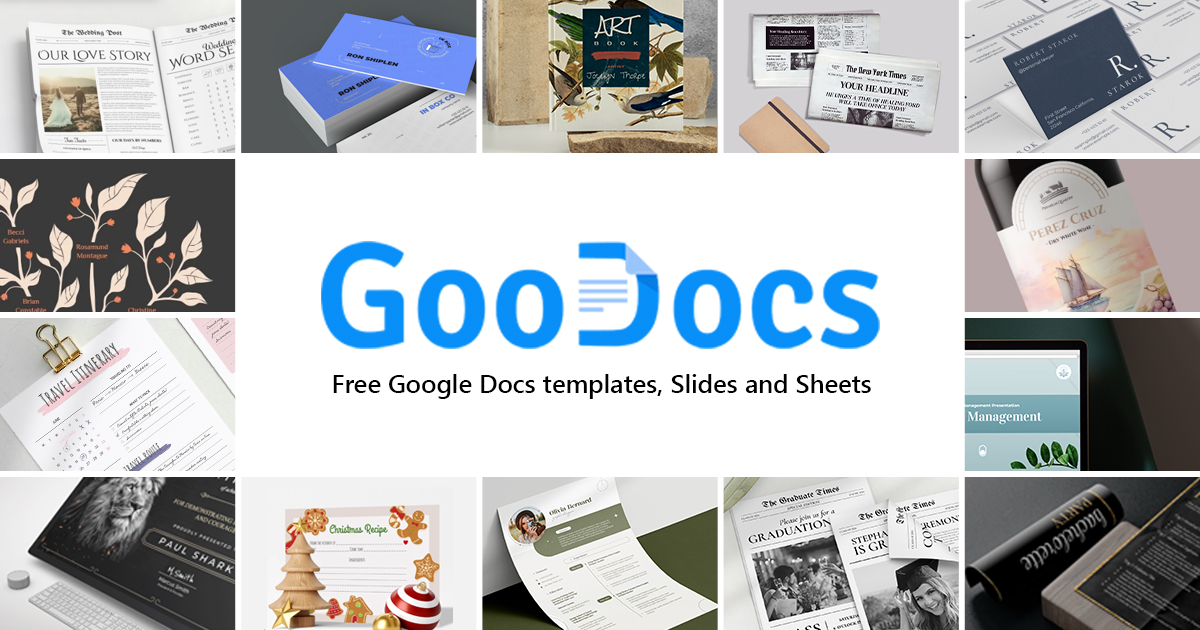
Check out GooDocs, a treasure trove of free Google Docs templates.
From eye-catching lesson plans to colorful calendars, this website offers a wide variety of professionally designed templates that you can easily customize to fit your needs.
Whether you're creating a weekly schedule, a budget for a class trip, or a visually appealing handout, GooDocs has got you covered.
The best part? It's all free and user-friendly, so you can focus on what really matters – inspiring your students. Give your classroom materials a fresh look without breaking the bank or spending hours on design!
Ignite curiosity & empower learning with Google Learn About, your AI-powered educational companion.
Google's Learn About is an experimental tool designed to help 'discover' about a certain topic or idea. When you post a query in Learn About, the tool essentially helps you dive deep into the associated topic.
It's still experimental, but check it out!
Toss your current topic of study in your class in there and see how it can help you!
What would happen if a cranberry became sad?
Brian Krause, Instructional Technology Coach
Email: bkrause@ltcillinois.org
Booking Link: https://calendly.com/bkrauseltc
Work Cell Phone: (815) 362-4791
Twitter: @bmkeducation