remove_red_eye 447
page background

Classroom Discussion Tools

Tech Tip Tuesday (February 18, 2025)

Classroom Discussion Tools Tech Tip Tuesday (February 18, 2025)
ClassroomDiscussion ToolsTech Tip Tuesday (February 18, 2025)

🔥 Only you can start classroom discussions (not forest fires).

Tired of crickets in the class, unless it's about something that's not school related?

Let's take a look at how we can make them intentional participants in the class, not just the one who will provide the quickest or best answer.

Strategy #1: Socratic Seminar 🤔 Strategy #1: Socratic Seminar 🤔

Socrates GIF
open_in_new zoom_out_map

The ancient Greek philosopher Socrates said, “I cannot teach anybody anything; I can only make them think.” Lecturing tells students what to think. Worksheets work them into a box. Have student uncover hidden perspectives and dissect arguments while building their own knowledge with a Socratic Seminar.


đź’» Want to enhance it with tech?

Kialo enhances Socratic Seminars by aiding preparation, facilitating real-time collaboration, and enabling post-seminar reflection. It improves critical thinking, encourages clear communication, boosts participation through Anonymous Discussion & Tasks, and provides a safe environment for discussing diverse views. Kialo further supports critical thinking skill development through argumentation and inclusive features.

Strategy #2: Live Polling 🗳️ Strategy #2: Live Polling 🗳️

Mr. Garrison Polling GIF
open_in_new zoom_out_map

Make your classroom into a vocal show of knowledge with live polling! Ditch the awkward silences and unleash a wave of engagement as every student gets a vocal buzzer to share their thoughts. Watch as real-time results spark debates hotter than a game of trivia night, giving you, the teacher, instant superpowers to zap misconceptions and tailor your teaching on the fly.


đź’» Want to enhance it with tech?

There are a ton of tools, both free and paid/premium, that can accomplish this.

Two of my favorites, you say?

Nearpod Poll activities allow teachers to ask multiple choice questions without a right answer to check for understanding, take a class vote, highlight student opinions, and more.

Want a quick check-in on your course? Schoology Polls in Course Updates let you get the whole class’s voice on something, even something as important as "Is a hot dog a sandwich?"

Strategy #3: Backchannel Chat 🔄💬 Strategy #3: Backchannel Chat 🔄💬

Backchannel image
open_in_new zoom_out_map

Backchannel discussions refer to a digital conversation that runs parallel to the main classroom activity or lecture. They typically use online platforms or apps that allow students to post comments, questions, or ideas in real-time while the primary lesson is ongoing, especially for those who might be hesitant to share.


đź’» Want to enhance it with tech?

Let's make it 1, 2 ,3 for favorite tools.

One of my favorite tools period is the Nearpod Collaborate Board. It allows students to add text, image, video, voice, or video as a way to respond and for the teacher to moderate if they'd like to.

Schoology Discussions allow for threaded conversations for teachers and students to reply back to one another's posts, even limited viewing of the chat until they've put in a reply.

Bagel Institute is definitely geared towards folks who have a specific question, but don't want to ask it, even if it's in private.

Resource of the Week

Short, Sweet, and Surprisingly Fun

Speaking and listening skills are important. Classroom culture is key.

Keep it simple at the start and welcome everyone.


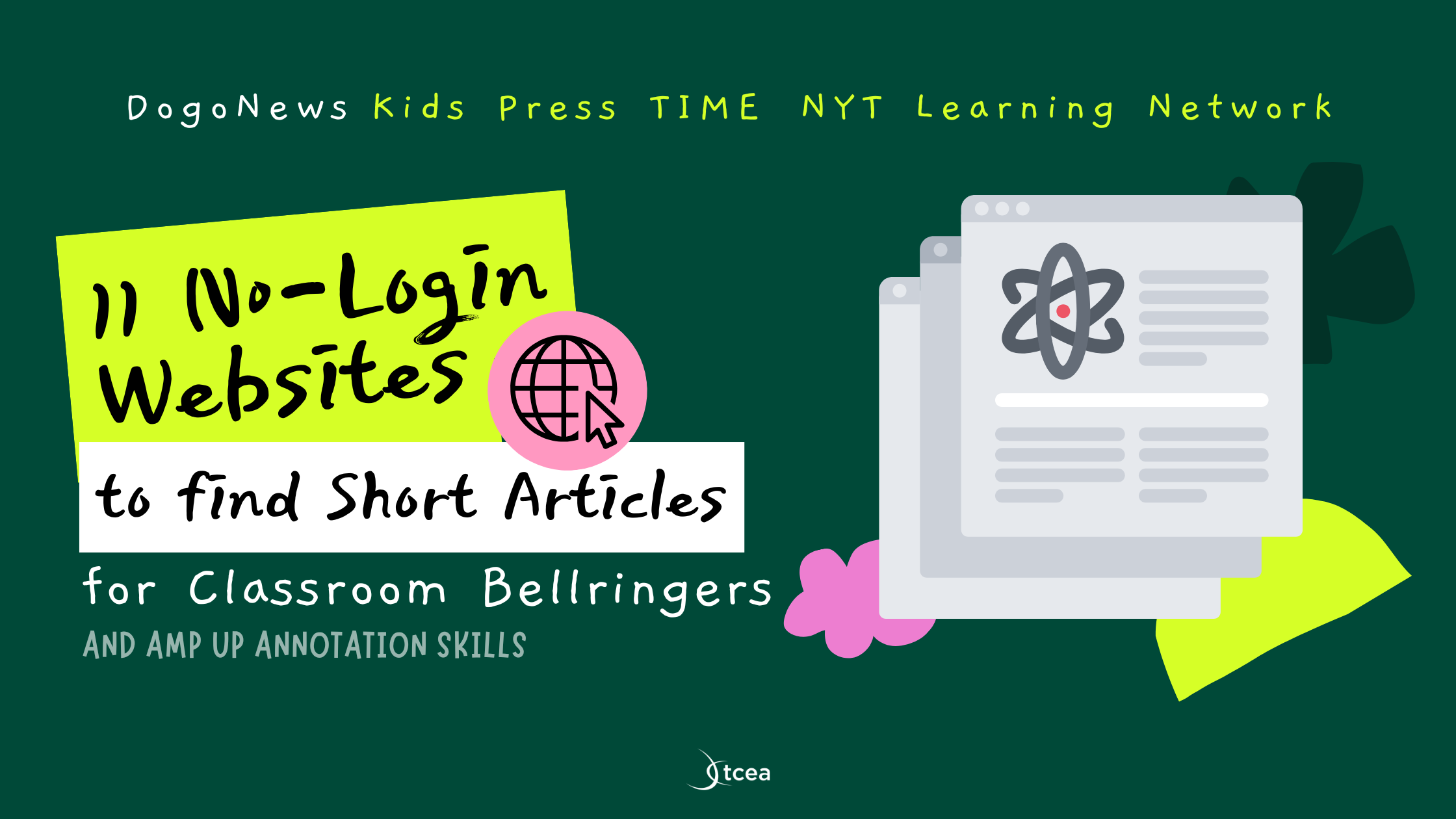
Short articles keep things manageable, and the variety keeps it interesting. One day, it’s a weird new animal discovery; the next, it’s the great pineapple-on-pizza debate. (Spoiler: it absolutely belongs; I will squabble moderately about this) When students realize that reading and annotating can actually be fun, they’re way more likely to engage. Well, most of them—because let’s be honest, there’s always that one kid.


Try one to start off this week!

11 No-Login Websites to Find Short Articles for Classroom Bellringers - TCEA TechNotes Blog

11 No-Login Websites to Find Short Articles for Classroom Bellringers - TCEA TechNotes Blog

Discover 11 amazing, no-login-needed websites to help you find short articles for use in your K-12 classroom. Explore this and more at TCEA TechNotes Blog, your go-to source for educational technology and teaching innovation.

launch blog.tcea.org
Smithsonian Black History Month: African Americans & Labor
Celebrate Black History Month with Smithsonian events, resources, exhibitions, and podcast with a focus on the various and profound ways that work of all kinds intersects with the collective experiences of Black people.
AI Byte of the Week

Looking for a creative way to engage students in research, storytelling, and public speaking?

Google Arts & Culture’s Talking Tours lets students become virtual tour guides, turning historical landmarks, famous artworks, and cultural sites into interactive learning experiences.

With just a few clicks, students can create an AI-powered tour, adding their own narration and insights to bring a topic to life. Whether exploring ancient ruins, famous paintings, or even space, this tool encourages curiosity and critical thinking while making learning fun and interactive.


Perfect for social studies, ELA, or STEAM projects, Talking Tours can help students develop research skills, practice speaking, and connect with history and culture in a whole new way.


📢 Try it out!

Talking Tours - Google Arts & Culture

Talking Tours - Google Arts & Culture

An AI audio experiment touring cultural landmarks in Street View on Google Arts & Culture.

launch artsandculture.google.com
Where is Brian?
February 17-21
open_in_new zoom_out_map
Let's chat about class!
I'll be in those buildings, but my availability may vary.
Let's schedule a time to collaborate that fits your schedule perfectly.
February 24-28
open_in_new zoom_out_map
Dad joke GIF
zoom_out_map

What month is the best month to tell a lie?

Fibruary


Made by MagicSchool.ai Teacher Joke Generator

zoom_out_map

Brian Krause, Instructional Technology Coach

Contact me to collaborate on your next project, troubleshoot what you do currently, or to just answer a question you have!

Email: bkrause@ltcillinois.org
Booking Link: https://calendly.com/bkrauseltc
Work Cell Phone: (815) 362-4791
Twitter: @bmkeducation

Always happy to meet!
Choose a time here that works best for your schedule!
Tech Tip Tuesday
open_in_new zoom_out_map

Want to catch up on the old tips?

Click here or below for an archive of all Tech Tip Tuesday newsletters.

My Newsletters | Smore

launch smore.com
Make today tolerable!
Thanks for reading!
Loading indicator

close
Powered by