How to Craft an AI Prompt for EDU
Tech Tip Tuesday (February 20, 2024)
I hear about it. How can I use it as a teacher?
Teachers today have a lot on their plates - lesson planning, grading, administrative tasks, communicating with parents and students, and more. It can be overwhelming trying to balance it all. Fortunately, AI Can help alleviate some of those stressors to help teachers work more efficiently.
How?
Many tasks can be easily templated or even completed with the assistance of AI.
One of the key ways that freemium chatbots like ChatGPT or Claude.
Since all these tools require are a chat prompt to get results, creating the exact wording is CRUCIAL to get a desired result.
When crafting your own prompt, think about the following ideas:
1️⃣ Clear Objectives: define precisely what you want it to generate.
2️⃣ Relevance and Authenticity: Relevant to in-class use, whether it's a rubric or real-life scenarios
3️⃣ Specificity: provide who it's for
4️⃣ Scaffolded Support: Who does it need to support?
5️⃣ Variety: Include different modes of instruction or areas you'd like to hit.
Need more?
Check out the graphic from East Maine SD 63's Tech Coaches on how to create your own prompt!
Click the GIF to check it out in full-screen on Canva!
Thank you, East Maine SD 63 Tech Coaches!
Want something that will help create content and ideas strictly for education?
Check out their ever-growing list of ways that you can go from prompt to student activities in no time!
This week's resource collection comes from the National Education Association and is easily split into K-5, Gr. 6-8, and Gr. 9-12 for easy perusal and use!
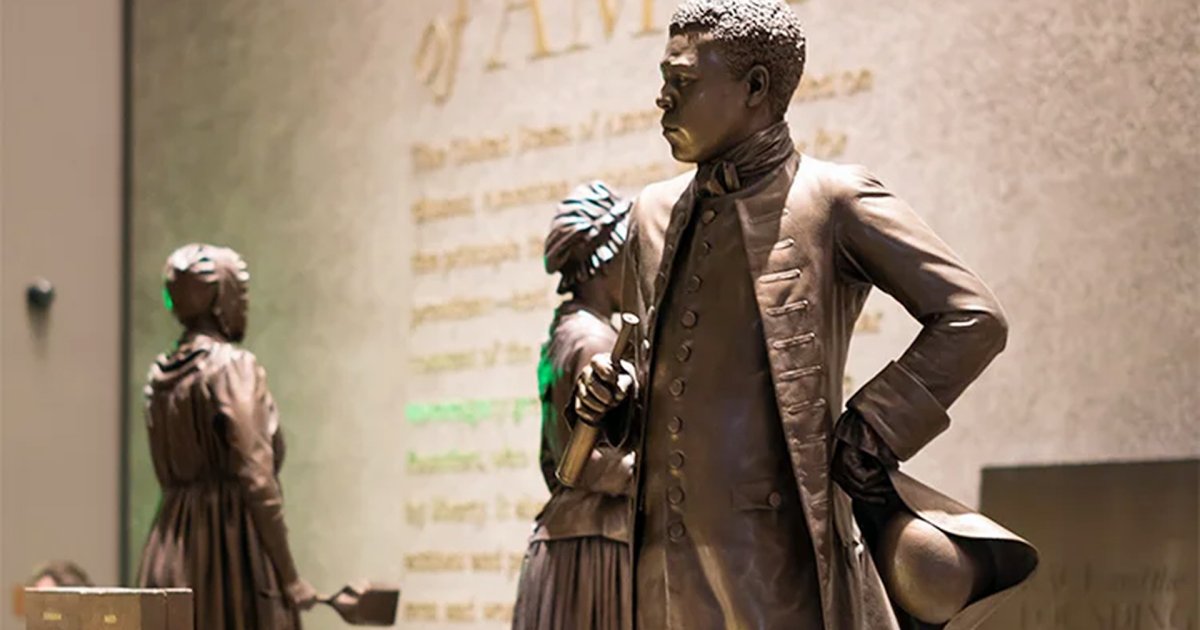
If you're commemorating Black History Month in your classroom, consider preparing by reading Learning For Justice's Do's and Don'ts of Teaching Black History and Black History Month is Over. Now What?
Check them out below!
For Google's 25th birthday, Google wants students to imagine what their future, or really anything, could look like in their annual Doodle for Google challenge!
Students can create their designs digitally using AR/VR, 3D modeling, hand sculpting, or good old fashioned drawing.
Enter by March 14th.
More info below!
What did the February calendar say to the other months?
“A little short notice, but I’m here!”
Brian Krause, Instructional Technology Coach
Email: bkrause@ltcillinois.org
Booking Link: https://calendly.com/bkrauseltc
Phone: (815) 362-4791
Twitter: @bmkeducation