




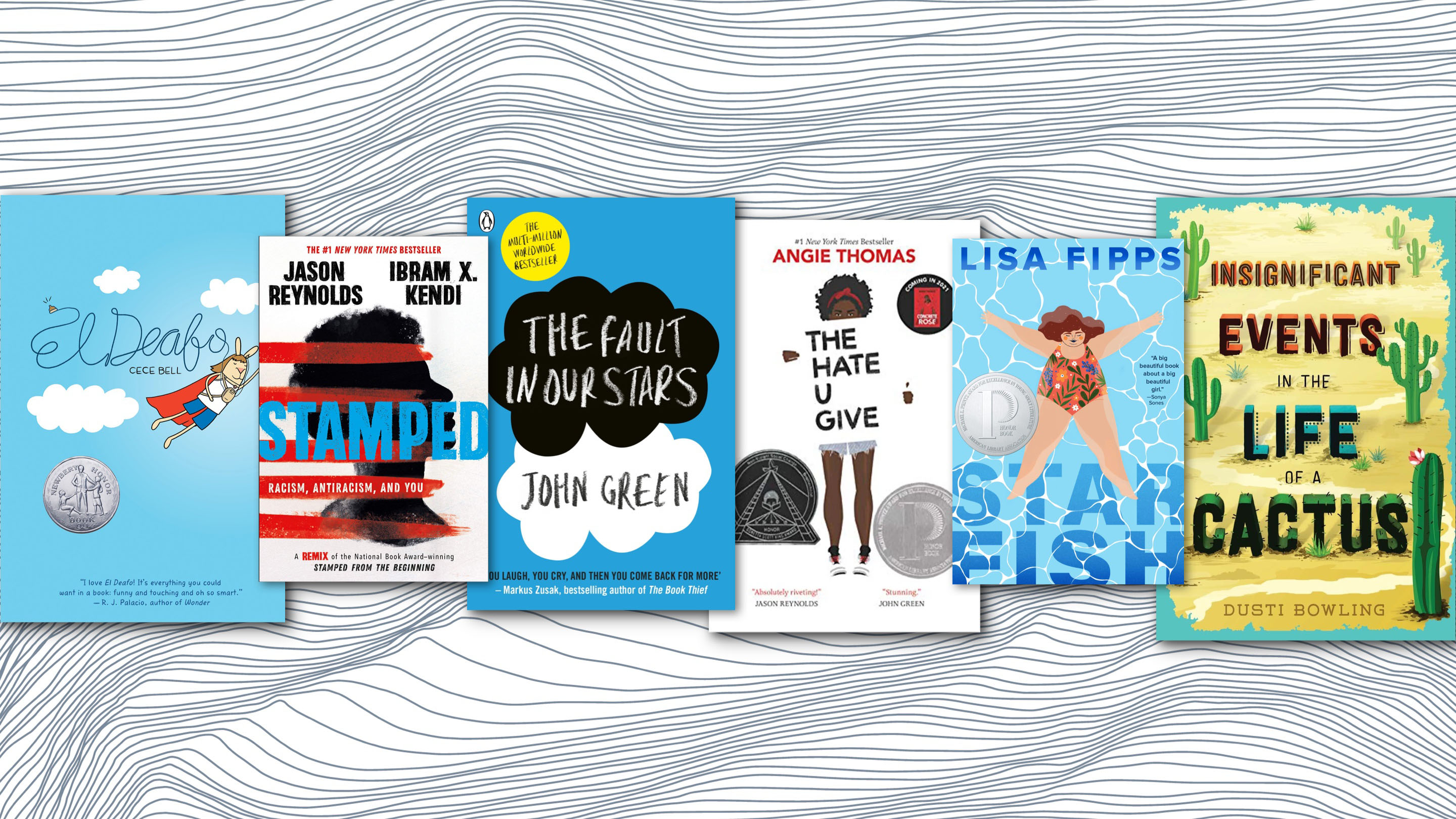





Black History Month

NEWSELA
Start exploring with their curated monthly content calendars. They suggest timely content for every day of the school week to help your students boost background knowledge and build consistent reading routines.

Novel Effect

Adobe Express Challenge
If your name were pictures, what would it look like? This was a fun @AdobeExpress activity that you can do with students! It showcases skills such as layering images with text & shape effects!
Here is the re-mixable template
#AdobeEDUCreative

Chembot
Science teachers, here’s a step-by-step guide for creating a custom AI chatbot tuned to your class’s learning goals and the needs of your particular students. 🤖

Infer the Chemical Element
#Curipod #Chemistry A brand new, highly requested Generator called Infer the Chemical Element and It is live now for you To try in your science classroom click here 👇🏻


SO COOL.....
1.CHECK OUT Diffit!! Yes it has been on my list for the past several months, because it is that cool!! Diffit - an AI tool that will modify texts at different levels and in different languages. In addition, Diffit will create a summary, key vocabulary words, comprehension questions, and open-ended questions that work really well for class discussions. You will fall in 💚 with it! I promise. 💍
2. https://kidsdiscover.com/ - award-winning library of science and social studies material on any device, at any time.
3. Math Whiteboard is the First Collaborative Whiteboard designed specifically for Mathematics Teaching and Learning
4. First Five are free daily resource for educators. Practical ideas and activities that are perfect for the first five minutes of class time.
5. Art Selfie 2 from Google Arts & Culture. Explore art, history and culture with with generative AI, see yourself at Woodstock, in Monet’s garden, in outer space and more...
6. Thinklink - Did you know that students can now upload images they've taken or generate #AI 360-degree with @BlockadeLabs images and prompt which types of buttons they want, then receive a draft from AI for areas within their expertise that they can further refine .



Apple Professional Learning Specialist
Apple Professional Learning Live Explore helpful resources, practice new skills, and reflect on ways Apple technology can support great learning and teaching. These hands-on virtual sessions run for approximately 60 minutes and are offered twice daily.
- Visit apple.co/apl to learn more and register.
💥NEW!!! 💥- Apple has launched a new professional learning hub for educators called the Apple Education Community, which expands on the resources previously hosted on the Apple Teacher Learning Center and adds a brand new educator Forum, now live in beta.

EUGENE 4J RESOURCES TO HELP YOU GET THE YEAR STARTED!



Curriculum Administrator - Educational Technology
Email: huntley_ju@4j.lane.edu
Website: https://sites.google.com/view/huntley-edtech/justin-huntley
Location: 200 North Monroe Street, Eugene, OR, USA
Phone: 541-790-7587
Twitter: @JustinHuntley
SERVICES: In Class Support, Co-Lesson Design + Delivery, Demonstrations, Individual-Group-School Professional Development, Research, Whatever it takes to support your edtech use!