remove_red_eye 496
page background
Logo

Teaching with Video

Tech Tip Tuesday (October 18, 2022)

Teaching with Video Tech Tip Tuesday (October 18, 2022)

200 seconds starting now... 200 seconds starting now...

zoom_out_map

📽️It's great to teach with video. But how are students using and retaining the information?🤔

Videos in the classroom are great for building background knowledge on a topic, bringing a text to life, deepening students’ learning, or explaining a complex topic.


But am I using them correctly? Or how can I make sure they're actually retaining it?


The real ones know the cart rolling down the hall was music to any students' ears.

📺 Tips for Using Videos in Class 📺 Tips for Using Videos in Class

1️⃣ Use videos that are 3 minutes or less or plan a stop for understanding. 1️⃣ Use videos that are 3 minutes or less or plan a stop for understanding.

2️⃣ Embed YouTube videos in Google Slides to skip ads. (click here for tutorial) 2️⃣ Embed YouTube videos in Google Slides to skip ads. (click here for tutorial)

3️⃣ Check your school's fair use policy before showing videos in class. 3️⃣ Check your school's fair use policy before showing videos in class.

4️⃣ Just because it worked last year doesn't mean it is now. Check your links! 4️⃣ Just because it worked last year doesn't mean it is now. Check your links!

5️⃣ Give a mission to students when watching. Provide prompts and items to note. 5️⃣ Give a mission to students when watching. Provide prompts and items to note.

6️⃣ Use closed captioning or translated captions for accessibility 6️⃣ Use closed captioning or translated captions for accessibility

7️⃣ Think about how much of the video you need. Each classroom minute counts. 7️⃣ Think about how much of the video you need. Each classroom minute counts.

Recommendations for Quality Video Sources Recommendations for Quality Video Sources

TEACHFLIX

TEACHFLIX

launch ditchthattextbook.com
PBS LearningMedia | Teaching Resources For Students And Teachers

PBS LearningMedia | Teaching Resources For Students And Teachers

Inspire your students with thousands of free teaching resources including videos, lesson plans, and games aligned to state and national standards.

launch pbslearningmedia.org
360° videos - Google Arts & Culture

360° videos - Google Arts & Culture

Google Arts & Culture features content from over 2000 leading museums and archives who have partnered with the Google Cultural Institute to bring the world's treasures online.

launch artsandculture.google.com

Educational Hip-Hop Songs & Videos for All Subjects, K-12 - Flocabulary

Flocabulary is an library of songs, videos and activities for K-12 online learning. Browse our library of educational rap songs including: science, language arts, social studies, current events and math videos for kids.

launch flocabulary.com

Can't find what you want? Make your own! Can't find what you want? Make your own!

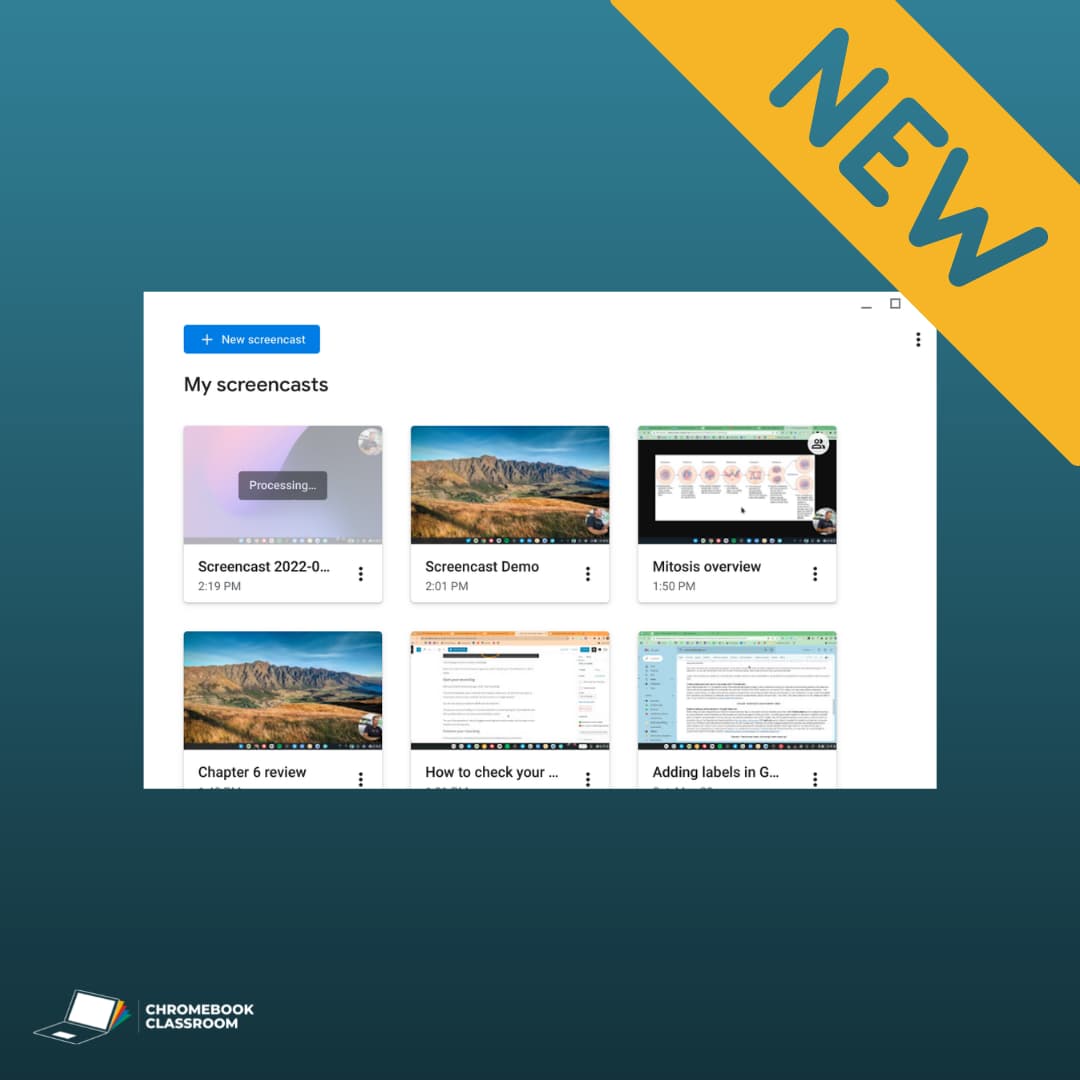
Introducing Screencast for Chromebook

Introducing Screencast for Chromebook

Google is introducing the Screencast app, an exclusive tool for creating screen recordings on ChromeOS. Screencast for Chromebook is a unique recording tool when you compare it to other screen recording apps like Screencastify and Loom. This new app is built upon the native screencasting features for Chromebooks that were introduced about a year ago, with a few impressive improvements.

launch chrmbook.com
Screencastify | Simple Video Creation Software

Screencastify | Simple Video Creation Software

Screencastify is the leading screen recorder for Chrome. Install the extension to record, edit, share videos, and create video assignments in seconds.

launch screencastify.com
Free Classroom Video Maker | Free Tool for Teachers, Students, Administrators

Free Classroom Video Maker | Free Tool for Teachers, Students, Administrators

Animoto is a free classroom tool for educators, students, and administrators. Easily create and share videos with your class, with parents, and beyond. No software downloads required. Fast creation for teachers Quickly create introductions, recaps, educational videos, and more with our fast and easy video maker.

launch animoto.com
zoom_out_map

What’s an elephant’s favorite vegetable?


Squash.

Want to make your own videos? Book a time for us to meet!
zoom_out_map

Brian Krause, Instructional Technology Coach

Contact me to collaborate on your next project, troubleshoot what you do currently, or to just answer a question you have!

Email: bkrause@ltcillinois.org
Website: https://calendly.com/bkrauseltc
Phone: (815) 362-4791
Twitter: @bmkeducation

Schedule a time to work with me!
Tech Tip Tuesday
zoom_out_map open_in_new

Want to catch up on the old tips?

Check them out below!

Click the newsletter blasts on Smore!

My Newsletters | Smore

launch smore.com
Brian Krause
Brian is using Smore to create beautiful newsletters
Loading indicator

close
Powered by