remove_red_eye 583
page background

Chromebook Tips for Educators

Tech Tip Tuesday (March 5, 2024)

Chromebook Tips for Educators Tech Tip Tuesday (March 5, 2024)
Chromebook Tipsfor EducatorsTech Tip Tuesday (March 5, 2024)

But you don't deal with hardware, Brian.

Yes, you are correct! I'm usually in the classroom materials, planning, and coaching game, but I like supporting the wires and other do-dads to ensure we as educators can teach with them!


Chromebooks were and are a massive advantage and shift to education, closing the device access gaps for many districts and schools while presenting their unique issues with information and distractions being more readily available than ever.


Here are 3 quick tips to keep your classroom devices running longer and be ready for learning!

đź’ˇ Tip #1: Shut down Chromebooks nightly.

Turning off devices nightly allows the device to get some rest and crucial updates to the devices.


If you're an elementary or self-contained teacher, make it part of your routine before putting away devices!

If you teach secondary, remind them during an advisory period or in the day's last class!

You might be shocked at how many have never turned off their device!

đź’ˇ Tip #2: Carry it carefully and keep it away from food & drinks!

Chromebooks are VERY durable devices, but every device has its limit, even the Nokia brick phone.


Remind students to have their Chromebooks closed like a book when walking the halls and to keep them securely in their backpacks away from jostling books when heading home.


When Chromebooks are open, keep water bottles and food away. Crumbs and food items can lead to device failure and, in some extreme instances, even pests living inside the computer. Yuck!

open_in_new zoom_out_map

đź’ˇ Tip #3: Use your Touchpad for more!

Enough with the finger-wagging.


Touchpads on our portable computers are INCREDIBLE!

They are so much more than moving the mouse and clicking play on YouTube.


Want to make your student more efficient while working?

Teach them (and maybe yourself) some touchpad gestures that can make your life easier.

Digital educator Eric Curts has some great ideas linked here on how Chromebook gestures can help out students. Plus, most all of these are standard on Windows devices (your laptop!).

Keep on commemorating!

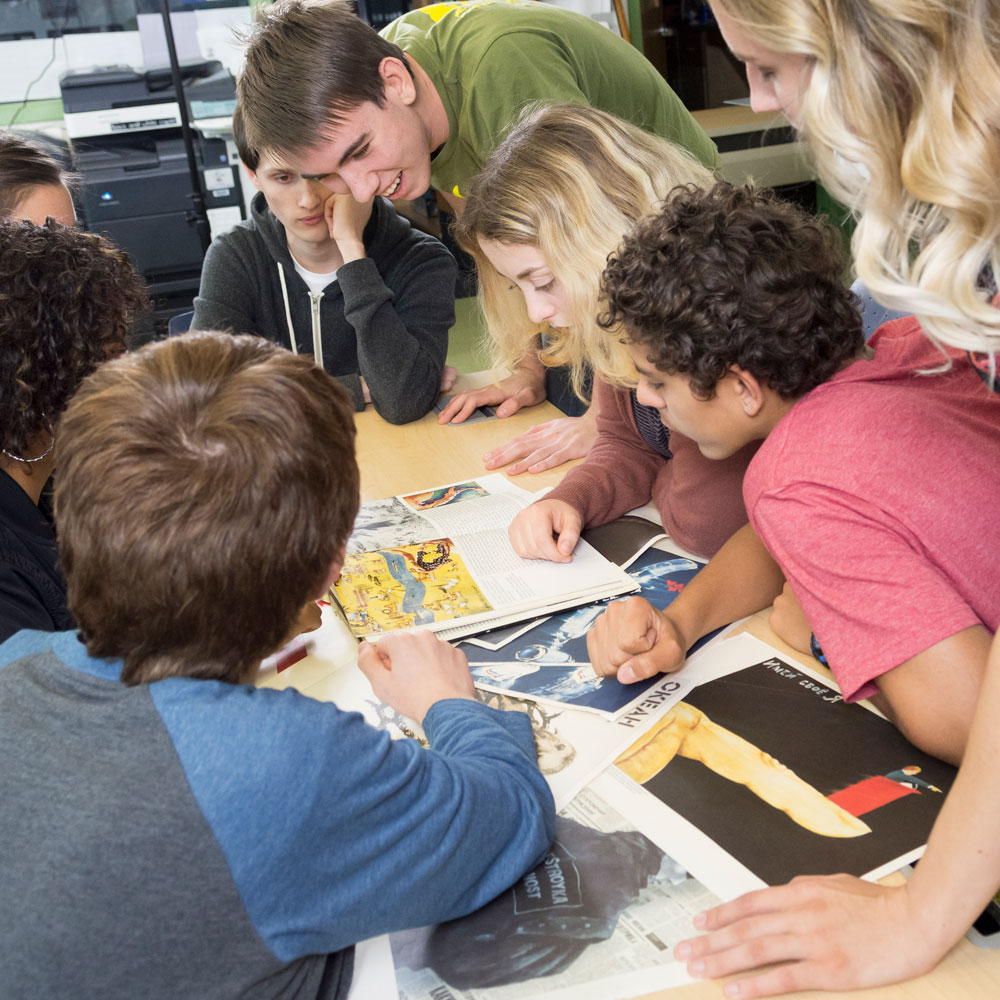
This week's resources come from Project Look Sharp, a nonprofit out of Ithaca college to help K-16 educators enhance students’ critical thinking, metacognition, and civic engagement through media literacy materials.


They have plenty of free resources for all sorts of issues, subject areas, and themes to help students understand the media's effect on our lives and opinions.


Resources are free to download and use once logged in!


Here are my recommendations for Women's History Month!


Elementary (K-4): Heroes for Animal Protection

Analyze a book and video about songbird steward Rachel Carson and compose a social message about being an animal steward


Middle School (Gr. 5-8): How Women Got the Vote: Different Authors, Different Stories

Analyze excerpts from two children’s history books for messages about the fight for women’s right to vote


High School & Adult Learners (Gr. 9-16)- Female Superheroes: Changing Powers Over Time

Analyze female superheroes from comics of the 1960s and 2010s for messages about changes in media representations of gender and power across fifty years.

Project Look Sharp

Project Look Sharp

Description for Project Look Sharp website

launch projectlooksharp.org

Mark your calendars and click to register! Mark your calendars and click to register!

Schoology Connect image
open_in_new zoom_out_map

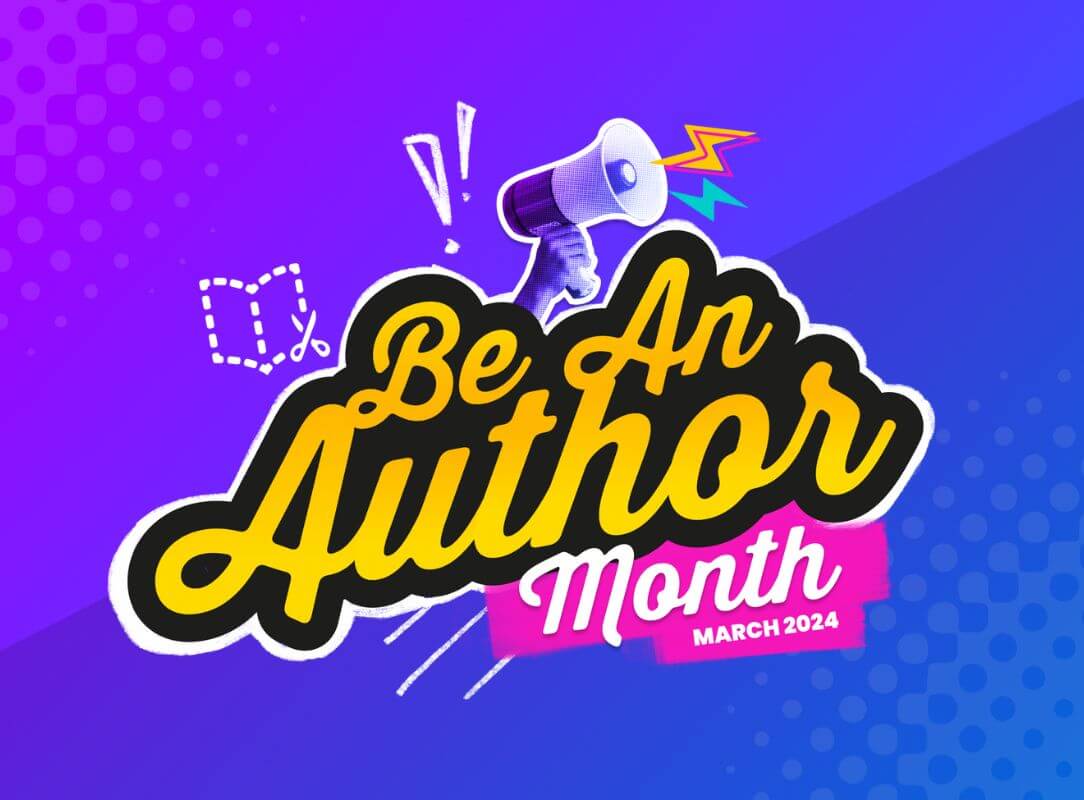
As part of National Reading Month, Book Creator is also celebrating our student writers in growing and sharing the love of writing and sharing it with their friends, families, and classmates.

Their specialty month page has templates for creating your own book, books you can remix with your students, and a daily writing activity journal.

Be An Author 2024 - Book Creator app

Be An Author 2024 - Book Creator app

Be An Author Month is dedicated to inspiring every student to embrace their creativity, articulate their thoughts, and harness the strength of their voice.

launch bookcreator.com
open_in_new zoom_out_map
Text, call, Google Chat, or email!
Text me during work hours (don't worry, it's my work phone)!
open_in_new zoom_out_map
zoom_out_map

Why does the letter A look like a flower?


A bee comes after it!


Made by MagicSchool.ai Teacher Joke Generator

zoom_out_map

Brian Krause, Instructional Technology Coach

Contact me to collaborate on your next project, troubleshoot what you do currently, or to just answer a question you have!

Email: bkrause@ltcillinois.org
Booking Link: https://calendly.com/bkrauseltc
Phone: (815) 362-4791
Twitter: @bmkeducation

Schedule a time together!
Tech Tip Tuesday
open_in_new zoom_out_map

Want to catch up on the old tips?

Click here or below for an archive of all Tech Tip Tuesday newsletters.

My Newsletters | Smore

launch smore.com
Make today tolerable!
Thanks for reading!
Loading indicator

close
Powered by