
Fact-Checker Websites
News Literacy Tools
What is Fake News?
This newsletter highlights the various fact-checker tools available to help readers decipher the accuracy of news media stories. The Fact-checking Websites, the CRAAP Test, and Lateral Reading are tools you may use to evaluate sources of information.
"The Internet is full of viral misinformation. Fake news is a false story designed to look like credible information, making it difficult to decipher fact from fiction. Fake news typically spreads fast online. How can we wade through it? Always reflect on how you encountered the story. Was it promoted on a website? Did it show up in a social media feed? Was it sent to you or by someone you know? Trace the story to its original source." Arlington Heights Memorial Library https://www.ahml.info/node/100004857
Fact-Check Websites
FactCheck.org
Snopes
SciCheck.org
Website Summaries
Polger, Mark Aaron. “Misinformation and Disinformation: Thinking Critically about Information.” CSI Library, College of Staten Island-The City University of New York, 13 Oct. 2024, library.csi.cuny.edu/c.php?g=619342&p=4310783.
The Washington Post Fact Checker
The Washington Post Fact Checker Quick Guide Video
More Fact-Check Websites
NPR Fact Check
Media Bias
Politifact
Website Summaries
Polger, Mark Aaron. “Misinformation and Disinformation: Thinking Critically about Information.” CSI Library, College of Staten Island-The City University of New York, 13 Oct. 2024, library.csi.cuny.edu/c.php?g=619342&p=4310783.
How to Spot Fake News Checklist
Watch the Following on How to Conduct a Google Reverse Image Search
Tutorial: How to Fact-Check Images Online
Strategies For How to Spot Fake News -Video
Evaluating Resources: The CRAAP Test
These resources provide relevant questions for evaluating resources.
Breaking News Consumer's Handbook Fake News Edition
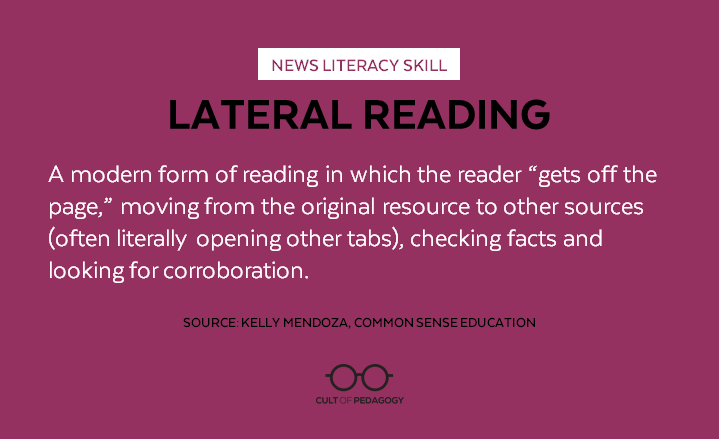
Lateral Reading
Watch the following videos on lateral reading. Following the video, use the lateral worksheet to help you evaluate a source.
This resource by Monash University provides a step-by-step guide for using critical thinking skills to assist with evaluating information.
The News Literacy Project -Checkology
Checkology empowers students to identify credible information and understand the importance of a free press. Students who are news-literate make informed judgments about the credibility, accuracy, and context of information. They learn to distinguish evidence and facts from rumors, viral hoaxes, conspiracy theories, and misinformation. Being well-informed about current events and the role of the news media in shaping public discourse is vital for students to be responsibly engaged in civic life. “The News Literacy Project.” Checkology, 29 July 2024, get.checkology.org/.
Instructions:
Click on the Checkology Misinformation Interactive Activity, and follow the lesson.
1. Click on Join.
2. Click on Register with Name and Password.
3. Type in First Name, Last name.
4. Type in the following password : Fmaliteracy25*. You will have to re-enter the password.
5. Type in School Email address w/out the zeros..
6. Click on Register.
7. When the blue screen appears, write down the username and password given by Checkology and
take a snapshot.
8. Click on Got it.
8. Complete the Pre-Assessment Survey first.
9. Once the survey has been completed, click on Fake Misinformation to begin the activity.