remove_red_eye 251
page background

Literacy Lowdown

Maureen Hayes, PreK-6 Humanities Supervisor

LiteracyLowdownMaureen Hayes, PreK-6 Humanities Supervisor

May 2018 May 2018

This month's focus: Tech Tools to Support Your ELA Classroom This month's focus: Tech Tools to Support Your ELA Classroom

When used effectviely, technology can enhance your instruction, leading to increased student engagement and learning. Below are some tech tools that can be infused into your ELA instruction...and they are free (at least the basic membership is free)!

#BookSnaps #BookSnaps

BookSnaps give students an opportunity to record their thinking while reading. BookSnap creator Tara Martin's website offers how-to videos using a variety of formats. This is fun for students and not just limited to ELA...try MathSnaps, Social Studies Snaps, and ScienceSnaps!
#BookSnaps – How-To-Videos and Examples

#BookSnaps – How-To-Videos and Examples

launch tarammartin.com

Here are some examples of BookSnaps:

zoom_out_map
zoom_out_map
zoom_out_map

Flipgrid Flipgrid

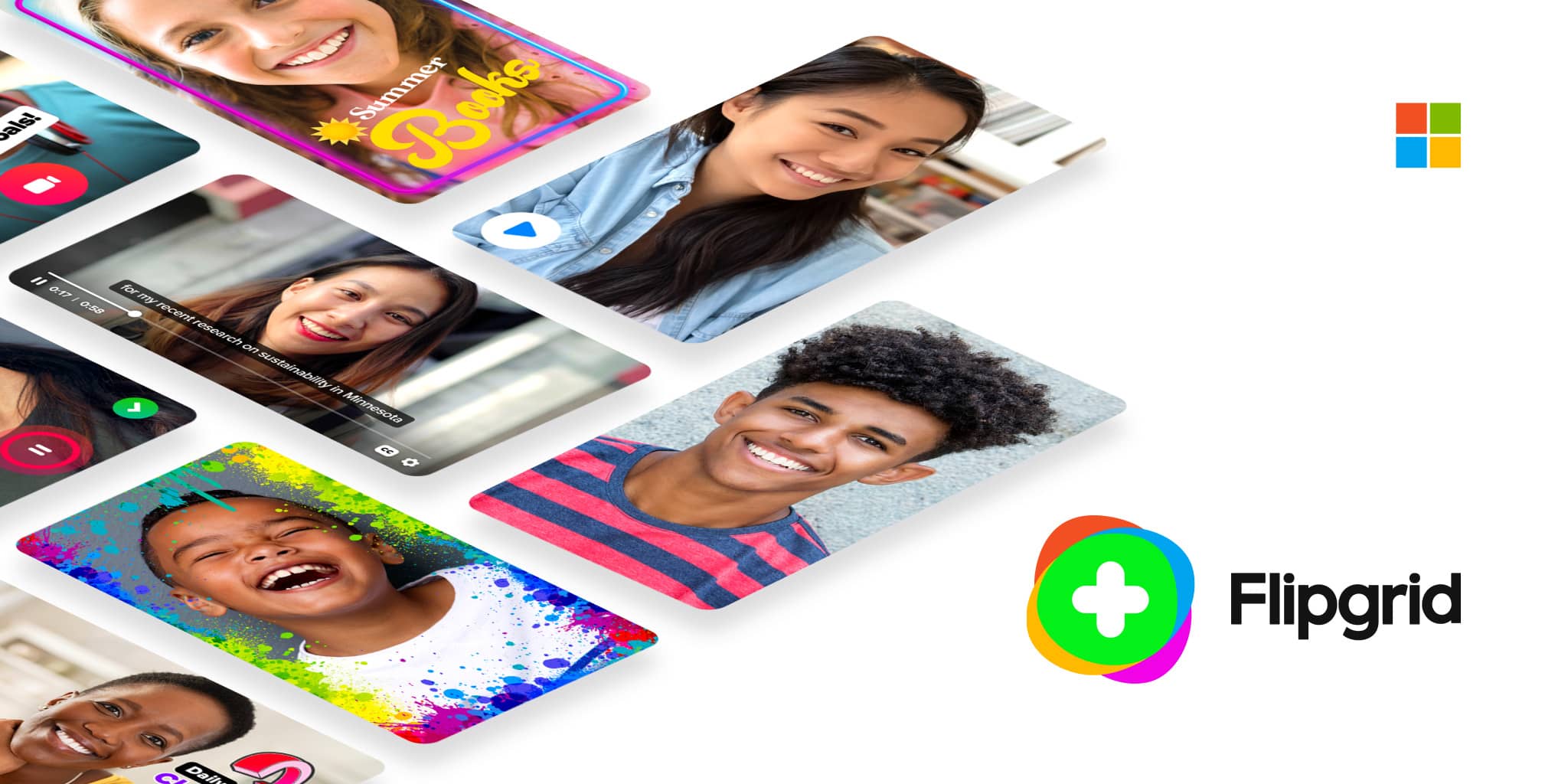
Flipgrid is an app where someone, usually a teacher, poses a question or prompt, and students respond to it with short videos. Once they’ve finished their video, they can leave responses to other students’ videos.
Flipgrid. Ignite Classroom Discussion.

Flipgrid. Ignite Classroom Discussion.

Flipgrid is where social and emotional learning happens! The leading video discussion platform for millions of PreK to PhD educators, students, and families.

launch flipgrid.com
Catch the Flipgrid fever! 15+ ways to use Flipgrid in your class

Catch the Flipgrid fever! 15+ ways to use Flipgrid in your class

Bring the back row in class to the FRONT row! Flipgrid gives all students a voice with video. Here's how to use it in class.

launch ditchthattextbook.com

Book Creator Book Creator

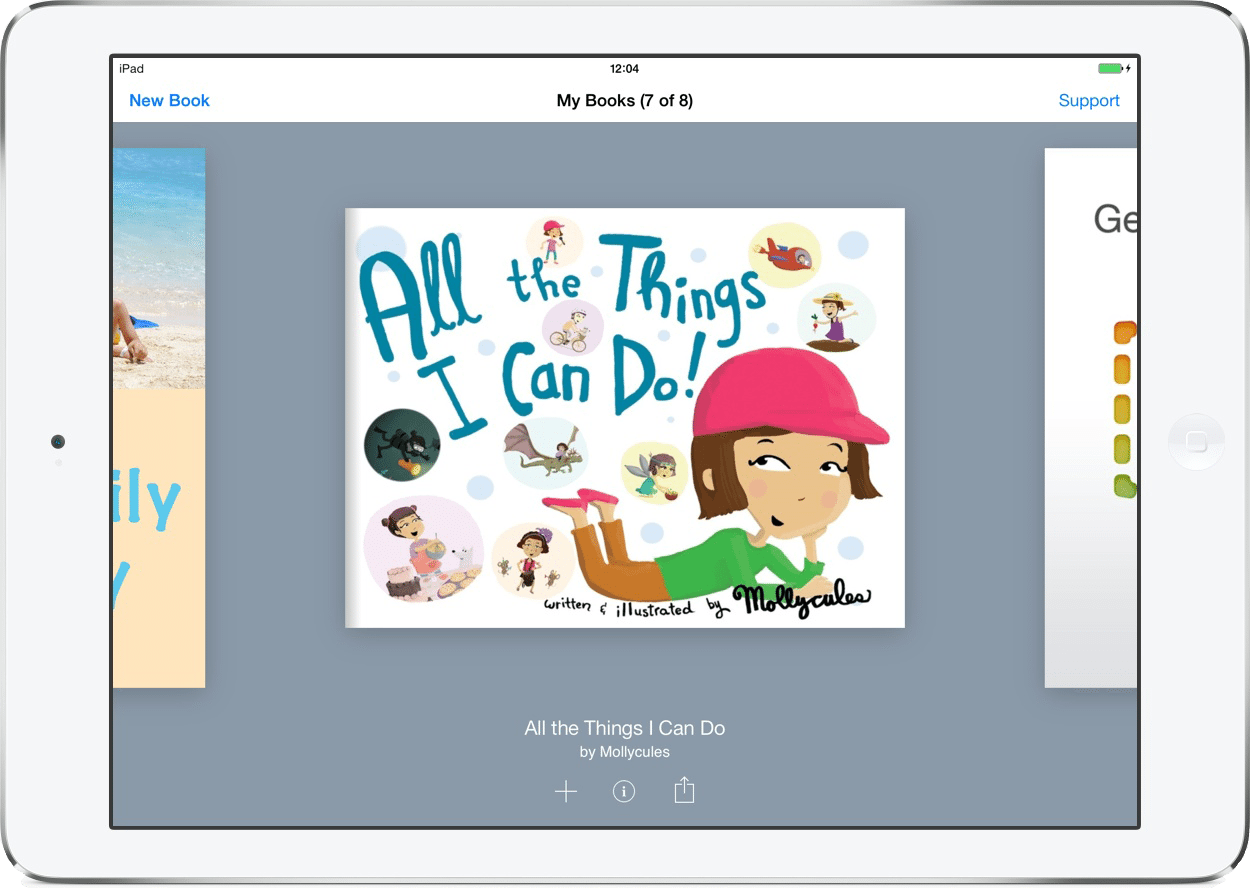
Book Creator is a beautiful, flexible tool that allows students of any age or skill level to create, publish, and share online books.

Creating books using this tool can be as simple or complex as you make it. Students who prefer more structure can choose a comic book layout and insert Google images straight from the app into locked panels. Those who want more flexibility can choose a completely blank page and upload their own artwork. Students can customize the font, add shapes and stickers, hyperlink the text to other online resources, and import audio and video files.

When the book is ready to be published, the pages turn like a real book, and the audio and video play right inside the app.

Jennifer Gonzalez, Cult of Pedagogy

https://www.cultofpedagogy.com/6-tech-tools-2018/

Book Creator - the simple way to create beautiful ebooks - Book Creator app

Book Creator - the simple way to create beautiful ebooks - Book Creator app

Book Creator is a simple tool to create ebooks on iPad, Chromebooks and on the web. Create a book and publish it to Apple's iBooks Store, or share it online with our built-in ePub reader. You can also share your book as a PDF and print it.

launch bookcreator.com
zoom_out_map
zoom_out_map
zoom_out_map

Newsela Newsela

Newsela has a growing collection of articles about science, art, health, war and peace, and money written at four different Lexile levels. This makes it possible for teachers to group students by reading level in a station rotation and differentiate subtly by assigning students in each group the same article written at a different Lexile level. There is a short quiz paired with each article, so teachers can assess the students’ ability to comprehend, analyze and evaluate what they’ve read.

Catlin Tucker http://catlintucker.com/2016/07/englishtechtools/

Newsela | Instructional Content Platform

Newsela | Instructional Content Platform

Newsela is an Instructional Content Platform that supercharges reading engagement and learning in every subject.

launch newsela.com

Storybird Storybird

Storybird is a unique language arts tool. Illustrations are used to inspire students to write stories: picture books for K-5, longform chapter books for Grades 5-9, and poetry for everything in-between.

In a learning scenario, “starting with pictures” is powerful: it stirs the emotions while it engages the brain and jumpstarts students into their text, avoiding the blank-page syndrome.

Storybird - Read, write, discover, and share the books you'll always remember.

Storybird - Read, write, discover, and share the books you'll always remember.

Discover an endless library of free books, picture books, & poetry or use simple tools to create books in minutes. Storybird is a creative community where readers & writers celebrate storytelling.

launch storybird.com

EdPuzzle EdPuzzle

EdPuzzle is the perfect tool for allowing students to watch and engage with videos while the teacher gathers data throughout the lesson. As teachers dabble into the flipped classroom philosophy, EdPuzzle is the perfect enhancement tool for videos to be watched at home instead of eating up valuable class time.

Edpuzzle

Edpuzzle

Make any video your lesson

launch edpuzzle.com

Here's a "How to" video that further explains Edpuzzle:

https://youtu.be/AtGg8fCM0JU

Past Literacy Lowdowns Can Be Found Here: Past Literacy Lowdowns Can Be Found Here:

My Literacy Lowdown (monthly newsletter)

My Literacy Lowdown (monthly newsletter)

Literacy Lowdown- Feedback. Literacy Lowdown- Culturally Responsive Literature. Literacy Lowdown- How Do You PD? Literacy Lowdown-Inspiring Yourself and Your

launch pearltrees.com

#ONEWORD2018: INTENTIONAL #ONEWORD2018: INTENTIONAL

zoom_out_map
zoom_out_map
zoom_out_map
zoom_out_map

Maureen Hayes

Email: mhayes@ltps.org
Website: http://www.pearltrees.com/maureenhayes
Location: Lawrence Township, NJ, USA
Phone: 609-671-5455
Twitter: @mhayes611

Loading indicator

close
Powered by