
Multilingual Learners and Tech
Tech Tip Tuesday (October 28, 2025)


(image credit: Ankita Dalal)
Ever have that feeling? You're explaining a complex, important concept, but you can see that for some of your multilingual learners (MLLs), the message just isn't landing. You know they're brilliant, but they're stuck.
MLLs are not a uniform group. Their needs vary based on their language proficiency, literacy in their home language, and prior education. Teachers can differentiate using technology to meet this range of needs!
Here are three ideas with tools & activities to support their varied needs!

Language demands? Oh? They're just all the ways students need to use language to show what they know, whether it's understanding a word like analyze, writing a report on the Triangle Shirtwaist Factory, or arguing a point that ketchup doesn't belong on hot dogs. Technology gives each student a personal, on-demand support system. It helps unlock our grade-level content, making it accessible while they are still learning English. This means our MLLs can engage with complex ideas independently and confidently, instead of feeling stuck, having to wait for help, or, the worst of all, not ask for the help.
A perfect tool for this is Read&Write, a Chrome extension that can be used by anyone. To support reading, students can use the "Play" button to hear any text read aloud, the Picture Dictionary to get a visual for new words, and the Translator to check a confusing phrase in their home language. For writing, the Talk&Type (speech-to-text) feature is a game-changer, letting students speak their ideas onto the page. Paired with Word Prediction, MLLs can focus on what they want to say, while the technology supports the spelling and grammar of how they say it.

Spokabulary makes vocabulary interactive by focusing on lowering the affective filter, since it's an anonymous game. It's a low-stakes individual game set that gets MLLs to practice their new words in a fun way between the six games. Instead of just memorizing definitions passively , students must use the words in sentences to, well, win! This builds confidence, provides immediate feedback, and moves vocabulary from a passive list to an active and engaging practice. Also, it's free.99 and doesn't require logins!
A low-tech, teacher-only use, WordMint makes vocabulary interactive by reinforcing word recognition and spelling through a kinesthetic, puzzle-based approach. MLLs can work at their own pace on crosswords, word searches, and matching games, because ya know, they're on paper. Its most powerful feature for you is to add images to clues, which provides a critical visual scaffold. This makes the activity accessible even for newcomers, helping them connect a new word to a concept before they are overwhelmed by text-heavy definitions.
Both of these teaching tools are free for teachers, and they don't rely on a paywall to support them!

A student who can't decode the text in a book can see the animated video and interact with the digital diagram. Instead of a single, one-size-fits-all product, offer a choice board. You're assessing the same standard, just offering different ways to show it.
📹Record a video using Screencastify Submit, or even the super easy built-in Google Slides recording.
🧑🎨 Design an infographic or mind map using Canva.
📝 Or, if you absolutely must, support their word prediction with Read&Write word prediction and Talk & Type.


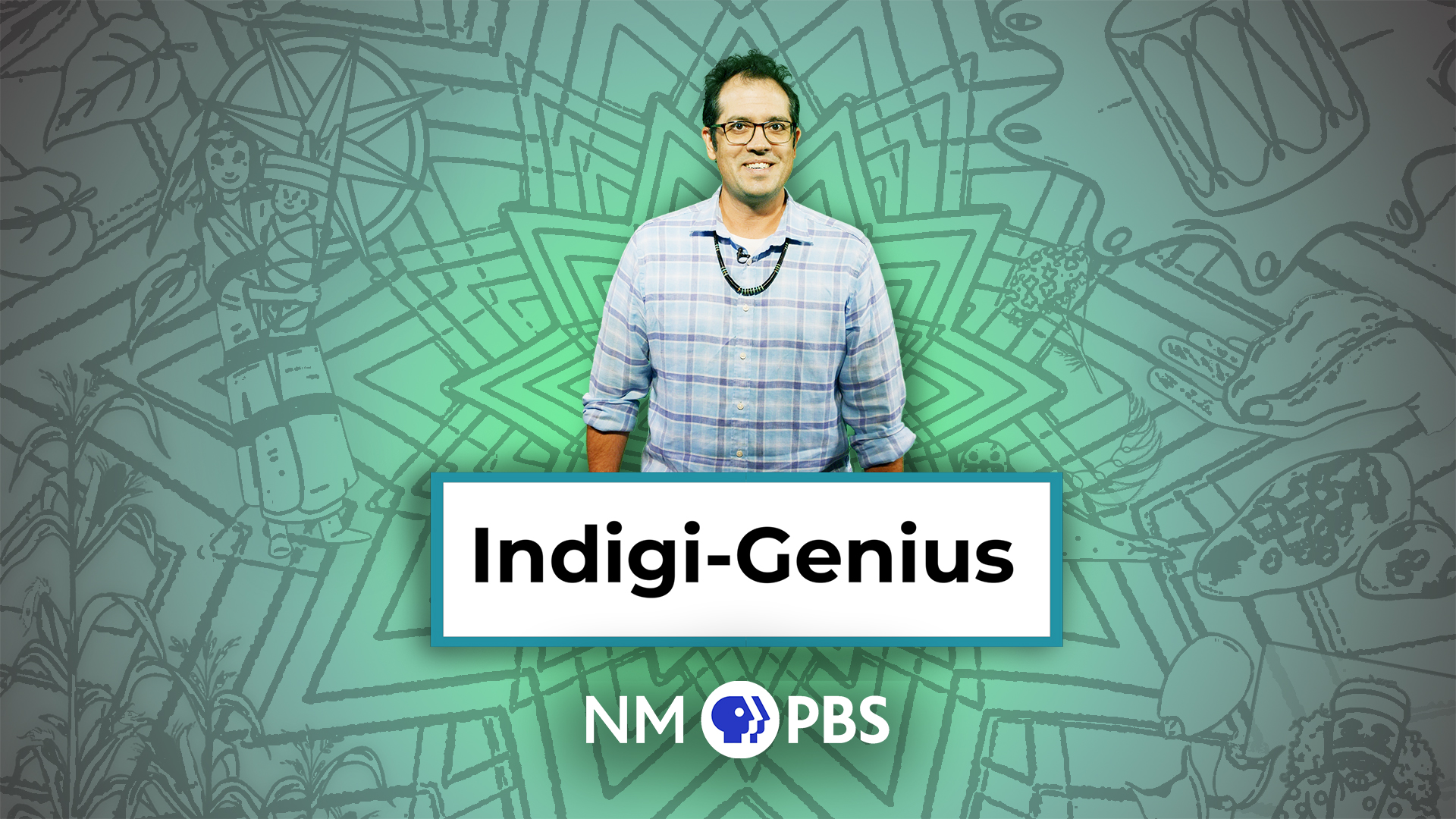
Celebrate in November with Indigi-Genius from PBS LearningMedia!
Native American Heritage Month is celebrated every November to honor the history, accomplishments, and cultures of Native Americans, Alaska Natives, Native Hawaiians, and Pacific Islanders. The
Indigi-Genius is a web series devoted to telling the scientific and cultural impact of Indigenous creations and knowledge on not only the past, but the present world we know today. Written and hosted by Dr. Lee Francis, Pueblo and self-described Indigi-Nerd, and funded in part by VisionMaker Media, the series covers a range of global Indigenous topics and breaks down some of the science, culture, history, and “Indigi-Genius” knowledge that we may sometimes take for granted.
Great for grades 3-8!


Did you hear the joke about October?

Brian Krause, Instructional Technology Coach
Email: bkrause@ltcillinois.org
Booking Link: https://calendly.com/bkrauseltc
Work Cell Phone: (815) 362-4791
Twitter: @bmkeducation


