Pageless in Docs
Tech Tip Tuesday (March 18, 2025)
Optimizing creation and collaboration for the digital age
Pageless is one of the formats that doesn't get enough love or use in Google Docs.
Google Docs has become an indispensable tool for individuals and teams alike, facilitating the creation and collaboration of documents in a digital environment. While the traditional pages format has long been the standard, the introduction of the pageless format offers a compelling alternative designed for a more fluid, screen-centric experience.
We don't print everything. Therefore, we don't need margins or page breaks causing us additional time spent trying to reformat to one page or getting caught up in places folks have randomly tabbed to add space.
I am not saying everything should or even can be pageless. Newsletters, cover letters, resumes, and academic papers should all be in paged format. Consider pageless when you know it'll never need to be printed.
Also, with the newish Document Tabs in Docs, you can easily separate what you need to into different tabs, just like a spreadsheet.
Check out below how some of those Docs features show up for both Pageless and Pages formats!
Click for full size on Canva
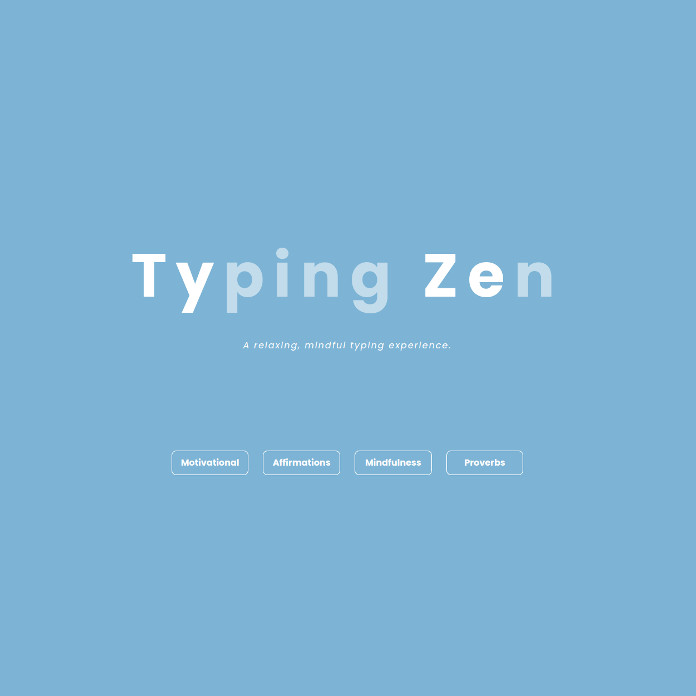
Classroom Zen is a free digital platform created by SMART Technologies designed to support social-emotional learning (SEL) and mindfulness in K-12 classrooms. For educators, it offers a suite of resources to cultivate a calm and focused learning environment. Whether it's guided mindfulness exercises, breathing techniques, typing practice, or SEL activities, add it into your daily routines. These tools aim to help students develop self-awareness, emotional regulation, and stress management skills, all crucial for academic success and overall well-being. Classroom Zen also offers resources tailored for educators, promoting teacher well-being and providing strategies to create a supportive and inclusive classroom culture.
NVIDIA's Signs AI offers a valuable, free tool for promoting inclusivity and accessibility. This AI-powered platform, designed to teach American Sign Language (ASL), provides a unique opportunity to learn a new language and develop empathy towards the deaf community. By utilizing a 3D avatar and real-time feedback through computer vision, Signs AI allows anyone to practice and refine their ASL skills independently. The platform's open-source nature and collaboration with organizations like the American Society for Deaf Children present opportunities for all to contribute to expanding the sign library, promoting active learning and a sense of community engagement.
Tuesday, June 10-Wednesday, June 11
Schoology CONNECT OH is a FREE virtual conference designed specifically for users of Schoology Learning. Over the course of two days, educators from across Ohio will come together to share innovative strategies, best practices, and insights that will transform your teaching and learning journey.
Let's schedule a time to collaborate that fits your schedule perfectly.
Why did the cake cross the road?
Brian Krause, Instructional Technology Coach
Email: bkrause@ltcillinois.org
Booking Link: https://calendly.com/bkrauseltc
Work Cell Phone: (815) 362-4791
Twitter: @bmkeducation
