

SEPTEMBER EDTECH UPDATE
September 2025 - EdTech Tips, Teaching Strategies & More..


Check what's new with SEESAW and win some SWAG!
New Teacher Home Page:
Teachers have a new landing page when they login!
This was built to streamline actions teachers take most often in Seesaw
From the homepage, teachers can see shortcuts to:
Post to your class journal
Create activities and
Message Families
At the bottom, teachers will have easy access to the Teacher Resources containing access to helpful tutorials, timely support topics, teacher resources, and teacher training.
Seesaw Library: Math Collections
The math collections have been expanded to include Math Fact Fluency activities for k-5 students.
Topics covered are addition, subtraction, multiplication, and division, with fractions coming soon.
They’re great for warm-ups, centers, or quick skill checks—and they’re all ready for you to assign, right from the Library
Click the Links Below to Access Collections in Seesaw
Your Next Steps!
- Play around in the New Navigation
- Test out creating an activity with Activity Templates
- Check out the new collections in the Seesaw Library
Kick off the school year with success in Seesaw!
- Any 4J Teacher who gets in and explores the new tools, then creates an activity for students in September, will be eligible to win a Seesaw Stuffy for one of your students! And one lucky winner will receive a Seesaw Lunch Box! Get rewarded for staring the year out right.
- What a quick way to find out about your students and build relationships, have students share All About Me during the first few weeks of school on Seesaw! Here is a link to the template
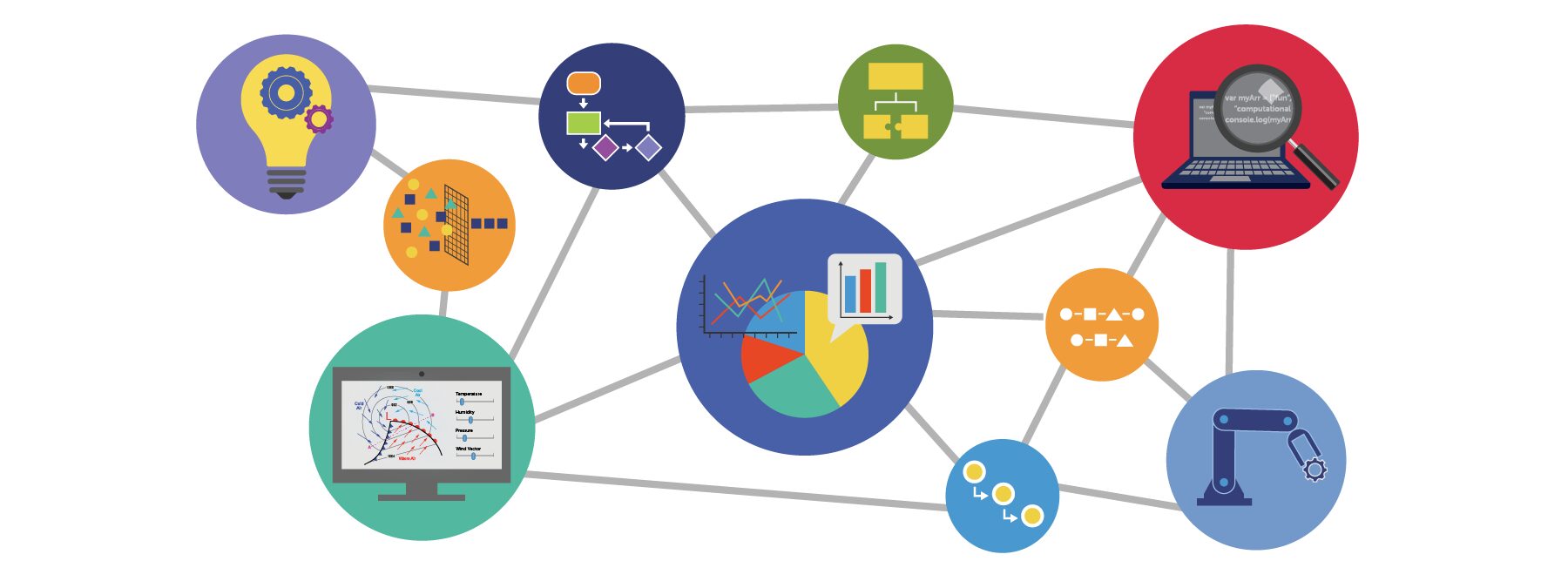
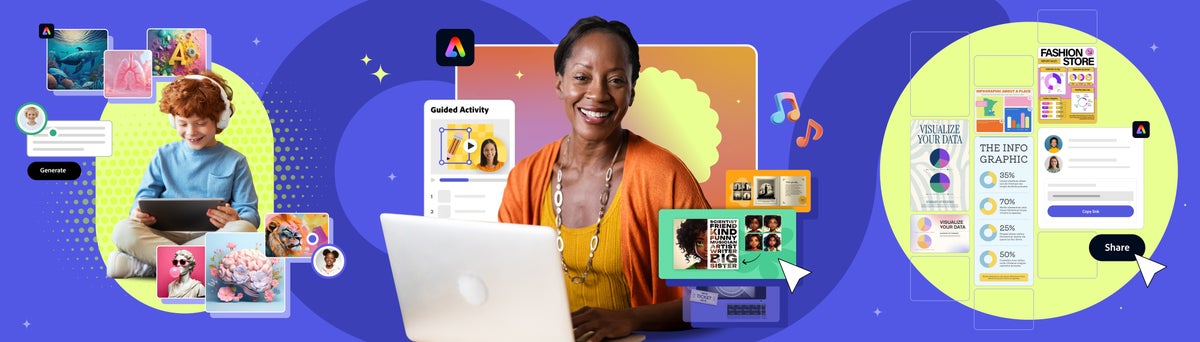


✨ MagicSchool ✨
Let me start by saying that I have had a love, hate relationship with magicschool.ai 🐇. Originally I was like WOW this tool does everthing I 💜 it!, then I became overwhelmed with the shear number of tools it provided and was like - It's just to busy for me 😳 and so turned to more streamlined tools that had a more singular focus 💔. But after sitting down with their customer service rep and playing around with the paid version, I'm in love again 😍💜.
First in the paid version you can limit the tools that are visible, you can also basically do this by using the favorites feature, but the landing page is much more streamlined, or can be. With the Enterprise License you can also build your own tools/bots, which is a cool feature. It is Ferpa and Coppa compliant which is a bonus and there is also a student facing aspect called MagicStudent, where you can set up rooms where add interactive tools to for students to use (exit tickets, daily checkins, choose your own adventure, etc.)
Then "Raina" Magic School AI's charbot has a dual-engine approach powered by OpenAI and Anthropic. So you basically get the best of both ChatGPT and Claude, but in school friendly closed model that provided Data security and Privacy. The folks at Magic School have also added Bias and Accuracy safeguards, features that are super important when allowing students to use and learn about AI.
MagicSchool AI has a collection of over 50 AI-powered tools to help educators create content. Some of the categories and tools include:
- Planning - Lesson Plan, Science Lab, Syllabus, etc.
- Content - Choice Board, Rubric, Video Summarizer, etc.
- Questions - Word Problems, Multiple Choice, Spiral Review, etc.
- Intellectual Prep - Exemplars, Directions, Misconceptions, etc.
- Student Support - Text Leveler, IEP Generator, Accommodations, etc.
- Communication - Comments, Feedback, Letter of Recommendation, etc.
- Community Tools - Ice Breakers, Song Generator, Observation Tool, etc.
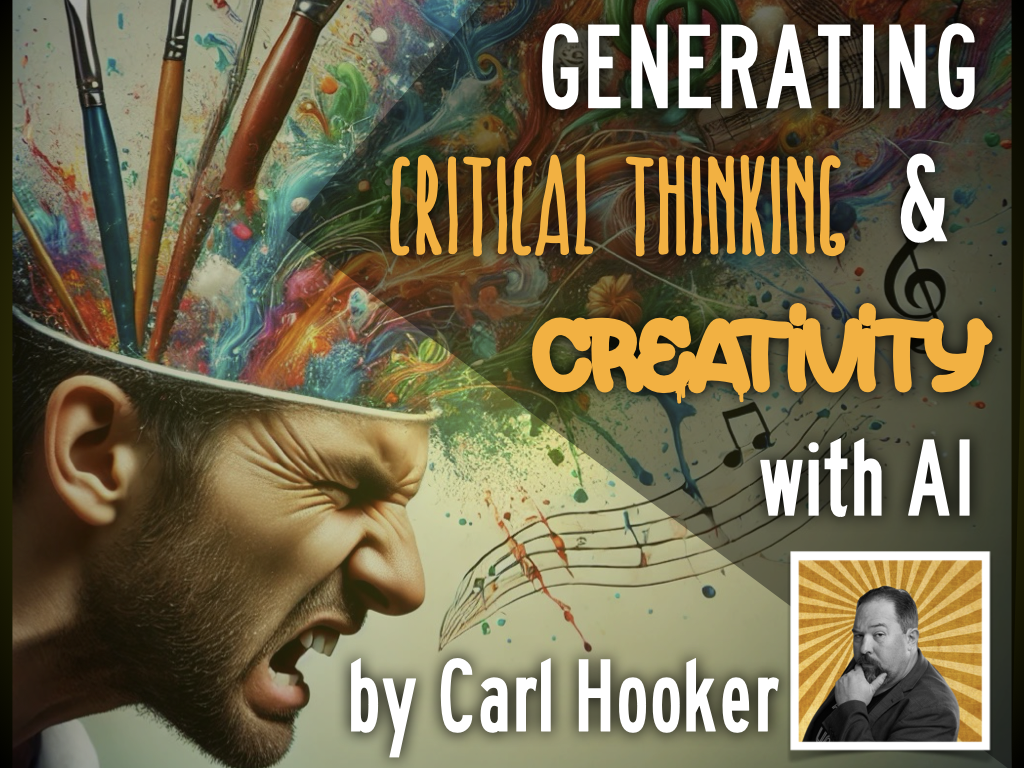

Lesson Planning with AI 🤖
📝Lesson planning with 🤖 AI: Save time and get ideas 💡 Part 1️⃣: 10 ways AI can help us plan lessons better and faster Part 2️⃣: A workflow: Breathe life into content standards Plus ➕: Lesson plan examples & templates https://f.mtr.cool/qapfxnvbme

NotebookLM
Using Google's NotebookLM lets you start with a specific set of resources--presumably ones that you've hand picked to be reliable, accurate, and on-topic--and then create a summary in text, audio, or video formats!

🤖 AI Resources
Check out this great resource from Eric Curts at Control Alt Achieve. He explores AI tools, ways AI can help teachers & students, and ideas for addressing AI concerns such as cheating. All of his AI resources can be accessed at https://controlaltachieve.com/ai




How to Use Technology in a PE Class
Rob Rivas you asked for it so here you go:
Check out The PE Specialist
Podcast the PSYED Q&A Show - Tips for a first year teacher
Youtube the PSYED Q&A Show - Tips for a first year teacher
- Team Shake Easy way to divide up students into teams
- Interval Timer App to organize and manage the time students are in an activity
- Bam Video Delay App for students to see how they perform the activities
- Round Robin App to easily set up a round robin tournament
Use Technology as a supplement to your teaching. “Technology is a tool, not a toy” – Nathan Horne – https://www.iphys-ed.com/

20 Bell Ringers
20 digital bell ringer activities to kickstart class from
@DitchThatTxtbk
Tips for using bell ringers in class
Links to resources
FREE downloadable ebook including
10 activities complete with instructions, templates, & extension ideas

Canva - Back-to-School
Make this school year your most creative yet with the Canva Teachers Toolkit. 🧰 Discover classroom-ready templates, explore AI tips for teachers, and learn what’s new in Canva Education so you’re ready to go from day one. Explore it here: https://t.co/Jmm1zL4qsj

DOT DAY!

Google Earth
When was the last time you checked out Google Earth? Can you believe it's turning 20?
Google Earth has recently introduced several new features and updates, including a fresh new look, enhanced collaboration tools, and the ability to create maps on mobile devices.
Here's a more detailed look at the updates:
Enhanced Collaboration: Google Earth now offers improved features for collaboration and sharing within teams, including copying and pasting polygons, lines, and other data across projects.
Mobile Map Creation: Users can now create maps directly on their mobile devices and tablets, expanding the accessibility of the platform.
Cloud-Free Imagery: Google has introduced a cloud-free mosaic of the world, using an AI model to remove clouds, cloud shadows, and other obstructions from satellite imagery.
Historical Imagery: dating back to the 1930s for some locations, is now available on the web and mobile versions of Google Earth.
Generative AI Integration: Google Earth is integrating Gemini capabilities, enabling users to ask complex questions and receive AI-powered insights about cities and regions.
AI-Driven Insights: US-based users will soon have access to AI-driven insights about the planet's surface, starting with urban tree canopy coverage and land surface temperature.
Improved Imagery: Google Earth is also providing access to more sharpened satellite imagery, not only on Google Earth but also on Google Maps.
Cloud Score+:
Google has implemented a cloud score model to detect clouds and cloud shadows, leading to improved imagery quality.
10 Google Earth Activities for Students That Bring the Wow ...


SO COOL.....
1. Knowt is an AI-powered platform designed to help students study more effectively by generating quizzes, flashcards, and other study materials from notes and other documents. It acts as a free alternative to platforms like Quizlet, offering features such as AI flashcard generation, AI summarization, and practice tests.
2. The Juice Delivers daily current events articles, presented at four different reading levels, to engage students and build their literacy and knowledge of the world. The platform also incorporates features like vocabulary builders, formative assessments, infographics, and SEL articles to enhance the learning experience.
3. Mentimeter and Slido: These are both excellent for collecting feedback from groups. Slido allows participants to ask questions and then upvote others. There are many similar tools, but Slido is easy and free. Mentimeter allows students and teachers to collect real-time data on questions they have, in the form of word clouds, rankings, and various scales. These are great discussion starters that allow everyone to contribute to the collective wisdom of the group.
4. Lucid - Whiteboard - that anyone can sign up for, but it is a free tool in Canvas that helps you Create next-generation diagrams with AI, data, and automation in Lucidchart. Understand and optimize every system and process.




RESOURCES TO HELP YOU GET THE YEAR STARTED!


Curriculum Administrator - Educational Technology
Email: huntley_ju@4j.lane.edu
Website: https://sites.google.com/view/huntley-edtech/justin-huntley
Location: 200 North Monroe Street, Eugene, OR, USA
Phone: 541-790-7587
Twitter: @JustinHuntley