
Smore logo
remove_red_eye 1.8K
page background
page background

K12 Student Video Toolkit

K12 Student VideoToolkit

๐ŸŒ€ Welcome to the K12 Zone Student Video Toolkit! ๐ŸŒ€ Welcome to the K12 Zone Student Video Toolkit!

Use these short videos in your live classes, weekly newsletters, or announcements to help students learn how to navigate, connect, and have fun in the K12 Zone. Many students have said, โ€œI donโ€™t know what to do when I get thereโ€โ€”these clips are designed to change that!

How to Know if A Zone is in Silent Mode or Not (For Students) How to Know if A Zone is in Silent Mode or Not (For Students)

How to Know if A Zone is in Silent Mode or Not (For Students)

How to Get to the K12 Zone and All About the Available Worlds Page(For Students) How to Get to the K12 Zone and All About the Available Worlds Page(For Students)

How to Get to the K12 Zone and All About the Available Worlds page (For Students)

How to Make Friends in the K12 Zone How to Make Friends in the K12 Zone

How to Make Friends in the K12 Zone

Rules of the K12 Zone Rules of the K12 Zone

Rules of the K12 Zone

K12 Zone Digital Citizenship K12 Zone Digital Citizenship

K12 Zone Digital Citizenship

How to Use the K12 Game Space How to Use the K12 Game Space

How to use the K12 Zone Game Space

How to Use the Gaming Console How to Use the Gaming Console

How to Use the Gaming Console

How to Adopt and Level Up Your Pet in the K12 Zone How to Adopt and Level Up Your Pet in the K12 Zone

How to Adopt and Level Up Your Pet in the K12 Zone ๐Ÿฆ„

How to Play Tic-Tac-Toe How to Play Tic-Tac-Toe

How to Play Tic Tac Toe in the K12 Zone ๐ŸŽฎ

How to Play Chess How to Play Chess

How to Play Chess

How to Play Sharks and Minnows How to Play Sharks and Minnows

How to Play Sharks and Minnows

K12 Zone Discipline Guidelines K12 Zone Discipline Guidelines

K12 Zone Discipline Guidelines

Social Hub: Friend Requests (for students) Social Hub: Friend Requests (for students)

Social Hub Friend Requests (for students)

Social Hub: Current Users (for students) Social Hub: Current Users (for students)

Social Hub: Current Users (for students)

This World: Activity Feed (for students) This World: Activity Feed (for students)

This World: Activity Feed (for students)

This World: World Map (for students) This World: World Map (for students)

This World: World Map (for students)

This World: Summary (for students) This World: Summary (for students)

This World: Summary (for students)

How to Change Your Settings How to Change Your Settings

Student Settings

How To Message Other Students How To Message Other Students

How Students Message

How to Edit Your Profile How to Edit Your Profile

How to Edit Your Profile

How to Choose Your Avatar How to Choose Your Avatar

Choose Your Avatar

Low Bandwidth and Video Backgrounds Low Bandwidth and Video Backgrounds

Low Bandwidth and Video Backgrounds

Avatar Actions and Emotes Avatar Actions and Emotes

Avatar Actions and Emotes

Playing Music on the Jukebox Playing Music on the Jukebox

In this video, youโ€™ll see how to find the jukebox in the Zone, browse available tracks, and play music that everyone nearby can enjoy!
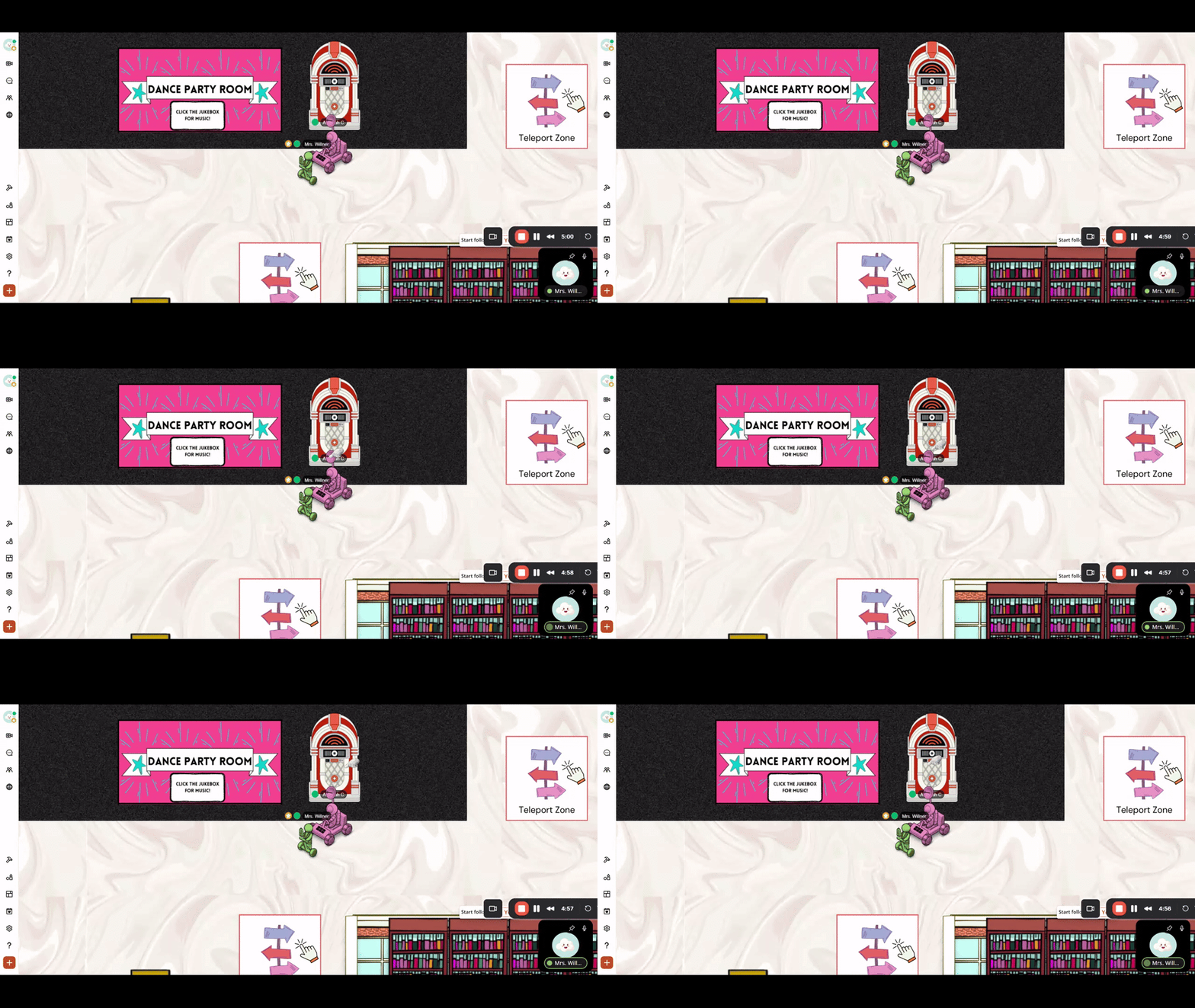
How to Use the Jukebox in the K12 Zone

How to Use the Jukebox in the K12 Zone

In this video, I walk you through how to use the jukebox feature in the K12 zone. To get started, simply click on the jukebox icon, and a window will appear on the left side of your screen. You can add songs by clicking the

launch loom.com

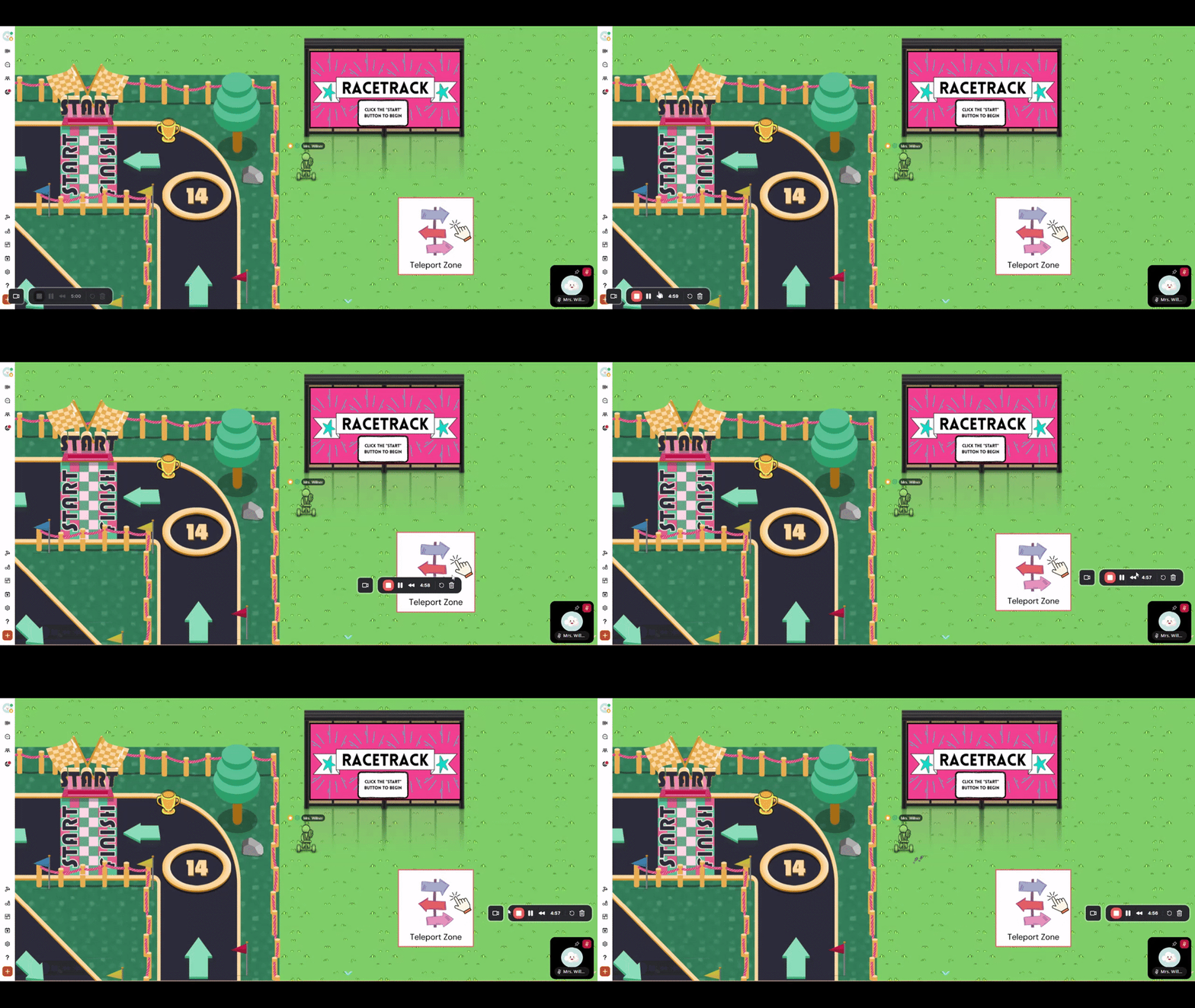
How to Play the Race Track Game How to Play the Race Track Game

In this video, you'll learn how to join the race, use your keyboard to speed your way to victory, and see how you stack up on the leaderboard in the K12 Zoneโ€™s Race Track game!

How to Do the Racetrack in the K12 Zone

How to Do the Racetrack in the K12 Zone

launch loom.com

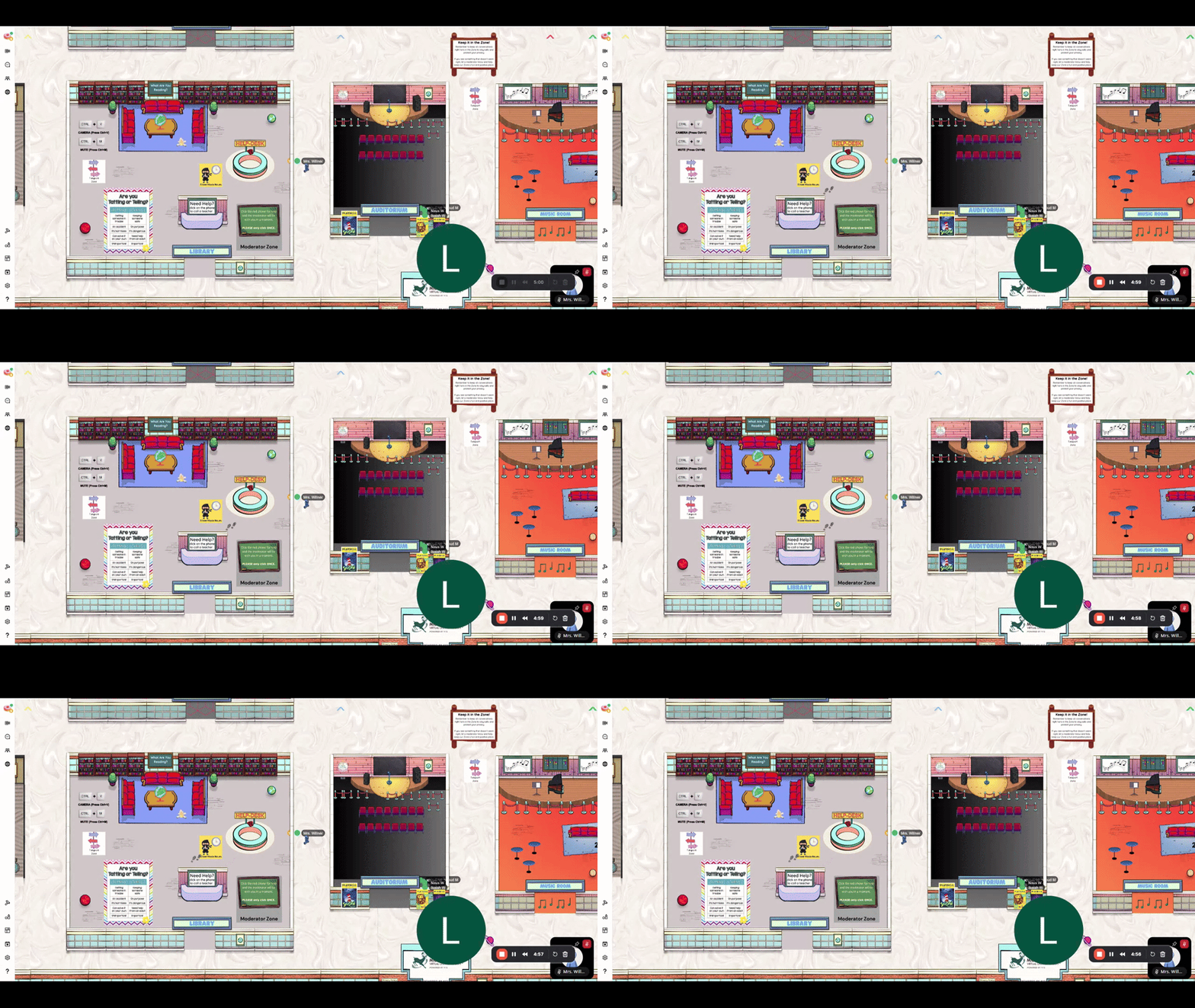
How to Use the Social Hub How to Use the Social Hub

Help students learn how to find friends, send follow requests, and see whoโ€™s online in the K12 Zone.

How to Use the Social Hub in K-12 Zone ๐Ÿ“š

How to Use the Social Hub in K-12 Zone ๐Ÿ“š

In this video, I walk you through how to effectively use the social hub in the K-12 zone. I explain how to access the social hub by clicking the button that looks like two people, and I show you how to filter for specific friends using the current user's box.

launch loom.com

Turning On Camera and Microphone Turning On Camera and Microphone

Show students how to enable their camera and mic so they can fully participate in K12 Zone conversations and activities.
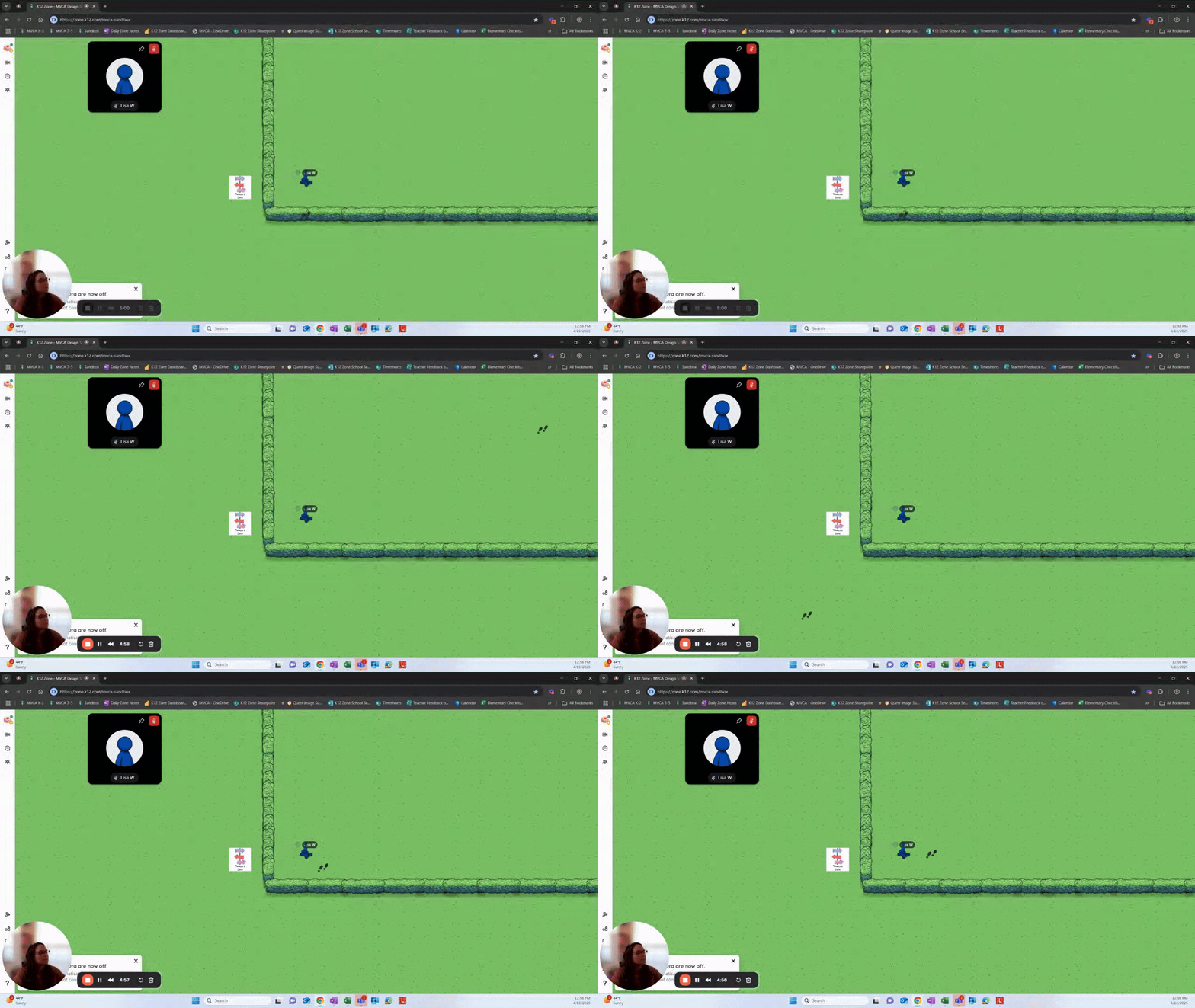
Camera and Microphone Setup Guide ๐ŸŽฅ

Camera and Microphone Setup Guide ๐ŸŽฅ

In this video, I walk you through the steps to turn on your camera and microphone for our meetings. I explain how to use the buttons on your screen and share keyboard shortcuts for muting and unmuting. If you're having trouble, I also cover how to check your permissions to ensure everything is enabled.

launch loom.com

How to Customize a Locker How to Customize a Locker

Walk students through the fun process of personalizing their virtual locker using built-in Zone features and assets.
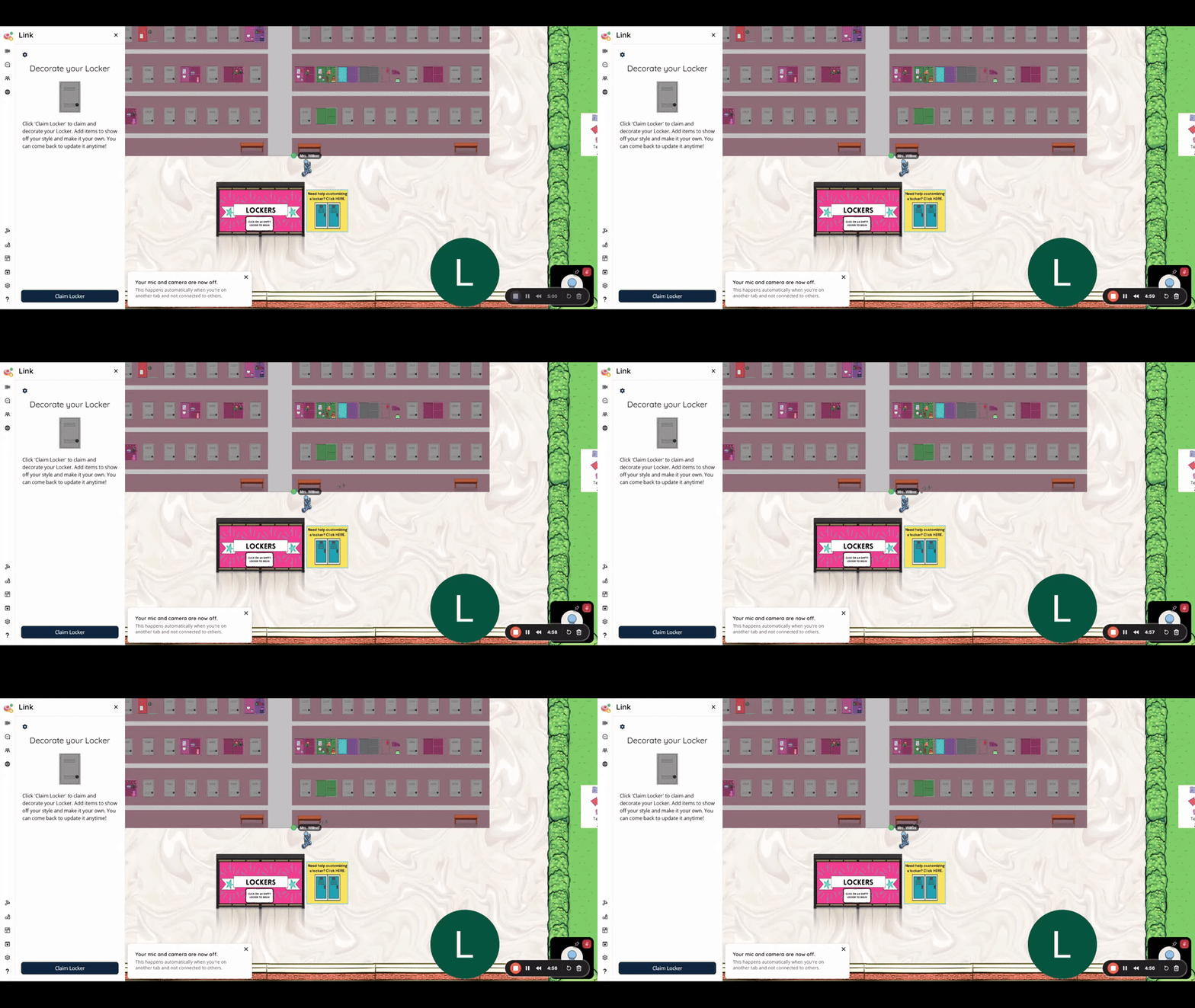
How to Customize a Locker

How to Customize a Locker

launch loom.com

How to Customize a Desk How to Customize a Desk

Help students make their space their own by decorating and customizing their desk in the K12 Zone.
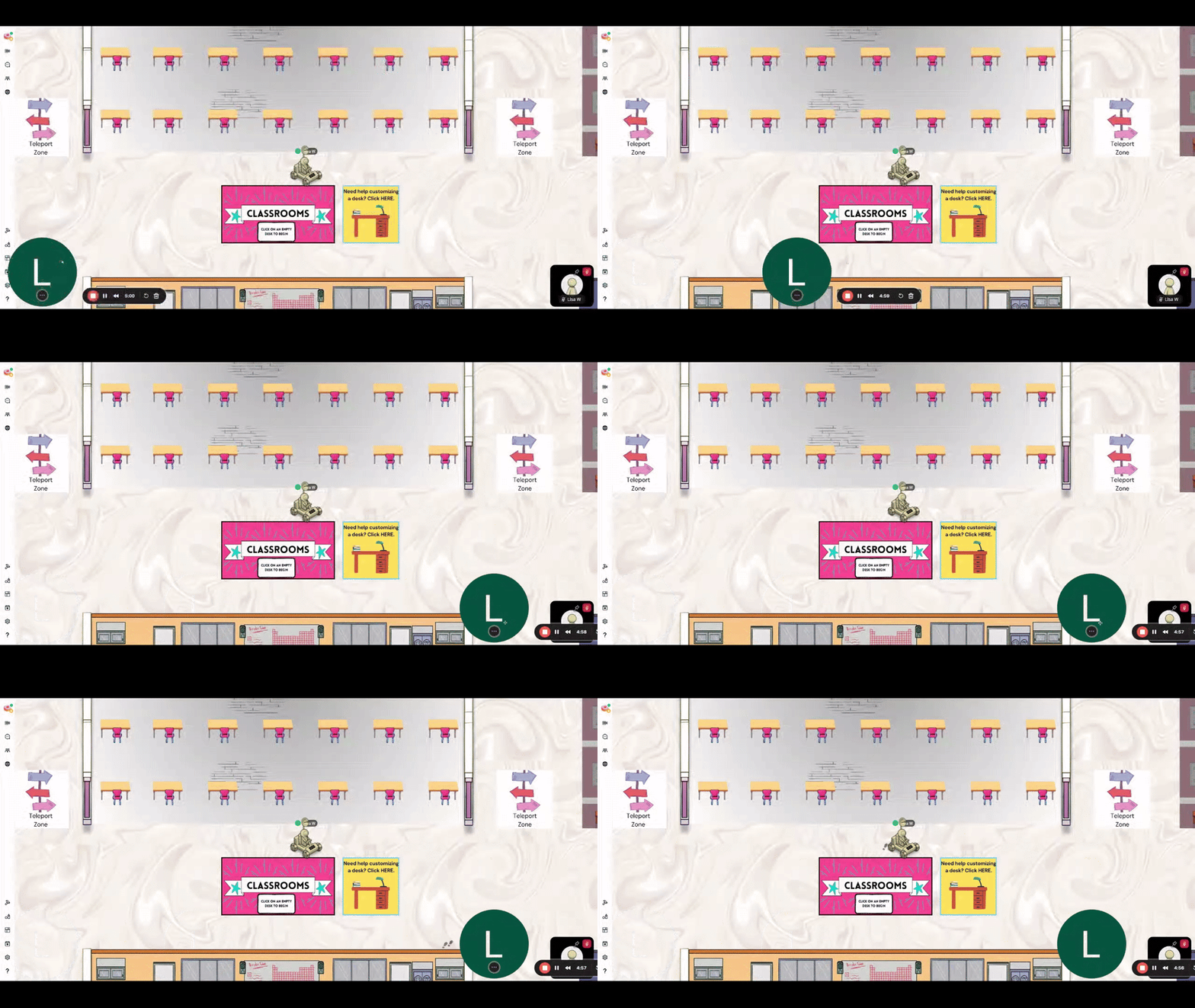
Customize a Desk

Customize a Desk

launch loom.com

How to Play Quiz Race How to Play Quiz Race

Give students a preview of this fast-paced trivia game where quick thinking moves their avatar forward in the race.
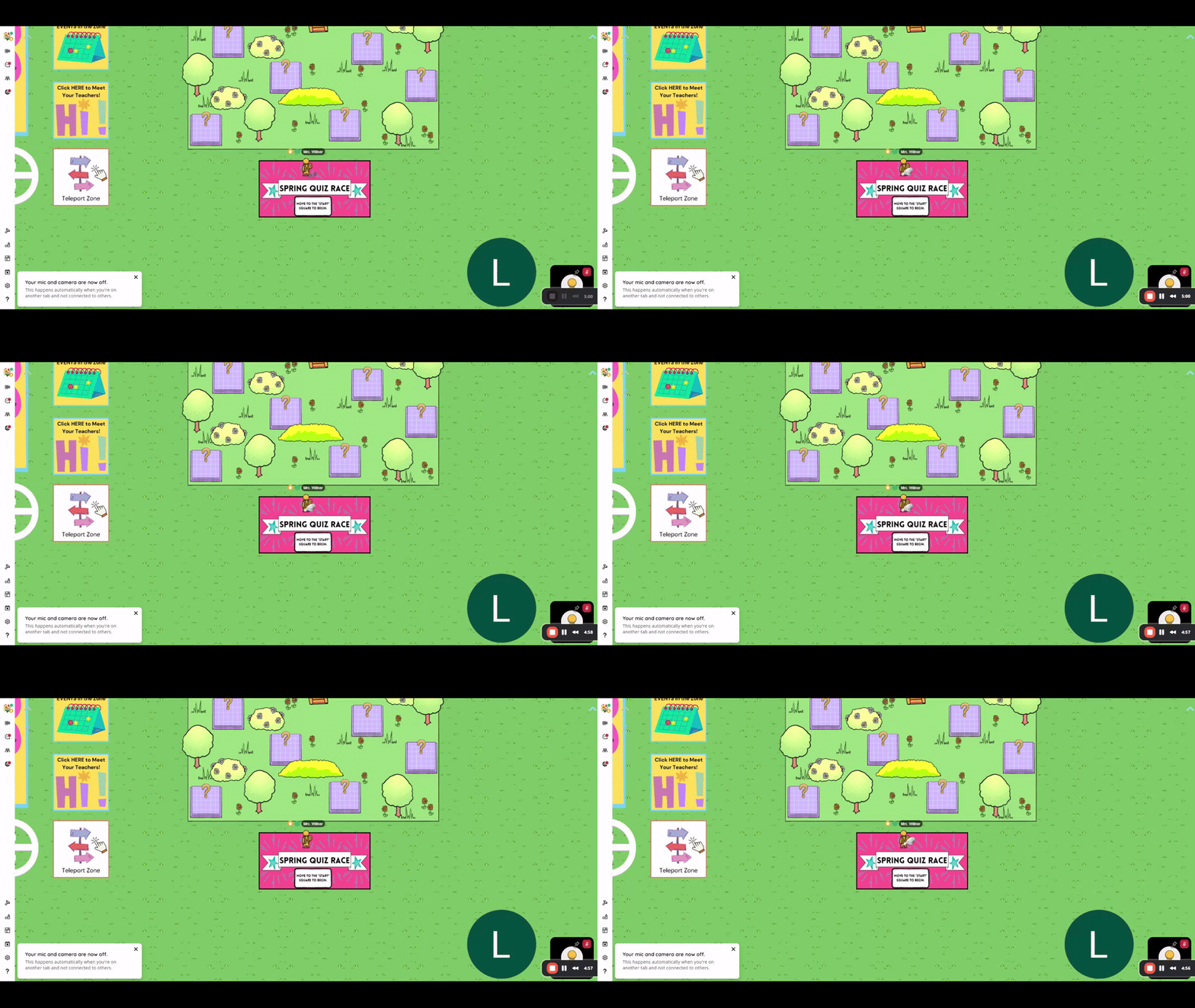
How to Do the Quiz Race

How to Do the Quiz Race

launch loom.com

How to Complete a Quest How to Complete a Quest

Show students how to interact with Quest images to complete challenges, unlock fun surprises, and explore different areas of the Zone.
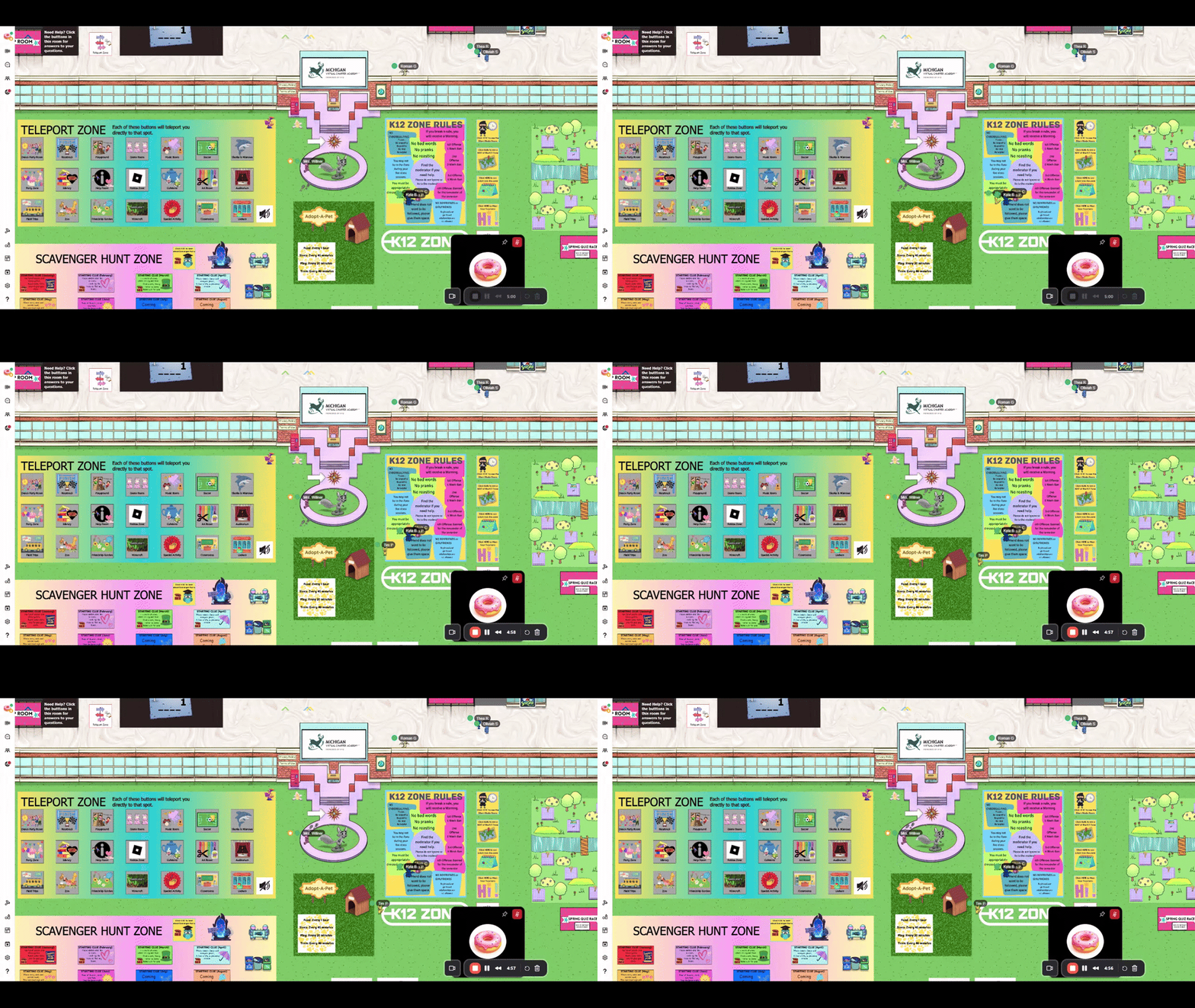
How to Do the Quest

How to Do the Quest

launch loom.com

How to Play Connect 4 How to Play Connect 4

Teach students how to join and play this classic strategy game with friends in the K12 Zone.
How to Play Connect 4

How to Play Connect 4

launch loom.com

How to Play Sushi Smash How to Play Sushi Smash

Introduce students to this fun arcade-style game where they smash sushi, avoid junk food, and compete for the high score.
How to Play Sushi Smash

How to Play Sushi Smash

launch loom.com
Nick Hoover
Nick is using Smore to create beautiful newsletters
Loading indicator

close

Created with

Communicate quickly and effectively with interactive newsletters.

Smore empowers educators to connect with their community, streamline school communications,
and increase engagement.

Create a newsletter