


School Librarians!
The Eugene 4J District has made the investment to reinvest in School Librarians. Every elementary student will now have access to a School Librarian at least once a week. We were lucky to hire some phenomenal folks from all over Oregon and as far away as Alaska and Texas. Please join me in welcoming them to Eugene. The role of a school librarian has changed over the years so I thought I would share this article that highlights some of the many things they do.
https://blog.ed.gov/2023/10/school-librarians-one-of-a-students-best-resources/
In other exciting news Debbie Levy, our Churchill Teacher Librarian, has been awarded the Oregon Association for School Librarians High School Teacher Librarian of the Year!
And to quote Amy Page our District Library Tosa:
"Debbie has transformed Churchill's library into a welcoming, inclusive, and safe space for students to study, explore, collaborate, and engage. Her library provides a respite for students throughout the day, a place where they come to study, read, and create. Teachers seek Debbie out to collaborate on lessons, teach information literacy skills, and promote digital citizenship. Students know Debbie as a trusted adult they can confide in, someone who provides a safe space and helps them find the perfect read"
Visit the Library Services Website for information and resources
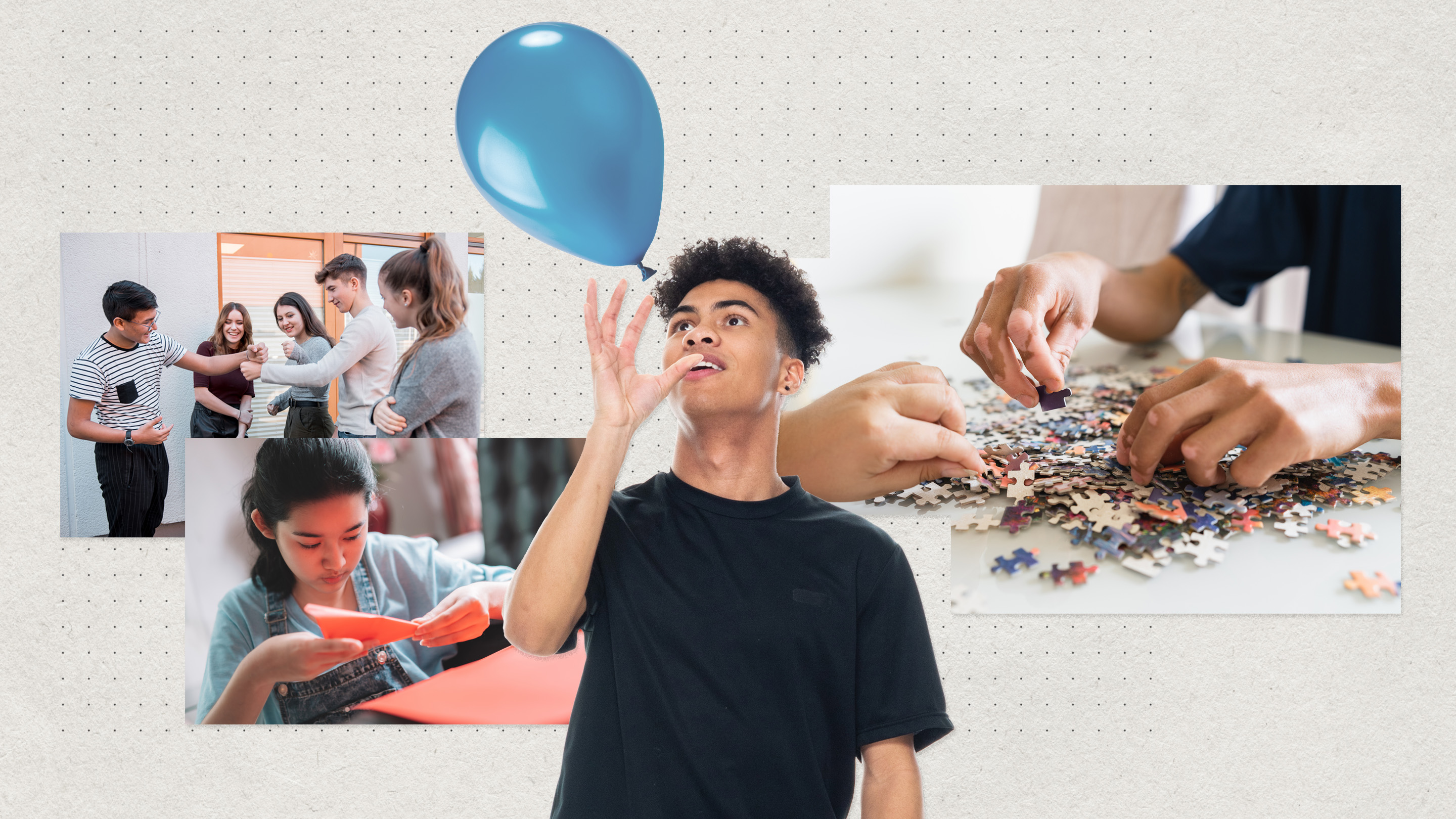

BACK TO SCHOOL WITH SEESAW!
First impressions are so important and as a parent I can't tell you how happy it makes me when a teacher reaches out at the beginning of school to introduce themselves and tell me a little bit about their class. I also appreciate when a teacher asks me to send them a quick note telling them about my student. That little bit of communication establishes a relationship and makes that first in person meeting with the teacher, smooth and comfortable because the lines of communication are already open.
I really encourage you to use whatever two-way communication tool you feel works best to open that door. However I want to incentivize taking it up a notch! Any Eugene 4J elementary teacher who uses Seesaw to open the Learning Loop and either shares a video, image or posts a welcome back activity with their parents during the Month of September will be entered to win some Seesaw Swag and/or a fun Stem kit! Use one of the pre-made all-about me activities or create your own! Shout out to Lisa Perkins and Howard Elementary for the first entry!
Back to School: 2nd-5th
What’s New?
- 📚 Library: Check out this month's featured collections, including our First Days of School Collection to help you create fun, engaging activities for the start of the new school year. Share the August Classroom Dailies.
- 📝 Ambassador Refresh Course: If you are a Seesaw Ambassador or Certified Educator, please remember to take the annual refresh course by August 31st. Find the link to complete in your Ambassador Toolkit in your Seesaw account settings.
- 📊 Engagement Dashboards: *Administrators* Check out Seesaw’s new Engagement Dashboard! Now, all school admins have direct access to data dashboards where they can track usage metrics, identify areas of growth, and celebrate learning. Learn more here.


Brisk Teaching
Brisk is the #1 AI Chrome Extension 1️⃣ Start by pinning Brisk to your toolbar by clicking that 📌, and then head to our YouTube channel https://youtube.com/@Briskteaching. 2️⃣ You can also become a Brisk AI Professional Level 1 to learn more about Brisk by heading here: https://briskteaching.com/community Your life is about to CHANGE! Get ready for 10+ hours back every single week...

Diffit for Teachers
Check out all the options in @diffitapp AND you can adapt texts and primary sources to different reading levels and languages! Head to http://app.diffit.me to try it out!
Want to explore all the Student Activity Templates available on Diffit? Take a look here: https://docs.google.com/spreadsheets/d/18Z99hIWHno18-KBlT7v3lYmzmnL3tV5kM2ZoexwCrgM/edit?usp=sharing

Curripod
Create interactive lessons filled with reflection, curiosity and creativity with AI in seconds @ curipod.com
Check out their super engaging collections of customizable lessons on:
🧡 Reading & Writing
🧡 Inferences
🧡 Vocab Practice
🧡 Evidence
🧡 Arugmentative & Informational Writing


Dot Day!
Celebrate creativity on #internationaldotday Sept. 15-ish Check out some of the resources collected & added to a book created by Heidi Samuelson @swampfrogfirst and designed with @BookCreatorApp
Read about it here: https://education.apple.com/resource/250013203…

Canva - Shake Up Learning
💄Ready to makeover your classroom resources this year?
Learn how in this FREE session:

Dot Day!
Looking for DOT DAY activities? Check out our new 💥UPDATED💥 blog post from the Merrills with 20 different ideas!
🟢 LIVE w/ Peter Reynolds
🟣 Seesaw Learning Learning
🔴 Science Ideas
🔵 Animation
🟠 Ideas for littles and more!
Link: https://lnkd.in/ec3dTZsf

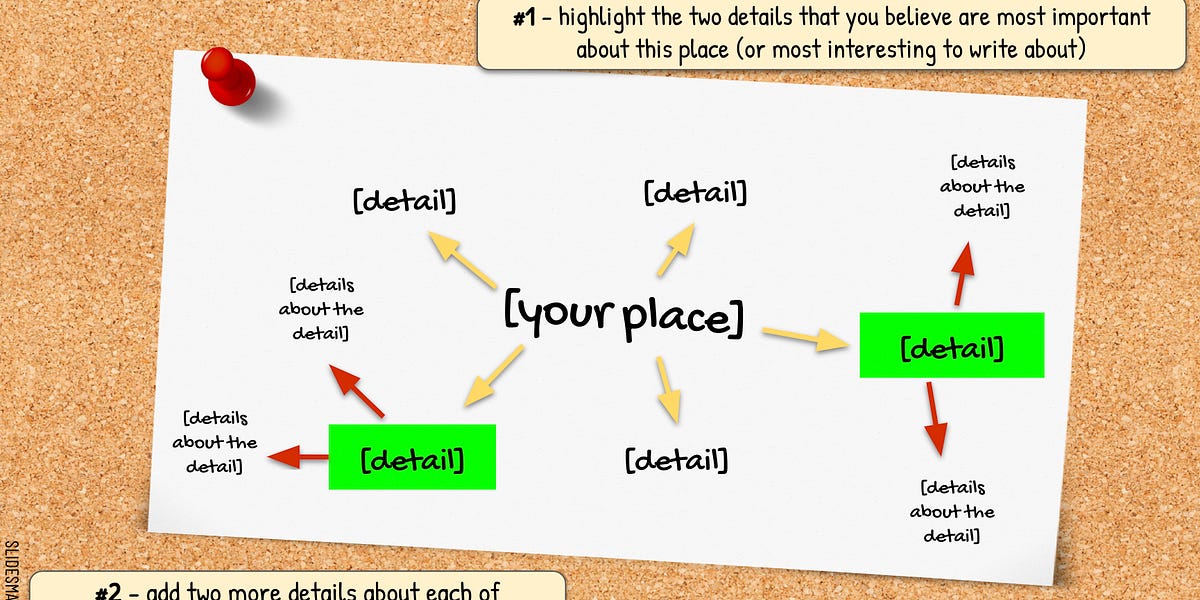


MY TOP FIVE BACK TO SCHOOL COOL TOOLS.....
1. Classroom Screen - With ClassroomScreen, there a number of digital widgets teachers can project onto a screen for the entire class. Select a language and background to get started, and then place the desired widget where students can view it easily. Use the clock, timer, traffic light, and sound level tools to guide independent work or enhance the flow of group work.
2. Flippity - easily turns any Google spreadsheet into flash cards, a badge creator, a spelling quiz, a memory game, a word search, and more. Teachers can use Flippity for a variety of purposes: to present to the class, to assess individual students, or to have students make their own creations
3. Adobe Express gives students and educators everything they need to create graphics, flyers, photos, presentations, web pages, and videos — and express themselves in unique and beautiful ways both inside and outside the classroom.
4. Padlet - is an online post it wall. It allows individuals (and large/ small groups) to post their comments, questions, and resources in one place that is easily accessible to everyone.
5. Quizlet - Instantly create learning activities. Teachers can generate in-class games, practice modes, and activities in secondsInstantly create learning activities. Teachers can generate in-class games, practice modes, and activities in seconds.
Bonus tool: Canva


Tech Bites!!! 🐴 💻 🍪 🍭
Are you interested in hosting a quick tech pd for your grade level, department, like minded colleagues or school? Then email Justin Huntley at huntley_ju@4j.lane.edu! I will show up and share a tool or strategy of your choosing and bring something sweet you can enjoy while I drop some edtech knowledge for you!. I promise to not to take more than 15 minutes of your time and can come before school, at lunch, after school during a common prep you name it. Email me the time and date and I will be there with some yummy treats!

Apple Professional Learning Specialist
Apple Professional Learning Live Explore helpful resources, practice new skills, and reflect on ways Apple technology can support great learning and teaching. These hands-on virtual sessions run for approximately 60 minutes and are offered twice daily.
- Visit apple.co/apl to learn more and register.
💥NEW!!! 💥- Apple has launched a new professional learning hub for educators called the Apple Education Community, which expands on the resources previously hosted on the Apple Teacher Learning Center and adds a brand new educator Forum, now live in beta.

EUGENE 4J RESOURCES TO HELP YOU GET THE YEAR STARTED!




Curriculum Administrator - Educational Technology
Email: huntley_ju@4j.lane.edu
Website: https://sites.google.com/view/huntley-edtech/justin-huntley
Location: 200 North Monroe Street, Eugene, OR, USA
Phone: 541-790-7587
Twitter: @JustinHuntley
SERVICES: In Class Support, Co-Lesson Design + Delivery, Demonstrations, Individual-Group-School Professional Development, Research, Whatever it takes to support your edtech use!