remove_red_eye 959
page background

Setting up for Virtual Learning

Resources for Going Digital

Setting up for VirtualLearningResources for Going Digital

Setting Up Virtual Learning-Watch our Virtual Seminar Setting Up Virtual Learning-Watch our Virtual Seminar

Setting Up Virtual Learning

Visit Our Website for more resources Visit Our Website for more resources

Click here for future seminars Click here for future seminars

From the Dana Center From the Dana Center

Making the Switch to Virtual Learning  | UT Dana Center

Making the Switch to Virtual Learning | UT Dana Center

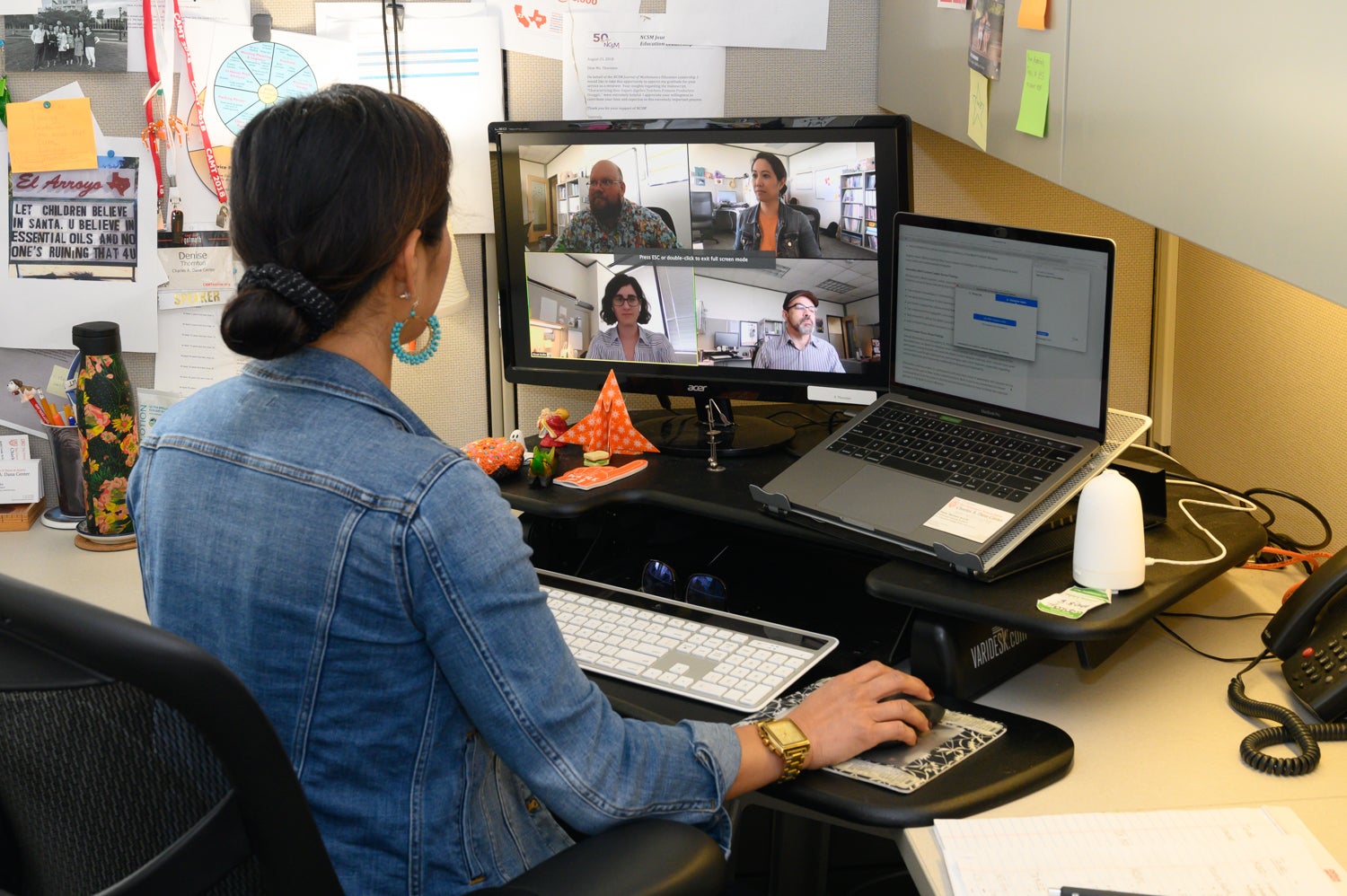
Facilitating virtual learning sessions is very different from in-person learning. Hear from Dana Center experts about virtual learning best practices.

launch utdanacenter.org

Texas Education Agency-Planning for Instructional Continuity Texas Education Agency-Planning for Instructional Continuity

https://tea.texas.gov/sites/default/files/final_planning_for_insructional_continuity_20200312.pdf

launch tea.texas.gov

Parent Survey-Please make a copy for your Google Drive.

open_in_new

Using Zoom.US Using Zoom.US

Find out how to get a free Zoom account for your district Find out how to get a free Zoom account for your district

Zoom in the Classroom
How to record a video with Screencastify

Recorded Lesson Example

I recorded this example 6 years ago while providing teachers with iPad training. The lesson is recorded on the Educreations app. There are may apps like this available for tablets.

I'm sharing it as an demonstration of how you can provide direct instruction, including the target, success criteria, a demonstration, and an assignment. Watch the recorded seminar for more ideas about lesson design.

Reading With Expression | Educreations

Reading With Expression | Educreations

Educreations is a community where anyone can teach what they know and learn what they don't. Our software turns any iPad or web browser into a recordable, interactive whiteboard, making it easy for teachers and experts to create engaging video lessons and share them on the web. Students can replay these lessons any time, any place, on any connected device. We're on a mission to dramatically improve student achievement by extending the reach of great teaching.

launch educreations.com

Choice Boards Shared on the TEPSA FB page Choice Boards Shared on the TEPSA FB page

Grades 1-5 Choice Boards

Grades 1-5 Choice Boards

launch docs.google.com

Create a YouTube Channel

How To Create A YouTube Channel! (2020 Beginner’s Guide)

Google Classroom

Classroom 101
FlipGrid Tutorial
What is Nearpod - What Teachers Can Do

Social Emotional Learning Activities Social Emotional Learning Activities

https://schoolguide.casel.org/uploads/2018/12/CASEL_SEL-3-Signature-Practices-Playbook-V3.pdf

launch schoolguide.casel.org
 Download, adapt, and create Retrieval Grids to boost learning! – Retrieval Practice

Download, adapt, and create Retrieval Grids to boost learning! – Retrieval Practice

Resources are good. Templates are great! Check out Retrieval Grids, a flexible template you can download and create using low-stakes retrieval, spacing, interleaving, and feedback. Retrieval Grids aren't just for any classroom; adapt them for YOUR classroom!

launch google.com

Retrieval Practice for Math by Ashley Taplin Retrieval Practice for Math by Ashley Taplin

UPDATED retrieval practice warm up .pdf

UPDATED retrieval practice warm up .pdf

launch drive.google.com
High five for our top five teaching strategies! – Retrieval Practice

High five for our top five teaching strategies! – Retrieval Practice

Here are our five most popular teaching strategies! It's never too late to incorporate more retrieval practice, spacing, interleaving, and feedback. With our no-prep and no-grading strategies, you can unleash the science of learning.

launch retrievalpractice.org

Math Resources for Distance Learning - Google Drive

launch drive.google.com
@taplinsteaching | Linktree

@taplinsteaching | Linktree

launch linktr.ee

Upcoming Virtual Sessions Upcoming Virtual Sessions

Online Literacy Learning for Pre-Kindergarten and Kindergarten

March 24 / 9am to 10am Central Time-Please NOTE Time!

ONLINE

PK-2nd

$10 Per Person


Scaffold the youngest learners through intentional activities and strategies that promote language development and early literacy skills. Learn how to use online tools to create rich language and literacy experiences. In this 1 hour seminar, we will share how to use word games, music, movement, and modeling to scaffold your youngest learners to develop phonemic awareness and early phonics. In addition, we will share ideas for activities related to read alouds. We will provide resources you can immediately share via email or Google Classroom. This session will be recorded and available within 24 hours for those unable to attend the live session. Links to the session are sent out after payment is received.

Creating an Online Reading/Writing Community

March 24 / 11am- 12 pm CST

Online

K-8th

$10 Per Person


In this 1 hour session, we explore ways to keep your students developing reading and writing proficiency. We can help you learn how to use virtual tools to create 5-10 minute "lessons" and activities. We will share online multi-modal text resources and ready-to-use responses to reading activities. You will be guided through the steps of setting up online text discussion groups so students can continue to interact with you and their classmates.

Using Math Games for Computation Practice

March 24/ 1:00-2:00 CST

Online

K-5

$10 Per Person


Games are a great way for parents to engage their children computational practice. In fact, games are a great family activity period! During this 1 hour seminar, you will learn how to help students and parents access, create, and use math games to practice computation fluency and strategic thinking. Let's use this time as an opportunity to ignite a passion for mathematical thinking through the use of games for math practice! We will share dozens of games you can send out to parents or post on your class website immediately!

We will be adding more based on interest! Let us know what you need. We will be adding more based on interest! Let us know what you need.

Registration Registration

open_in_new
zoom_out_map

Kelly Harmon & Associates, LLC

Email: randi@kellyharmon.net
Website: www.kellyharmon.net
Phone: 817-583-1290
Twitter: @TexasLiteracy

Loading indicator

close