




ALL THINGS SEESAW!!
Congratulations to all of you who established parent relationships via Seesaw last month, but alas there could only be one winner of the Back-to-School Seesaw swag bag and that honor goes to Megan Dougherty from Spring Creek 🐼. Megan who is a Seesaw Pioneer not only sent a welcome message, she also sent each parent a first day of school picture 📷 of their student! I got to visit her class on stuffie day 🦄 and they were super exited to share how much they love Seesaw! The shirt says Create, Communicate, Celebrate and I think this classroom is doing exactly that!
Check out one of her super cute 1st Graders below (shared with permission of parent):
👉 EXAMPLE 👈 You need a Seesaw Account to access.
I would also like to highlight Lisa Robbins at Willagillespie who not only sent a welcome message to parents and students, but then followed up by reading them a story! See this creative and welcoming message below:
👉 EXAMPLE 👈You need a Seesaw Account to access.
What a great way to start of the year! 🧡 🎉
Haven't got started with Seesaw yet? The Seesaw Tools 101 activities collection in the Community Library is a great way to teach students how to use each of the multimodal tools in Seesaw to share their learning.
Also with Parent Teacher Conferences fast approaching here are a couple of blurbs that you can send to families:
- As a reminder, our district is using Seesaw this school year to provide you with a window into the classroom. New to Seesaw? Learn more via this quick video. Once you’ve been invited to your child’s Seesaw class, follow this guide to get connected to their Seesaw Journal and begin engaging with their learning! Please be sure you have family notifications turned on so that you receive important updates in a timely manner.
- With family-teacher conferences fast approaching, now is the perfect time to take a peek at what your student has been working on so far this year! While you’re in the Journal, you can also comment on your child’s Seesaw posts! Thank you for partnering with us this year!


OCTOBER LALILO GIVE AWAY!
So for an October give away, I have a nice SWAG bag from Renaissance K12 the parent company of Lalilo. Lalilo lessons are based on a learning progression that takes students through phonics, sight words, word families, grammar and conventions, independent reading, and listening comprehension.
Unfortunately this give away only applies to K-2 teachers. Any K-2 teacher who has set up their class and had Students complete a placement activity by Oct 13th, will be eligible to win!




Google Docs and Slides Templates
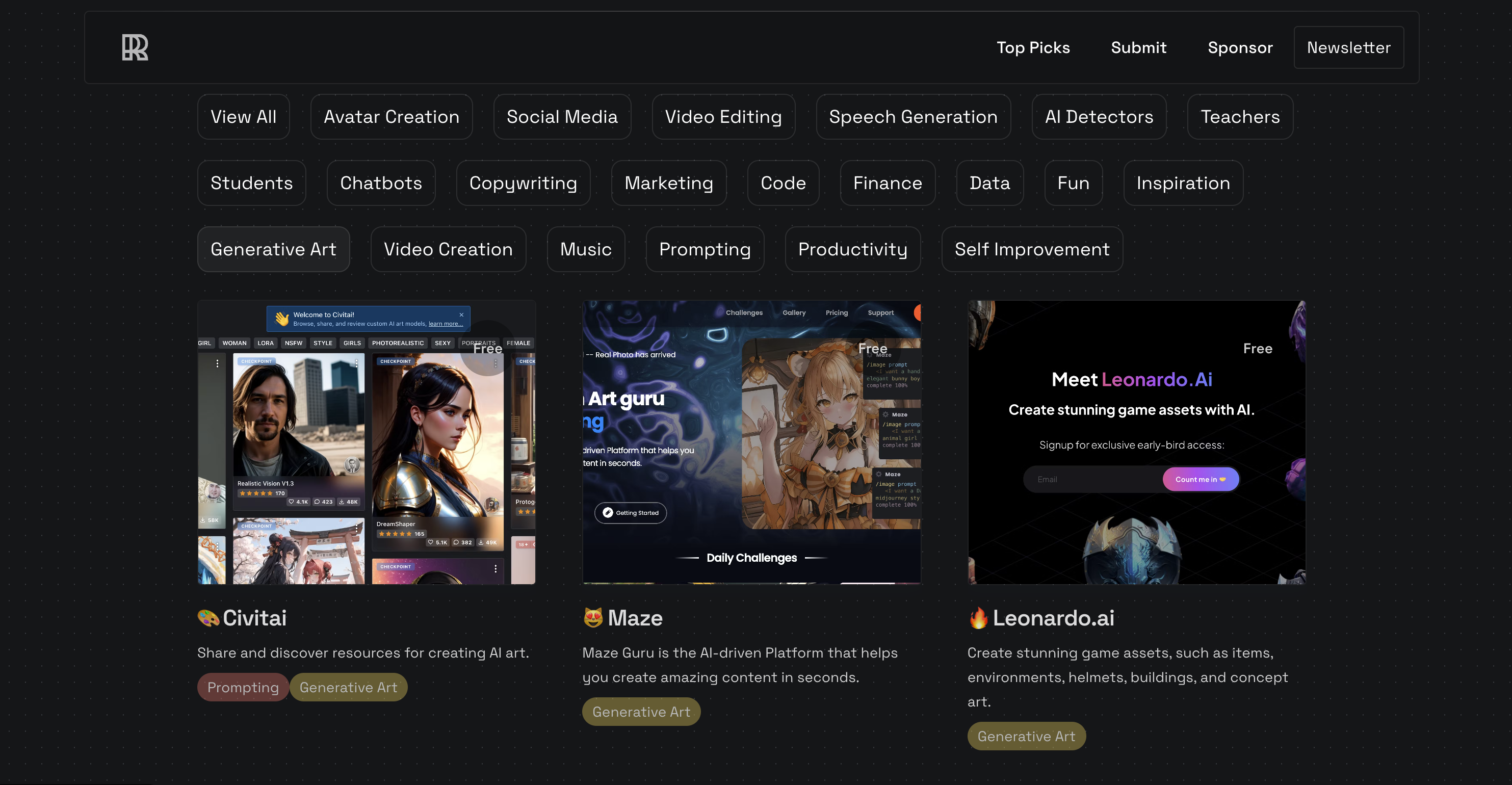
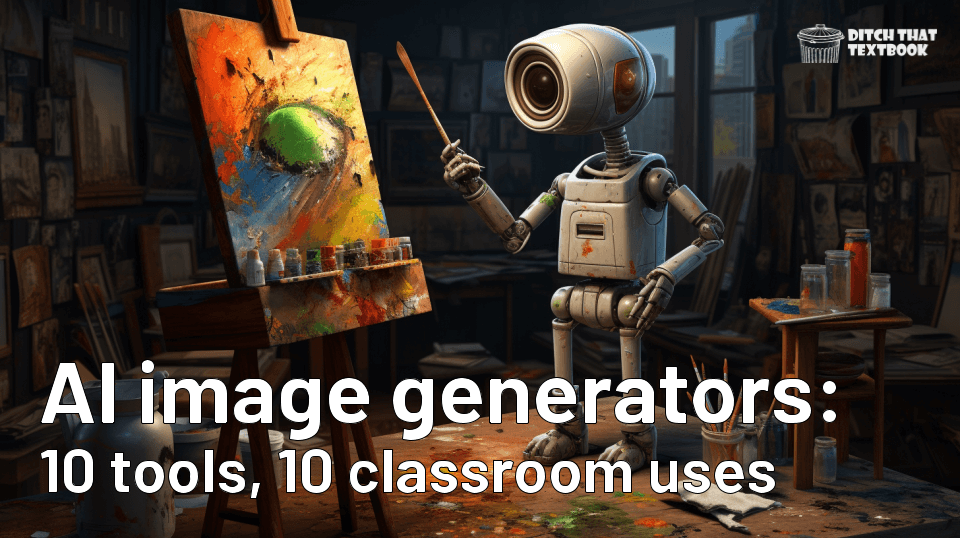
Looking for a template to get your students started on a project? We've found some great Google Docs and Slides templates for your classroom. https://sbee.link/x8wbcd9j73

NEWSELA
Start exploring with our curated monthly content calendars. They suggest timely content for every day of the school week to help your students boost background knowledge and build consistent reading routines.

Canva in the Classroom
Are you looking for ways to use @canva in the Classroom?
Find some examples at the Merrills Edublog post below!
What a powerhouse Team!

Code Crew
Try Some coding with today using @ScratchJr ! ➡️ ⬅️ ⬆️ ⬇️ Introduced coding using Code Crew lesson from
@Seesaw Library. Have your students use the 📷 to create themselves as a character and then code to move across the background. Idea stolen from @tracipiltz

Seesaw Backgrounds
💡Great hack for aligning items like images, text & shapes on a @Seesaw activity template!
1️⃣ Click ... & choose "background"
2️⃣ Select the grid or lined background
3️⃣ Use the grid to align your elements
4️⃣ Click ... & change background Items are aligned & lines are removed! 🤯 Again stolen from @tracipiltz

AI+Seesaw 😱
3️⃣ Ways to Use Ai-Generated Images inside @Seesaw! There are more than 3 ways, but these are fast, easy, and will save you time!! By @KSzajner
Check it out here - https://youtube.com/watch?v=Uu1Ks7_h23Q…

Swift Playgrounds
Is an app for iPad and Mac that makes it fun to learn and experiment with Swift — a powerful programming language created by Apple and used by the pros to build today’s most popular apps.

codeSpark
A great way for your kid to learn how to code.
- FREE curriculum, unplugged activities and more
- Easy classroom setup
- Manage students
- Control access for students

Tynker
Tynker is the fun way to learn programming and develop problem-solving & critical thinking skills. Hours of standards-aligned computer science curriculum for grades K-12 with immersive lessons, teaching materials and automatic grading.


SO COOL.....
1. Twee - A.I. Powered Tools For English Teachers. Create questions for any YouTube video in just a few seconds Generate dialogues, stories, letters or articles ...
2. myViewBoard.com - Teachers can use Whiteboard to plan a full multi-media lesson based on their own teaching style. Import and Edit with Ease. Now educators can create multimedia lessons from anywhere and share them with anyone.
3. Classkick lets teachers create and share assignments, monitor students, and give feedback in real time as students work from iPad devices or computers. Teachers can create rosters via class code or manual entry.
4. Bulb, with bulb teachers can easily have students capture and reflect on their learning experiences and then use their best work to showcase their growth & accomplishments and incentivise them to take charge of their learning journey.
5.InsertLearning was founded by two high school teachers who wanted to create a richer learning experience for their students, with the mission to help teachers turn the Internet into an interactive learning experience.
6. Rewordify.com is a powerful, free, online software that improves reading, learning, and teaching. This site can simplify difficult English, for faster comprehension, Effectively teach words, for building a better vocabulary
7. Floop - is a platform for fast teacher feedback on student work, guided peer feedback, and guided self-assessment. It streamlines the process of giving targeted feedback to students and lets them collaborate to improve learning outcomes.


Critical Thinkers
⏳ Critical Thinkers Loading... A NEW Capstone #webinar series is coming. Join us for just 1️⃣ or all 5️⃣ sessions starting Tues, Oct 3! #DigCit http://bit.ly/3PPrh8F

ISTE
Self-paced courses mean YOU decide when and how to learn. Learn on your own schedule when you enroll in our fall #ISTEu courses by Oct. 9. https://bit.ly/35ppq63

CuirCon
Curious how to incorporate #AI in the classroom then join myself and other educators as we explore the opportunities at
Curicon, this October. Register here: https://curi-con.com

Apple Professional Learning Specialist
Apple Professional Learning Live Explore helpful resources, practice new skills, and reflect on ways Apple technology can support great learning and teaching. These hands-on virtual sessions run for approximately 60 minutes and are offered twice daily.
- Visit apple.co/apl to learn more and register.
💥NEW!!! 💥- Apple has launched a new professional learning hub for educators called the Apple Education Community, which expands on the resources previously hosted on the Apple Teacher Learning Center and adds a brand new educator Forum, now live in beta.

EUGENE 4J RESOURCES TO HELP YOU GET THE YEAR STARTED!




Curriculum Administrator - Educational Technology
Email: huntley_ju@4j.lane.edu
Website: https://sites.google.com/view/huntley-edtech/justin-huntley
Location: 200 North Monroe Street, Eugene, OR, USA
Phone: 541-790-7587
Twitter: @JustinHuntley
SERVICES: In Class Support, Co-Lesson Design + Delivery, Demonstrations, Individual-Group-School Professional Development, Research, Whatever it takes to support your edtech use!