remove_red_eye 358
page background

Canva Updates

Tech Tip Tuesday (March 24, 2026)

Canva Updates Tech Tip Tuesday (March 24, 2026)
Canva UpdatesTech Tip Tuesday (March 24, 2026)
Updates from Canva! Check 'em out! Updates from Canva! Check 'em out!

Magic Layers Magic Layers

Magic Layers is an AI-powered tool that turns flat images into fully editable design layers. It lets you select and edit individual elements in an image without recreating the design, while preserving layout and visual hierarchy. It works best on graphic designs, illustrations, and stylized visuals, meaning that you can remove parts from previously 'flat' pictures!

Turn images into editable layers with Magic Layers - Canva Help Center

Transform flat images into editable design layers with Magic Layers, Select separate, and edit individual elements.

launch canva.com

Magic Insights Magic Insights

Magic Insight responses are evolving into clear, explanatory narratives inside of Canva Sheets. Users will receive not just formulas and charts, but also the context and story behind them.

Analyze and summarize Canva Sheets data with Magic Insights - Canva Help Center

Learn how to instantly analyze your Canva Sheets data with Magic Insights: summarize information, generate charts, apply formulas, and ask specific questions. Read to know more.

launch canva.com

3D elements in Education templates 3D elements in Education templates

Education templates now feature 3D elements, allowing teachers and students to explore complex subjects like planets and anatomy in an interactive and engaging way. Use any of their lessons or lesson resources free of charge!

Interactive 3D elements, now in education templates

launch canva.com

Canva to a flip booklet Canva to a flip booklet

Easily turn your designs into interactive flipbooks from Simplebooklet and publish them online. No code required and all without leaving Canva! Great for course catalogs and unit overviews!

Simplebooklet - Canva Apps

Publish and track flipbooks made from any design

launch canva.com

There will be no Tech Tip Tuesday next week (March 31)! There will be no Tech Tip Tuesday next week (March 31)!

πŸ”† Soak up the sun and avoid emails! 😎 πŸ”† Soak up the sun and avoid emails! 😎

User uploaded image
zoom_out_map Show in original size

🧠 Digital Snacks: 150+ Brain Breaks for Students

Digital Snacks are short, intentional brain breaks designed to help students reset and refocus. These quick activities reduce stress, prevent cognitive overload, break up classroom monotony, and strengthen social connections. There include interactive websites, calming videos, and engaging mini-tasks that spark joy, curiosity, and creativity.


Check them out in this Padlet curated by Tony Vincent!

Digital Snacks

150+ Breaks for students' brains! Curated by Tony Vincent. https://learninginhand.com/snacks

launch padlet.com
User uploaded image
zoom_out_map Show in original size

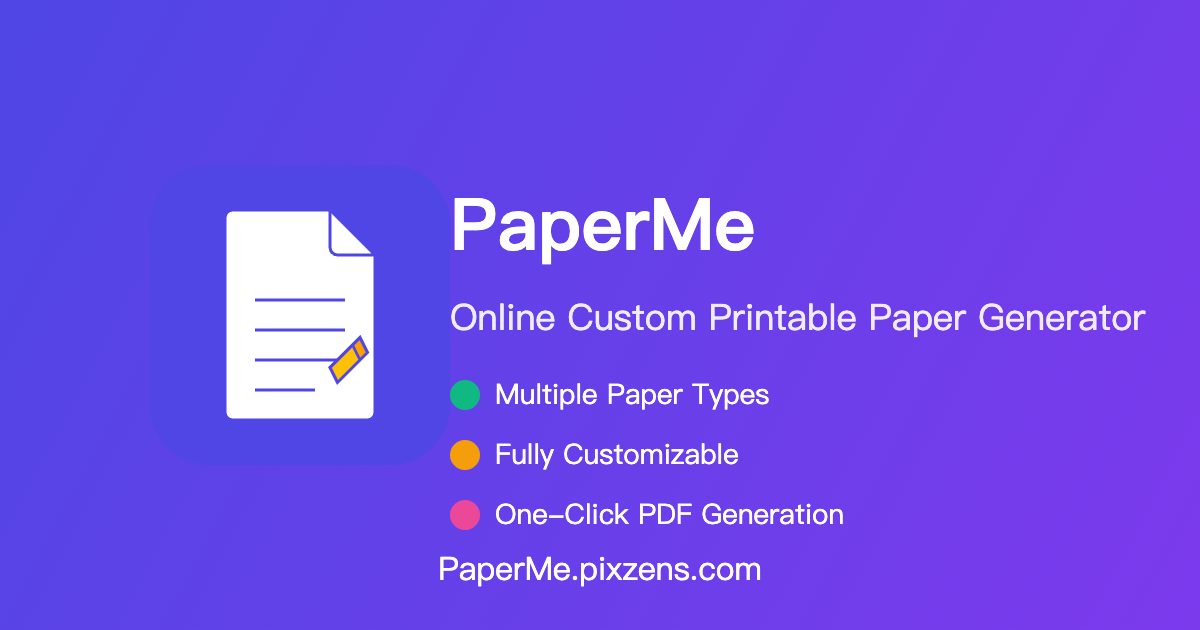
πŸ“ From Blank Page to Perfect Template with PaperMe

PaperMe is a free web-based tool for creating custom printable paper templates. It lets you fine-tune the design of ruled or patterned paper for note-taking, studying, planning, and other creative uses, then export your designs for printing. From Dot Paper for flexible brainstorming and bullet journaling, to Storyboard for planning videos or presentations, to Creative Log Paper for capturing ideas, drafts, and reflections, make your own template today!

PaperMe - Custom Paper Generator

Free online tool to create and print custom papers. Design lined paper, grid paper, dot paper, music paper, and more. Adjust size, color, and spacing to meet all your needs.

launch paperme.pixzens.com
User uploaded image
zoom_out_map Show in original size
A colorful weekly schedule graphic from the Learning Technology Center titled β€œClick to schedule!” showing school visit availability for March 23–27.  Monday, Mar 23: AM – Freeport Middle School; PM – Center Elementary School.  Tuesday, Mar 24: AM – Jones-Farrar IB World School; PM – Blackhawk Elementary School.  Wednesday, Mar 25: AM & PM – FSD145 District; available for all schools.  Thursday, Mar 26: AM – Rising Pretzels Academy; PM – Lincoln-Douglas Elementary School.  Friday, Mar 27: AM – Freeport High School; PM – Empire Elementary School. Each entry includes school logos and is displayed in alternating blue and pink sections.
open_in_new zoom_out_map Show in original size
Schedule a time!
Click here to make it easy!
Spring-themed graphic from the Learning Technology Center announcing β€œSpring break!” with decorative flowers. Text reads: β€œOut of office for the week! Mar 30 to Apr 3. Expect delays on email replies!” Includes small icons of a hand wiping a surface and a smiling sun.
open_in_new zoom_out_map Show in original size
Alt text: β€œAnimated circular graphic with the Learning Technology Center (LTC) logo in the center, surrounded by rotating blue and black rings. The GIF includes the text β€˜Dad Joke of the Week.’”
zoom_out_map

What did the gardener say to the small man who started hanging out in her garden in March?

Excuse me, do I gnome you?


Made with MagicSchool's Teacher Joke Generator

User uploaded image
zoom_out_map

Brian Krause, Instructional Technology Coach

Contact me to collaborate on your next project, troubleshoot what you do currently, or to just answer a question you have!


πŸ“§ Email: bkrause@ltcillinois.org
πŸ“± Work Cell Phone: (815) 362-4791
πŸ₯ TwiX: @bmkeducation

Always happy to meet!
Choose a time here that works best for your schedule!
Tech Tip Tuesday
open_in_new zoom_out_map

Want to catch up on the old tips?

Click here or below for an archive of all Tech Tip Tuesday newsletters.
Make today tolerable!
Thanks for reading!
Loading indicator

close
Powered by