remove_red_eye 632
page background

Screencastify

Tech Tip Tuesday (October 8, 2024)

Screencastify Tech Tip Tuesday (October 8, 2024)
ScreencastifyTech Tip Tuesday (October 8, 2024)

I can record my screen. Why?

Teachers can use Screencastify to create engaging video lessons for various purposes:


  • 🔄 🏫 Flipped classroom: Record lectures and explanations for students to watch before class.
  • ➕ 🏫 Supplementary material: Provide additional explanations or examples for complex topics
  • ❌ 🏫 Absent student support: Record lessons to keep absent students from falling behind.

Quick uses in the class

Elementary:

  • Math Tutorial: A teacher creates a screencast explaining how to solve a complex multiplication problem, demonstrating each step visually and providing clear verbal explanations.
  • Reading Comprehension: A reading teacher records a screencast of herself reading aloud a story, pausing to ask comprehension questions and model strategies for answering them.

Middle:

  • Science Experiment: A science teacher records a screencast of a lab experiment, explaining the procedure, demonstrating the steps, and discussing the results.
  • History Lecture: A history teacher creates a screencast of a lecture on a specific historical event, using visuals and audio to engage students and provide context.

High School:

  • Writing Workshop: A writing teacher records a screencast of a mini-lesson on a specific writing technique, providing examples and guiding students through the process.
  • Language Learning: A language teacher creates screencasts of dialogues or grammar explanations, allowing students to practice at their own pace.

These are just a few examples of how Screencastify can be used in K-12 classrooms. The possibilities are endless, and educators can tailor their screencasts to meet the specific needs and learning styles of their students.

📨 Screencastify Submit: Videos with Built-in Questioning 📨 Screencastify Submit: Videos with Built-in Questioning

Collect videos from students to better understand their grasp of concepts or proficiency levels — without using class time.


  • Request video submissions from students no matter where they are
  • Personalize instruction and share more feedback when you can regularly assess each student asynchronously
  • Students can record and submit music playing tests, oral language assignments, presentations, and more

Screen Recording and Class Video Submission for Students | Screencastify

Use Screencastify for a fast, secure, and easy way for your students to record and submit video assignments from nearly any device.

launch screencastify.com

✨ AI Assistant: Improve engagement and ease with one click! ✨ AI Assistant: Improve engagement and ease with one click!

Save time and make your videos more engaging and accessible.

Add an AI-generated title, description, and captions with one click.


There are still a lot of features coming for creating questions within your videos, their premium learning library, or videos you bring in from YouTube!

Screencastify

Screencastify

Once you record a video, your vide management page will appear. Click the AI Assistant button on the right hand side to see the assistant and enhance your video with AI! You can also access this page by choosing your video on the My Videos page.

launch screencastify.com

📚 Schoology x Screencastify: Integrate and accelerate 📚 Schoology x Screencastify: Integrate and accelerate

Embed your Screencastify videos right into your course!
Makes it easier for you and students!

NEW: Schoology Integration | Screencastify

NEW: Schoology Integration | Screencastify

Screencastify is the leading video creation platform for K-12 educators and students. And now, we're even easier to use alongside Schoology - one of the leading learning management systems!

launch screencastify.com
Resource of the Week

NYT Connections for your class!

Connections is one of the most daily popular games from the New York Times.


Make your own Connections game for free!

Connections - Custom Puzzle Creator

Connections - Custom Puzzle Creator

Create custom puzzles based on the Connections New York Times daily game

launch connections.swellgarfo.com

A global map in honor of Indigenous Peoples' Day

This super cool and easy-to-use interactive map displays Indigenous territories, languages, and treaties worldwide. Enter an address or zip code and start investigating. Each search result is accompanied by links to learn more about the territory, language, or treaty. Great for research projects or in-class discussions!


You can also check out the free escape-room gallery walk from PBS Learning Media to learn and teach about the dichotomy of how history remembers women from indigenous communities.

Native-Land.ca | Our home on native land

Native-Land.ca | Our home on native land

Native Land is a resource to learn more about Indigenous territories, languages, lands, and ways of life. We welcome you to our site.

launch native-land.ca
Amplifying Indigenous Experiences | PBS All-Stars Lessons | PBS LearningMedia

Amplifying Indigenous Experiences | PBS All-Stars Lessons | PBS LearningMedia

Students will watch three episodes of the UNLADYLIKE2020 series of 26 short films and explore the similarities in issues affecting these women while also identifying the qualities that made them unique. The lessons are about finding common threads between the women, and also between the past and the present.

launch wisconsin.pbslearningmedia.org
AI Byte

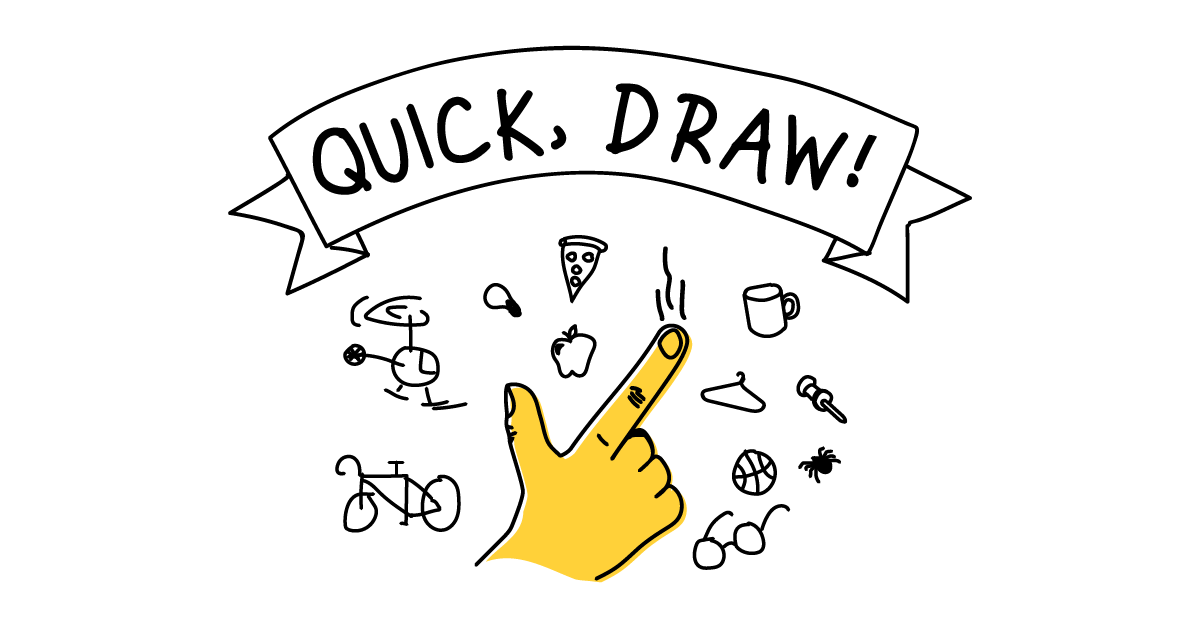
Ever wondered how computers can understand our drawings? It's all thanks to machine learning. Just like in the game Google AI experiment Quick, Draw!, a neural network tries to guess what you're drawing. The more you play and the more data it processes, the smarter it becomes. This is just one example of how machine learning can be used in creative ways, from recognizing images to generating text. Imagine the possibilities!

Quick, Draw!

Quick, Draw!

Can a neural network learn to recognize doodles? See how well it does with your drawings and help teach it, just by playing.

launch quickdraw.withgoogle.com

What would you like to see more of in my newsletters?

date_range Voting ends in 7 days
remove_red_eye Votes are anonymous and results are private
Loading...
open_in_new zoom_out_map
Where is Brian?
October 7-11
open_in_new zoom_out_map
You can always schedule a time here!
Add it right to my calendar, and I'll be there.
October 14-18
open_in_new zoom_out_map
Dad joke GIF
zoom_out_map

What kind of vest should you wear in the fall?


A har-vest


Made by MagicSchool.ai Teacher Joke Generator

zoom_out_map

Brian Krause, Instructional Technology Coach

Contact me to collaborate on your next project, troubleshoot what you do currently, or to just answer a question you have!

Email: bkrause@ltcillinois.org
Booking Link: https://calendly.com/bkrauseltc
Work Cell Phone: (815) 362-4791
Twitter: @bmkeducation

Schedule a time together!
Tech Tip Tuesday
open_in_new zoom_out_map

Want to catch up on the old tips?

Click here or below for an archive of all Tech Tip Tuesday newsletters.

My Newsletters | Smore

launch smore.com
Make today tolerable!
Thanks for reading!
Loading indicator

close
Powered by