
Smore logo
remove_red_eye 276
page background
Logo

Digital Accessibility

FALL 2026

Digital Accessibility title text with accessibility icons over a person typing on a laptop at a wooden desk.
DigitalAccessibilityFALL 2026

FALL 2026 FALL 2026

How To Use This Newsletter: A Personal Toolbox and Content Curation Hub.
zoom_out_map Show in original size

Welcome Welcome

New Role: Ashley Parker, Digital Learning + Communications Lead. Key areas: Online Learning, Digital Accessibility + Compliance, Digital Communications & Media, Google Apps, AI in Education.
open_in_new zoom_out_map

Hello! I am Ashley Parker, your Digital Learning + Communications Lead at Region 14 ESC. I have served for the last 3 years as a Digital Innovation Consultant and will take on a new set of responsibilities which include leading digital accessibility compliance for the ESC and regional districts within the deadlines set by the Department of Justice regarding Title II's ADA mandate.

Now why would I want this?

To be honest, I have always been connected to digital media, marketing, and communications over the last 25+ years. I have been a freelance graphic designer, teacher, instructional technologist, and have also designed several online courses throughout my tenure.


In my former roles, I developed many of the social, print, and digital designs and had worked to convert our entire website and communications management system to align with the upcoming mandates for Content Accessibility. My extensive knowledge with media and online learning applications will allow me to continue to teach the programs, best practices, and now content accessibility. I am here to help create templates, systems, recommendations, and evaluate programs to keep us all in compliance.

DEADLINES DEADLINES

  • April 26, 2027: Districts with a geographical population size serving more than 50,000 people

  • April 26, 2028: Districts with a geographical population size serving fewer than 50,000 people

What Must Be Compliant? What Must Be Compliant?

*Not an exhaustive list

Public-Facing Websites

  • All pages, online documents, and interactive elements on district websites.

  • Includes calendars, announcements, enrollment forms, and portals.

  • Videos (YouTube captions are not enough - these are not compliant)

  • Audio-only / Visual-only Content

  • Online Learning Management Systems

  • 3rd Party Publisher Content (eBooks & Curriculum)

  • New Social Media Posts

Mobile Applications

  • Apps used by students, parents, and staff for communication, learning, or administration. Digital Instructional Materials

Online learning platforms, course content, and homework portals.

  • Online Exams / Quizzes

  • PDFs, presentations, and multimedia are posted for student use. Administrative and Public Service Content

  • Online payment systems, registration forms, and employment applications.

  • Any digital service provided to the public.

Exceptions (Review exceptions in actual legal rule with a lawyer)

  • Pre-existing Conventional Electronic Documents

  • Content posted by a third-party (i.e. message board where content is posted by a parent, for example, etc.)

  • Individualized Documents that are password protected

  • Pre-existing social media posts

  • Ask lawyer about 'Safe Harbor' clause (for very specific instances)

Accessibility Resource Toolkit Accessibility Resource Toolkit

Is it accessible? Questions to ask before selecting educational materials. CAST logo.
open_in_new zoom_out_map

Is it accessible?

Before adopting a new tool or resource, POUR. Ask one question four ways: can every learner perceive it, operate it, understand it, and count on it working tomorrow.

See the specific questions to ask before you sign off on a new tool: Explore article/link here

An orange diamond icon with a sparkling star in the top-right corner, centered on a white circle and set against an app-style gradient background.
zoom_out_map

WCAG Alt-Text Generator

Need an easy way to create WCAG alt-text descriptions? I created a Gem in Google Gemini that allows you to upload your picture and it will provide a compliant alternative text description.
Grab your WCAG Alt-Text Generator gem!

Stickity for Slides add-on menu interface alongside a Google Slide displaying a "DO NOW" activity with instructions.
open_in_new zoom_out_map

Stickity | Accessible Classroom Graphics

Stickity is a digital tool and Chrome extension that provides K-12 teachers with accessible visual graphics and icons to insert into student-facing online materials.

Gemini Notebook
zoom_out_map

NotebookLM is now Gemini Notebook

If you haven't tried Gemini Notebook yet here is an overview that can walk you through the basics. You can use this to create activities, presentations, conduct research, and provide guided learning activities directly in Google Classroom.

Here are a collection of resources to add to your accessibility toolbox.

Graphic showing the record icon in Google Classroom.
zoom_out_map

Find Your Voice in Google Classroom

From announcements, instructions, feedback, to assessments you now have a built in audio, video, and screen recorder. Bring on accessibility! But wait - students can also use the audio or video response options when teachers enable this response option.

Tips + Tricks Tips + Tricks

Title & Headings: Docs. Every doc or PDF must have 1 main title. Use built-in Headings in toolbars, not just bold or larger font.
zoom_out_map Show in original size

Good Reads Good Reads

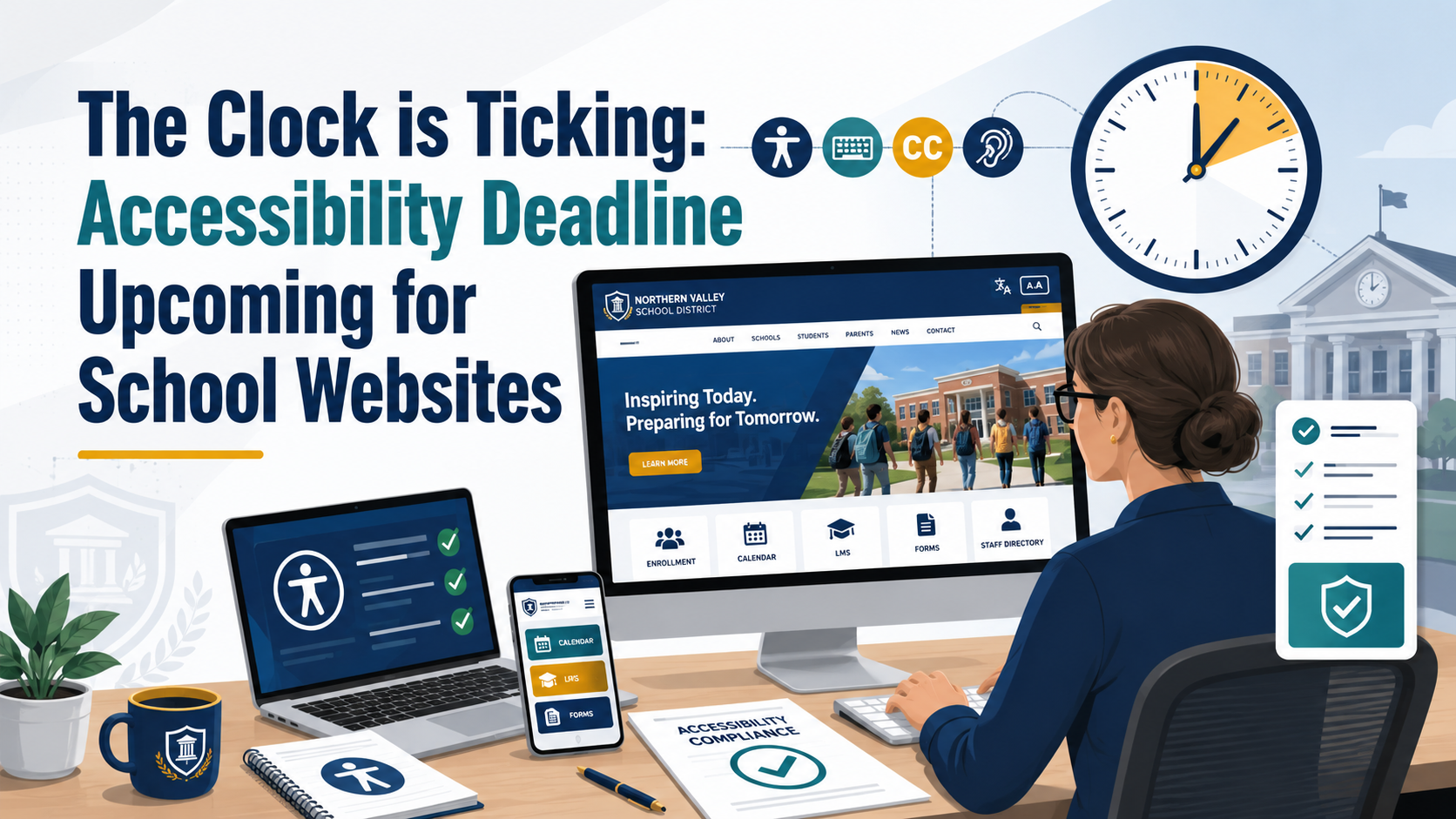
The Clock is Ticking: Accessibility Deadline, Upcoming for School Websites
open_in_new zoom_out_map Show in original size
The Clock is Ticking: Accessibility Deadline Upcoming for School Websites – TCEA TechNotes Blog

The Clock is Ticking: Accessibility Deadline Upcoming for School Websites – TCEA TechNotes Blog

Supervising a web developer in a school district can be fun. Your idea starts out as a simple website, but then, pretty soon, the web developer is making Explore this and more at TCEA TechNotes Blog, your go-to source for educational technology and teaching innovation.

launch blog.tcea.org

Events + Workshops Events + Workshops

Event Information
TCEA Convention & Exposition

  • Dates: January 31 - February 3, 2027 | San Antonio, TX
    • Sessions: Over 700 unique educational sessions and hands-on workshops.
    • Exhibits: More than 400 to 450 edtech vendors in a large exhibit hall.
    • Continuing Education: Opportunities to earn CPE credit hours over four days of learning.
    • Focus Areas: Digital learning, AI in education, district leadership, library services, and IT support.

  • Registration opens September 2027 - view here
  • When?
    Sunday, Jan 31, 2027, 08:00 AM
    Where?
    Henry B. González Convention Center, East Market Street, San Antonio, TX, USA

    Please provide first name.

    Please provide last name.

    Please provide a valid email address.

     
    check_box

    RSVPs are enabled for this event.

    Region 14 | Digital Accessibility
    Web: esc14.net/digital-accessibility

    Ashley Parker, Digital Learning + Communications Lead

    Loading indicator

    close

    Created with

    Communicate quickly and effectively with interactive newsletters.

    Smore empowers educators to connect with their community, streamline school communications,
    and increase engagement.

    Create a newsletter