

Smore logo
remove_red_eye 2.9K
page background

Peek at the Week 4th Grade

May 12, 2023

Peek at the Week 4th Grade May 12, 2023
Hello, Prestwick FamiLE!


As the weather begins to get warmer, please remind your scholar to follow the Little Elm ISD dress code. We appreciate your support and help with finishing the year strong.


Thanks,

4th Grade Team

Upcoming learning... Upcoming learning...

ELAR: We will finishing reading Tales of a Fourth Grade Nothing and do our last "Case of".


***One HUGE way to support your scholar's learning at home is to have them ready 15-20 minutes a day and if you're looking for some questions to ask about their reading click here. Students can also work on Lexia, a reading/spelling/writing program, at home through Classlink. Instructions on how to access it are in your child's W.I.P. folder.***


Social Studies: Students will be review skills taught throughout the year through whole group games and quizzes.


Math: Students will finish creating their Geometry cities & will be creating an online math game to share and play with classmates throughout the week.


***Imagine Math lessons can be completed at home or school. Look in your child's W.I.P. folder for instructions on how to access it.***


Science: Students will finish their ecosystem projects and do a final review of this topic along with life cycles.


***Please remember students can log into classlink from home. https://launchpad.classlink.com/leisd Feel free to reach out with any concerns or questions.

HOW TO LOG-IN @ HOME?

IMPORTANT INFO... IMPORTANT INFO...

zoom_out_map

*Accountibility & W.I.P. Folders - The level of accountability has risen now that we are in the 2nd semester and your kiddos will soon be leading and modeling what it means to "rule the school". Please help us in preparing them for the rigor and responsibility that comes with being 5th grade leaders. We are holding them accountable for not only academic success but also behavioral and social-emotional success as well. Students are now carrying BOTH Work In Progress folders in their backpacks and are able to work on assignments at home that they did not finish in class. Please note, they may still need access to "Classlink" and Google Classroom for materials and/or resources needed for the assignments.

*HEADPHONES!!! - Students are working on their Chromebooks DAILY in apps that require headphones. Please make sure your child has headphones in their backpack.

*Sickness - There's LOTS of germs going around. Please keep your kiddo home if they have fever or are experiencing other "germy" symptoms.

*Outside recess - We go outside as long as the "feels like" temperature is above 32 degrees and it's not raining so please reminder your child to bring a jacket/sweatshirt. We always tell them it's better to have it and not need it then need it and not have it.

zoom_out_map

May Dates...

  • 19th / Last Day of School
    • 9:30-10:30 End of the Year party
    • 12:05 EARLY RELEASE

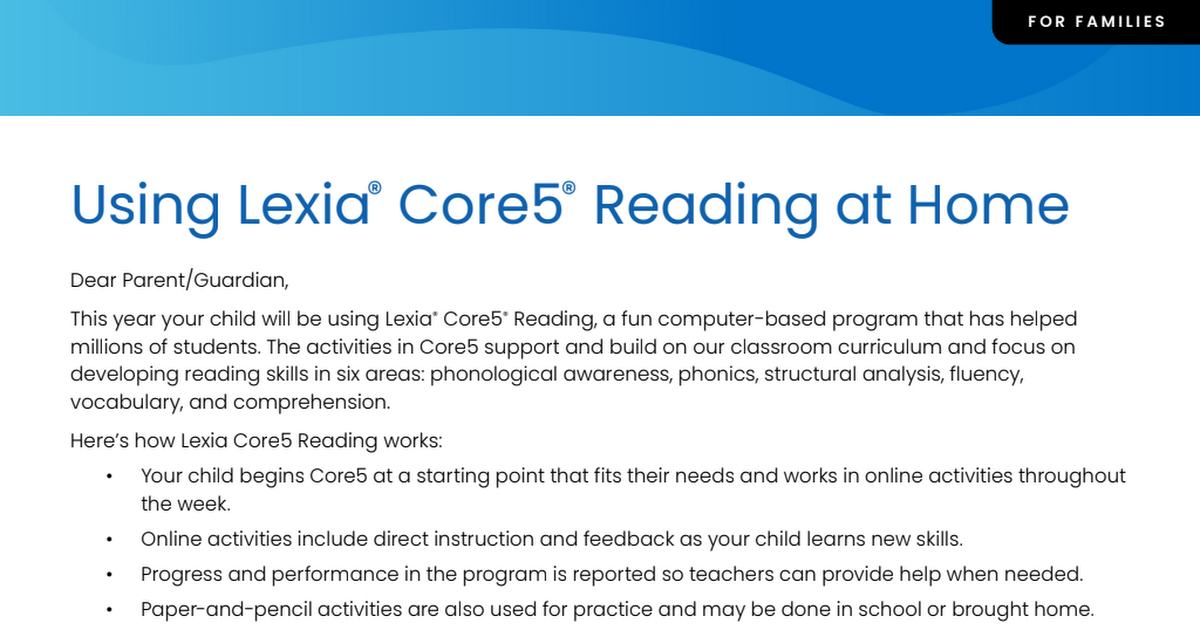
Practice Lexia at Home Practice Lexia at Home

Core5_School_Year_Home_Use_Letter.pdf

Core5_School_Year_Home_Use_Letter.pdf

launch drive.google.com

Specials Schedule Specials Schedule

Specials Edition

Specials Edition

Specials Edition - Week of May 15, 2023 by Prestwick Specials

launch smore.com

Lunch Menu Lunch Menu

100 Minutes of Reading a Week = 100 Dojo Points!!!!

Students just need to log their minutes on the calendar in their Take Home Folder and get a parent/guardian to initial each day. We add up minutes every Monday.

zoom_out_map

Want to access Google Classroom at home?

To access Google Classroom from home...


  • Click here to go to ClassLink
  • Have your child sign-in with their username and password
  • Click Google Classroom on the My Apps page
  • If needed, enter your teachers class code below
    • Mrs. Adair ELAR/SS = ebspk5d
    • Mrs. Adair Math = uywig2x
    • Mrs. Adair Science = y242nji
    • Mrs. Greeley ELAR/SS = hcax5p6
    • Ms. Greeley Math = ambuyb4
    • Ms. Greeley Science = wljwqb6
    • Ms. Kim ELAR/SS= pxn7sa2
    • Ms. Kim math = de7me4u
    • Ms. Kim science = d676bb3
    • Mrs. Smith ELAR/SS = wd6b3sn
    • Mrs. Smith math = p7rp46s
    • Mrs. Smith science = 2lgfqtg

How to Create a Parent Portal Account

Open the attachment below for a step-by-step explanation of how to create a parent portal account .

pdf
insert_drive_file
Focus Parent Portal Account.pdf
Download
508.3 KB
4th Grade Team
Elizabeth Adair - Team Leader

ELAR / SS

eadair@leisd.ws


Rita Greeley

Math / Science

rgreeley@leisd.ws


Christina Kim

ELAR / SS

ckim@leisd.ws


Cristal Smith

Math / Science

ccaseysmith@leisd.ws

Loading indicator

close

Created with

Communicate quickly and effectively with interactive newsletters.

Smore empowers educators to connect with their community, streamline school communications,
and increase engagement.

Create a newsletter