

Smore logo
remove_red_eye 408
page background
Logo

The CyberRaider

The CyberRaider
TheCyberRaider

The CyberRaider The CyberRaider

News Source for families in Between the Lakes Virtual Academy & Kiel eSchool

Kiel Homecoming Week! Kiel Homecoming Week!

A listing of dress up days for homecoming week starting September 29!
zoom_out_map Show in original size

We encourage all students 4K through 12 to join us in our silly dress up days this week! Send us your favorite pictures of your creative OOD's (Outfit of the Day) and be entered to win a prize for Cyberschool Spirit! Send your pictures to Ms. Scovell Muraski: sscovellmuraski@kiel.k12.wi.us before NOON on Friday, October 3 to enter!!

(On Thursday, students in 4K-8 can dress to match siblings in the eSchool or choose whatever color they like -- how much of one color can you wear???)

Club Links Club Links

Coding and Gaming Club sign up -- Thursdays 3-4 PM
Mindfulness & Stretching Open to all grades! Tuesdays, 12:45-1:30

Family Advisory Council Family Advisory Council

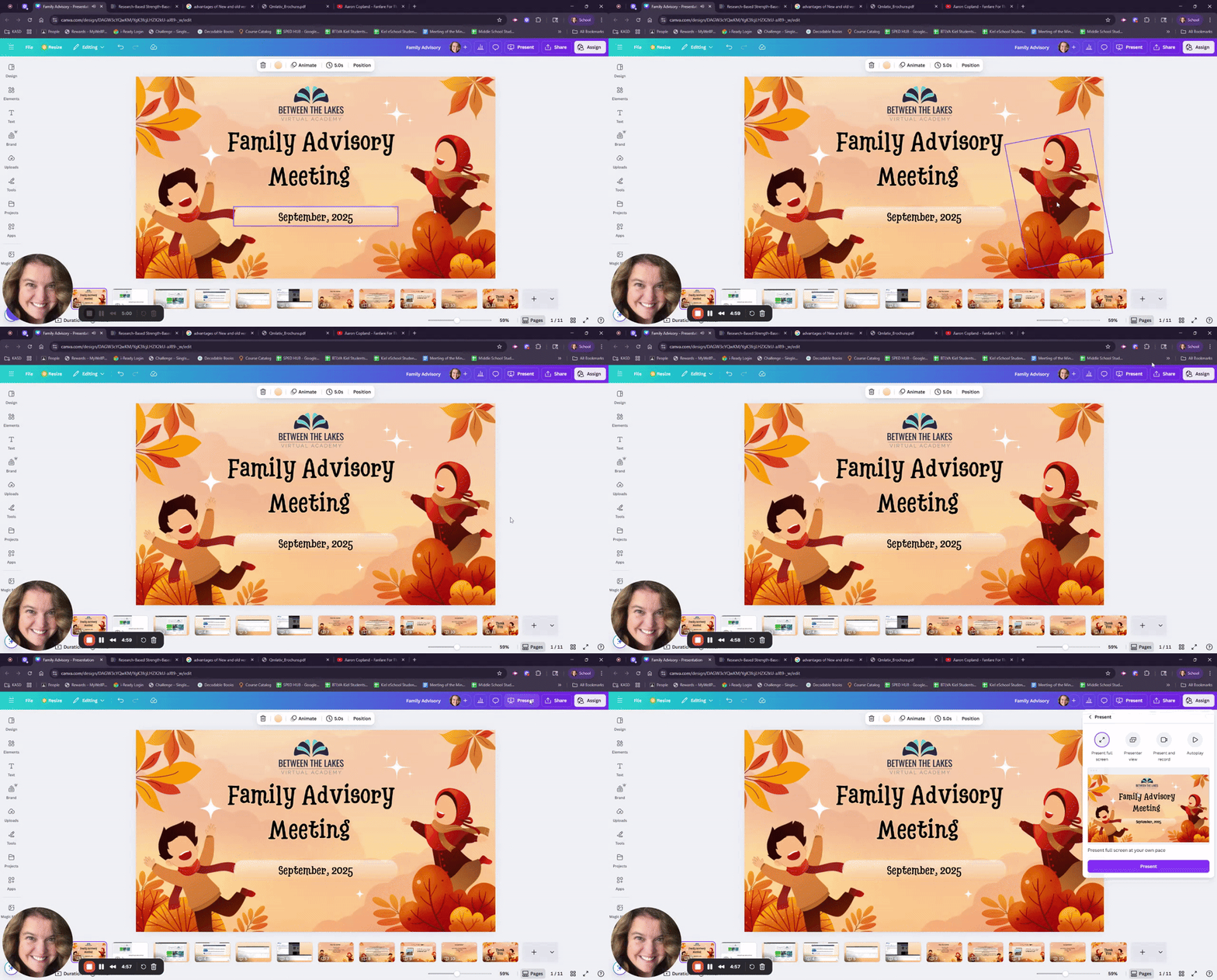
Thank you to those who were able to make our first Family Advisory Council meeting of the year! If you missed it, please click on the short video below to see the slides and a short overview. If you have any questions, please call or email us!

Parent Advisory Meeting Highlights 📚

In this video, I walked through the key features of Genius & Buzz, emphasizing the importance of navigating lessons thoroughly rather than just relying on the to-do list. I also highlighted the grades tab and the activity page, which provide valuable insights into student performance and engagement. We discussed upcoming field trips, including a ropes course rescheduled for spring, and the possibility of a yearbook where I encourage everyone to contribute pictures. I invite you to share your learning adventures with us, and please remember that I will not post anything on social media without your permission. Lastly, our next meeting is set for February, but I’m open to scheduling one sooner if there’s interest.

launch loom.com

Supporting Online Learning Tips #1 Supporting Online Learning Tips #1

User uploaded image
zoom_out_map

Are your students skipping the learning and skipping to the homework?

All students want to get right to their homework, right? The problem is, if they skip the practice, they often get frustrated with the assessment. There should be much more time spent in the lessons than on any of the assignments. For students who are new to online, self-paced learning, there is often some frustration and initial feeling that the assignments are "too hard." Many times this is because they have skipped the lessons, which is where the learning and retaining happens.

This also sometimes can lead to students wanting to google answers to questions. While Google can sometimes provide answers, the students aren't really learning or understanding the concepts.


One way to support students to minimize frustration is to have them always click on the "ACTIVITIES" and go to the modules, versus going to the "To Do" list, which ONLY lists assignments. Imagine taking a math quiz without having had any direction! Or understanding a period in history never having read, watched a video or done an interactive debate about it.


Please note the pictures and captions below!

Any questions? Have your student reach out to their teachers-- all of them can help!

User uploaded image
zoom_out_map

The to-do list -- don't rely on this!

This is what is at the top under the welcome picture when they click into their courses. IF they click on the "To DOList" -- this is ONLY the assignments

User uploaded image
zoom_out_map

Click on ACTIVITIES instead! (Or scroll down)

This will show where each module section is; items with the same name are often the lesson, followed by the assignment.

User uploaded image
zoom_out_map

Navigating through the lesson

Once you get to the lesson, click the arrows at the TOP of the page, (Top right) to go through each page of the lesson. In this example you see Pages 1-9, with < and > buttons to advance or go back.


If you are stuck on a question in the assessment, this is a good place to look for the answer!

Screen Tools and Next activity button -- only click next when you have gone through all the pages of the lesson.
zoom_out_map Show in original size

There are also tools available to all students. The crossed arrows move the tool bar, then selection, playback, stop or pause to the screen reader (and its a nice voice, not robotic!), a translator button, a dictionary to look up a term, a picture dictionary link, and a screen mask that helps readers by illuminating only the places on the screen where the cursor is, aiding in reading line by line.

User uploaded image
zoom_out_map

Checkin the Time Spent

Have your student navigate to the "grades" section by clicking the three lines "menu" on the top right.

User uploaded image
zoom_out_map

Click on Activity

This gives you a breakdown of how much time is spent on the lessons and assessments. If you are seeing "8s," this means they spent 8 seconds on that page.

User uploaded image
zoom_out_map

Checking grades

Ultimately, this is also where you can check grades by clicking the GRADES on the far left. It will show when it was turned in on the right.

A black rectangle means it was turned in, but not graded yet.

If you see a circular arrow, this means the teacher has set a "redo" and the student can submit again.

If you see a conversation square, this symbol means your teacher has left feedback you can click on. Make sure you look at your feedback!

Click here to Login to your Guardian Account in GENIUS
Remember that only the student can submit work and log minutes! This is a good way to check on their work! If you have questions about this account, access, etc. please reach out to our office.

Welcome To a New School Year! Welcome To a New School Year!

A computer with symbols for different academic subjects floating around it.
zoom_out_map

WELCOME!

We are so excited to have you in our program this year! We've had many students join us, and many return -- so welcome and welcome back!


This newsletter will have information for both Kiel District enrolled students and Partner District students. If something is only pertinent to your group, it will come in an email or from your home district directly. All students are welcome to participate in activities offered in BTLVA and Kiel eSchool per their appropriate ages.


This first week of school our office is inundated with enrollments, course change requests, IT trouble shooting, etc. and it may take us a bit longer to get back to you. We appreciate your patience so much! Our school continues to grow as we serve not only our own students, but 26 other school districts state wide. We are still accepting applications for alternate open enrollment; if you know someone who is considering virtual learning, please have them call our office at (920) 894-5169.


Reminders:

Please make sure you can access your Guardian Account in Genius! This is a great way to keep track of your student's progress.

In that account, make sure that the email that is listed is correct. If you never received an email with your account log in, please email Sandy Sickinger, our registrar, right away. ssickinger@kiel.k12.wi.us


You will receive a progress report every Monday morning before 9 AM. This is comprehensive, and includes both the current grade and the pace. NOTE: your student might have a good grade, but if they are behind pace, incomplete assignments become zero at the end of the semester. Attendance is determined using both pacing and passing, so zeroes will not be added until the end of the term.

Students can use the "What If" tool in their gradebook to see what their grade would be with certain scores at any time during the semester.


For students who are more independent in their school work, we recommend having at least a weekly (and preferably a few times a week) check with your student and have them show you where they are, what they are studying, and how their grades are progressing.


If you have any questions about time spent in courses, passing grades, pacing or cannot access your guardian account, please let us know right away!

Student Advocacy: Building communication skills! Student Advocacy: Building communication skills!

Even when students are in elementary grades, we encourage you to help them email their teachers with questions. One of the most common things we hear from our graduates is that online learning taught them to self-advocate -- not being afraid to ask questions or for clarification on aspects of the classes. This confidence building can start in 4K!

Online Learning Tips Online Learning Tips

Top Online High School Learning Tips for Success and Productivity

Boost success and productivity with these top online high school learning tips. Enhance your virtual education experience with practical strategies and advice.

launch asuprepglobalacademy.org

Social Media Social Media

Please like and follow us on Facebook or Linkedin: Between the Lakes Virtual Academy & Kiel eSchool

Sarah Scovell Muraski
Sarah is using Smore to create beautiful newsletters
Loading indicator

close

Created with

Communicate quickly and effectively with interactive newsletters.

Smore empowers educators to connect with their community, streamline school communications,
and increase engagement.

Create a newsletter