
Smore logo
remove_red_eye 310

ECSD Technology Newsletter

ECSD TechnologyNewsletter

Women's History Month Resources

March is Women's History Month! Discovery Education has launched a Women's History Month Channel. See below the description From Discovery Education:


Celebrate the remarkable journeys of legendary women throughout history and learn contemporary stories of women changing the world today. This collection showcases stories of pioneering women who fought for equality regardless of gender, including the women's suffrage movement in the United States. Explore the impact women have had politically, in STEM, the arts, sports, leadership positions, and more.


You can access the Women's History Channe Collection HERE

Creating comics to show what you know

Happy Monday!

Recently I read an interview with Utah Educator Matt Winters. I was drawn to the article because the guy has a great last name! In the interview, Matt discussed some of his favorite Applied Digital Skills lessons in Google. He talked about how he has seen student and teacher success and engagement with having students create their own cartoons with Google Drawings. This is a great easy way for students to create and summarize! Students can create and submit Google Drawings through Google classroom. If you are interested in this then check out the Applied Digital Skills lesson below. Please let me know if you have questions or if you would like for me to model this for you and your students!


Create Comics in Google Draw

Templates

Templates

Here you can find templates that I have created or have generated through collaboration with others. christinepinto.com/dots Students practice reading simple sentence and insert dots to create a visual for the slides. I See Dots (no blog) christinepinto.com/buildasundae In Google Docs, students manipulate a Google Drawing that includes items to build a sundae.

launch christinepinto.com

Google for Education Updates Google for Education Updates

EDU in 90: The Latest, February 2022

Google for Education Teacher Center

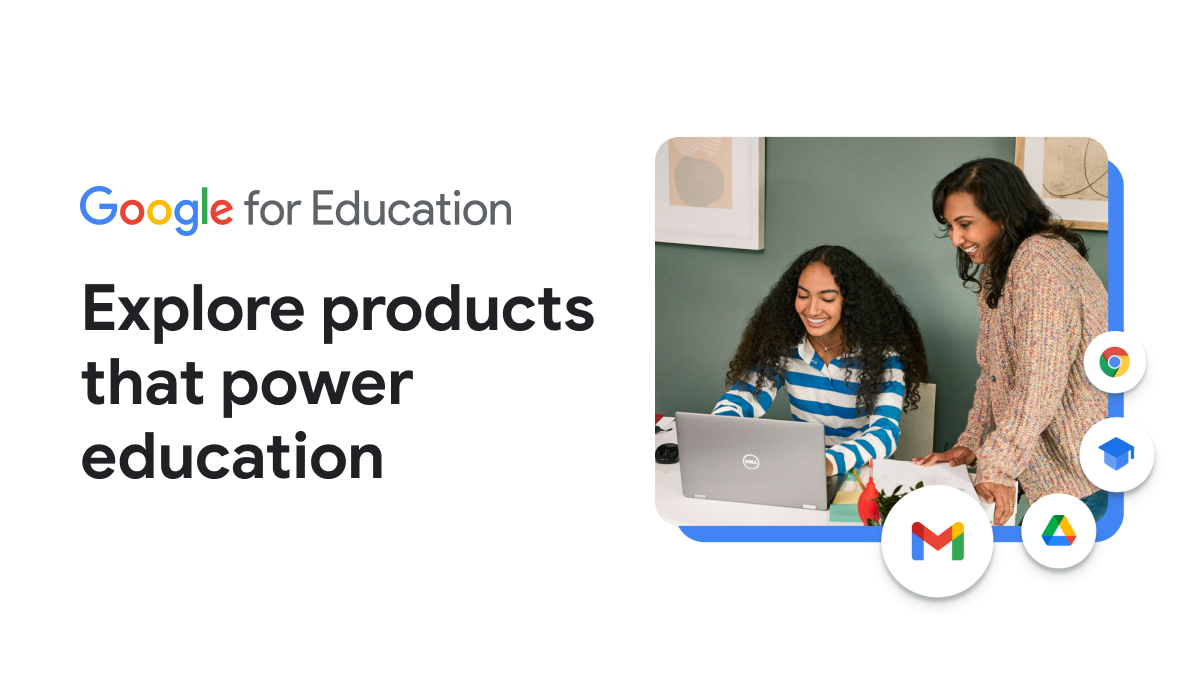
The Google for Education Teaching Center is a resource that many of us have used to go through the Google Educator Certification. When we were logging into it the other day during Google Class I noticed that they now have a tab called "product guide" Product Guide offers short tutorials on all of the products that we have access to in Google Workspace for Education. Please let me know if you have any questions about anything Google! You can E-mail me at clint.winter@elbert.k12.ga.us
Training Courses | Teacher Center | Google for Education

Training Courses | Teacher Center | Google for Education

Learn how to use Google tools to keep students engaged while teaching remotely. Discover new ways to assess student learning, check in on student well-being, and communicate effectively with parents and guardians.

launch edu.google.com
zoom_out_map

Elbert County School District Technology Department

Joe Dawson - Elbert County Elementary School

Matt Johnson - Elbert County Middle School

Sherri Rampey - ECSD Technology Program Manager

Hector Santiago - Elbert County Comprehensive High School

Clint Winter - Instructional Technology Coordinator Elbert County School District

Website: elbert.k12.ga.us
Phone: 706.213.4000
Twitter: @elbertcoschools

Loading indicator

close

Created with

Communicate quickly and effectively with interactive newsletters.

Smore empowers educators to connect with their community, streamline school communications,
and increase engagement.

Create a newsletter