Smore logo
remove_red_eye 2.5K
page background

Tech Tools for Presentations!

How to take your presentation from good to great!

Tech Tools forPresentations!How to take your presentation from good to great!

Tools You Can Use To Take Your Presentation From Good to Great!

There are many different ways you can choose to present your information to your audience. Some of the most well known options are Power Point and Prezi. However, you are not limited to those options. Below, you will find links to different tools that you can use for your presentation, as well as exemplars as to how those tools can be used to create a great presentation. I would highly recommend that you give these tools a try. They can make the difference in taking your presentation from good to great!

Powtoon

Powtoon is a lot of fun because you can turn your presentation into a cartoon. You will have to create an account to use this tool and if you want access to some of the more interesting features there is a cost. However, you can make a great powtoon free of charge by using the basic applications.

http://www.powtoon.com

launch powtoon.com
Welcome to the Library Learning Commons
https://www.youtube.com/watch?v=J-PMg0rkV00

Adobe Spark/Voice

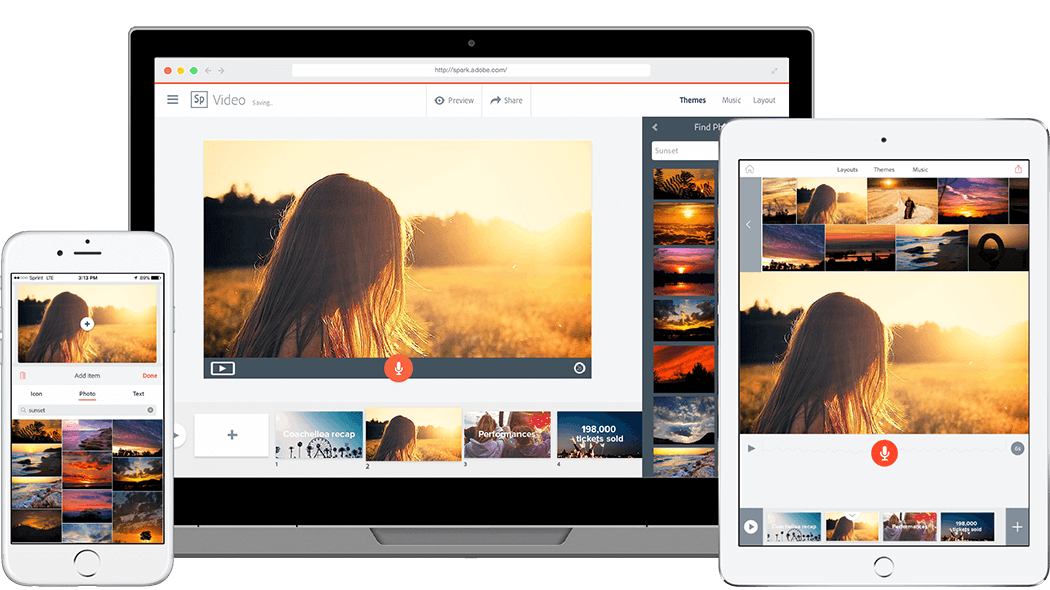
This is a very cool tool because you can use it to make a variety of things that can enhance your presentation. You can make a social graphic, a web story or an animated video quickly and easily. There are links on the site that you can watch to learn how to get started designing your presentation. Below the link to Adobe Spark is an exemplar created by one of the students at my school. Hopefully this will inspire you and give you an idea of what is possible using Adobe Spark!
Adobe Spark - Communicate with impact

Adobe Spark - Communicate with impact

Turn your ideas into impactful social graphics, web stories, and animated videos - in minutes.

launch spark.adobe.com
The Science Of Love

The Science Of Love

launch spark.adobe.com
https://www.youtube.com/watch?v=xXKA9Ogeppc

Piktochart

Like Adobe Spark, there are many different options for creating a presentation using Piktochart. You can create an infographic, a slide presentation, a poster or a report. It also contains a great tutorial within the site to figure out how to create your presentation. It does have some features that have a cost attached but you should be able to make an excellent presentation by using the free version. Below is the link to Piktochart, as well as a few exemplars that students have used to create an infographic.
Create Easy Infographics, Reports, Presentations | Piktochart

Create Easy Infographics, Reports, Presentations | Piktochart

Piktochart is an easy infographic design app that requires very little effort to produce beautiful, high quality graphics. Make your own infographics here.

launch piktochart.com
Untitled Infographic

Untitled Infographic

Untitled Infographic | Piktochart Infographic Editor

launch magic.piktochart.com
From Poverty To Pimps

From Poverty To Pimps

From Poverty To Pimps | Piktochart Infographic Editor

launch magic.piktochart.com
https://www.youtube.com/watch?v=Eq-85gzw3GI

Haiku Deck

For those of you who are fans of using Power Point but want to jazz up your presentation a bit, I would highly recommend trying Haiku Deck. The great thing about Haiku Deck is that, unlike Power Point where you have to search for the images that you want to use in your presentation, Haiku Deck has a wide assortment of images that are easily accessible and are free to use. The downside of Haiku Deck is that if you want to embed video into your presentation, you have to upgrade to the pro version at a cost. However, if you are not adding video to your presentation, this tool is a great option.


Presentation Software | Online Presentation Tools | Haiku Deck

Presentations That Inspire. Meet Haiku Deck, a completely new kind of presentation software. We make telling your story simple, beautiful, and fun. Get Started.

launch haikudeck.com
Life's a beach

Life's a beach

A presentation by jonelle.staubyn created with Haiku Deck, free presentation software that is simple, beautiful, and fun.

launch haikudeck.com
https://www.youtube.com/watch?v=9oN1H_MCYaQ

Go Animate

If you are the kind of person that likes bringing comics to life, then Go Animate is for you! You take comic strip style characters and animate them like a cartoon. This is similar to Powtoon but most features must be paid for. However, they do have a free 14 day trial, so if you have a presentation that is happening soon, this might be a great tool for you to try.

Create Animated Videos for your Business | GoAnimate.com

Make animated videos online for your business with GoAnimate. Create animated marketing videos, sales videos, explainer videos, training videos and elearning videos. Make video presentations and produce video advertising. Use our powerful animation software to increase the ROI on your video.

launch goanimate.com
https://www.youtube.com/watch?v=_7Pd-Yv4L84

Emaze

The Emaze concept is to provide many different templates each with it's own unique design, style and feel. With their amazing templates and themes, your presentations will be quick to make and beautiful to watch! If you have never used Emaze before, I would recommend checking out the tutorial to see just how easy it is to use.

Emaze - Create & Share Amazing Presentations, Websites and More

Emaze is the next generation of online content creation. Choose from hundreds of templates to create customized presentations, websites, blogs and more.

launch emaze.com
Getting Started with emaze!

Canva

Canva is actually quite similar to Piktochart in its layout and functionality. However, it is also a great tool that you can use to make stunning presentations. You can select from a variety of layouts and templates to put together an exciting presentation. Check out the link below to get started using Canva.

Amazingly Simple Graphic Design Software – Canva

Canva makes design simple for everyone. Create designs for Web or print: blog graphics, presentations, Facebook covers, flyers, posters, invitations and so much more.

launch canva.com
https://www.youtube.com/watch?v=uUR6c5WS30g

Slideshare

SlideShare is a slide hosting service, acquired by LinkedIn in 2012. It allows users to upload files (PowerPoint, PDF, Keynote, or OpenDocument presentations) either privately or publicly. The slide decks can then be viewed on the site itself or can be embedded on other sites. Just as YouTube allows users to upload and share videos, SlideShare allows users to upload and share slideshows. These features make slideshare a great option for putting together a presentation for class.
SlideShare.net

SlideShare.net

Discover, Share, and Present presentations and infographics with the world’s largest professional content sharing community.

launch slideshare.net
https://www.youtube.com/watch?v=T9_whnpLBhg

Projeqt

Projeqt gives students an online learning tool to express their creativity, knowledge and skills in the classroom. Using the vast bank of resources available to them on the Internet, Projeqt lets students use the information they’ve found online and compliment it with things they’ve created themselves. They are able to pull in live blog feeds and tweets, insert an interactive map, or link to an online quiz. Projeqt makes it easy for students to be creative by tapping into the best of the web.
projeqt - dynamic presentations for a real-time world

projeqt - dynamic presentations for a real-time world

With Projeqt, your presentations never remain static. Pull in live tweets or blog feeds, insert an interactive map, add audio notes or stream videos. Let your presentations be as dynamic as you are.

launch projeqt.com

Slidebean

Slidebean is an online presentation tool focused that lets you add the content, and automatically converts formats it into beautifully designed slides, allowing you to create a professional presentation in a fraction of the time it used to take on PowerPoint.


When comparing it to PowerPoint, Slidebean’s interface is easy to learn and it lets you create fantastic looking presentations very fast. Their platform web based and allows both PowerPoint and direct to PDF exports.


Slidebean also has a unique advantage which is a set of dozens of presentation templates. These are pre-filled decks that serve common purposes, like business proposals, classroom decks, thesis presentations and even startup pitch decks: all you need to do is import them and fill in your content.

Presentation Software

Presentation Software

Presentation software that designs the slides automatically. Just add your content, our online presentation tools will create a professional design. Sign up free.

launch slidebean.com
https://www.youtube.com/watch?v=KcODTdT_lmM
Loading indicator

close

Created with

Communicate quickly and effectively with interactive newsletters.

Smore empowers educators to connect with their community, streamline school communications,
and increase engagement.

Create a newsletter