page background

Classroom Update Template

What's Happening in our Class!

ClassroomUpdate TemplateWhat's Happening in our Class!
User uploaded image
zoom_out_map

6 Strategies for Clear Communication

📅 Chunk the Newsletter: Use titles to separate different sections

📸 Add Pictures: Include more photos of students to boost engagement

📎 Link Important Documents: Don't forget to link the lunch calendar and any other important documents

🌐 Translation Directions: Provide directions on how to translate the newsletter in families' home languages in the opening paragraph

📞 Contact Info: Always include your contact information and a picture of yourself

📊 Check Analytics: Track who has read your update to improve future newsletters


Consistent, clear communication is crucial for building strong parent-teacher relationships!

Section 1: Summary of What We're Learning Section 1: Summary of What We're Learning

Use this text box

To write up a little summary of what you're working on:

5 Things We Worked on This Week:
1. ELA: 'EI' pattern spelling words (neither, either, ceiling, weird)

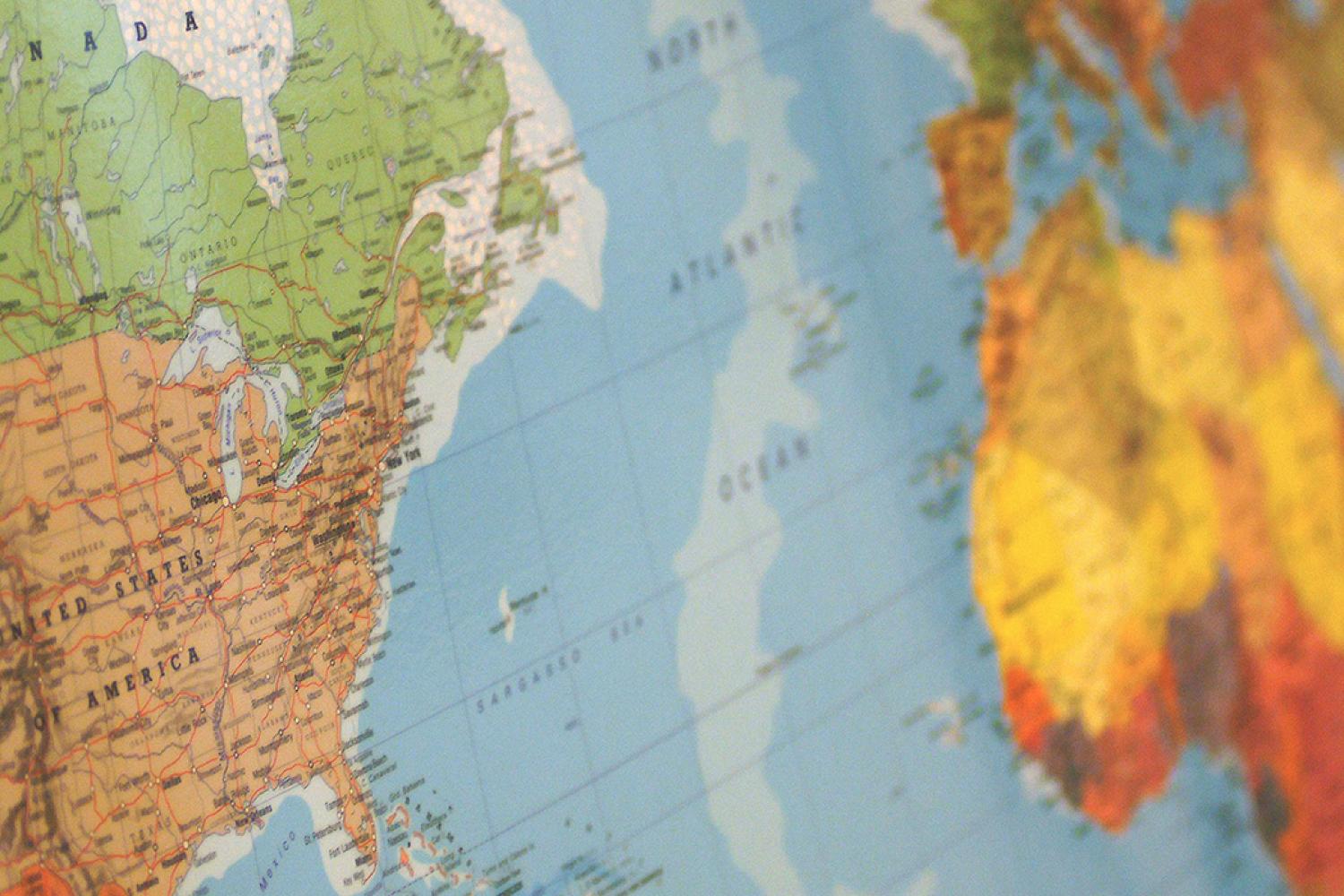
2. Social Studies: How do we read a map? (ask your child to show you what they learned)

3. Math: Introduction to fractions! What's a numerator and what's a denominator.

4. Science: We are beginning our study of the water cycle

5. Classroom community: How do we handle it when we are upset with someone? (ask your child!)

Section 2: Pictures, Lots of Pictures! Section 2: Pictures, Lots of Pictures!

User uploaded image
zoom_out_map

Include pics of students

User uploaded image
zoom_out_map

Or student work

User uploaded image
zoom_out_map

Or a learning unit

Section 3: Assignments for the Week Section 3: Assignments for the Week

Another Text Box

Either you can detail assignments:

☀️ Due Monday: ELA reading packet and questions

🌍 Due Tuesday: Color in map of your choice

💦 Due Wednesday: Illustrate one part of the water cycle and write three 'did you know' questions

📏 Due Thursday: Fractions project

🙌 Due Friday: Any work from earlier in the week

OR you can skip the text box and link to any documents, like this assignment sheet.

Section 4: Calendar Items Section 4: Calendar Items

Event Information
If you would like to include any kind of event, do so here. Even a virtual parent meeting.

For example, you could create an event with times to pick up books or meals from school. You can include an RSVP if you want to know who will be coming by.

When?
Monday, 14 Sept 2026, 09:15 am
Where?
Our School
location_on Open maps

Please provide first name.

Please provide last name.

Please provide a valid email address.

 
check_box

RSVPs are enabled for this event.

Section 5: Building/District Updates Section 5: Building/District Updates

Do you need to share more information?

This is another text box for instructions from teachers or alerts from the district. Just click here to fill in anything you need. You'll notice that you can also hyperlink from this text box.
User uploaded image
zoom_out_map

Contact Information

Make sure to share all the important contact information for your school & yourself along with how to contact you (by email? By text? By phone?). If you or your school is updating on social media, make sure to include those URLs, as well.

Email: contact@ourschool.com
Website: ourwebsite.org
Location: Our Address
Phone: (206) 555-1234
Facebook: facebook.com/ourschool
Twitter: @ourschool

Smore Templates
Smore is using Smore to create beautiful newsletters
Loading indicator

close