remove_red_eye 167
page background

Robi Repository

Resources & updates from the Hudson High School media center

Robi Repository Resources & updates from the Hudson High School media center

September 2022

On a personal note On a personal note

After undergoing a year of physical therapy, exercises, and pain management, I am actually excited to announce that I will be receiving surgery on my back on October 13. The lumbar microdiscectomy is a minimally-invasive, outpatient procedure that will hopefully remove the bulging area of my L3 disc that is pressing on a nerve. I will require two weeks to recover at home. I intend to bounce back after that and hopefully return to a normal, pain-free life. Let's do this!

Awesome circulation stats! Awesome circulation stats!

zoom_out_map

I am pleased to announce that books are flying off our shelves this year at a very impressive rate! When compared to this point last year, circulation of our print books has DOUBLED! Check out our stats:

  • Total print book circulation by Sept. 15, 2021 = 229
  • Total print book circulation Sept. 15, 2022 = 458


Our ebook and audiobook circulation stats are also increasing rapidly this year. Students have borrowed 25% more books on Sora this year than they had by this point in 2021. Below are the stats for ebook and audiobook circulation on Sora for HMS and HHS:


  • Total ebook circulation by Sept. 15, 2021 = 1058
  • Total ebook circulation by Sept. 15, 2022 = 1372


A special shoutout goes to Dr. Griffiths-Ward for promoting books so heavily in the media center. Her displays and her friendly conversations with students about books are making a tremendous impact. We love to see more books in students' hands!

Apple Learning Coach Apple Learning Coach

Apple Learning Coach
zoom_out_map open_in_new
This summer I undertook nearly 50 hours of training to become a certified Apple Learning Coach. The program took me on a deep dive into iPad technologies, and it prepared me to assist other teachers on their journey towards getting the most out of Apple technology.


I am excited to team up with teachers to develop lessons and activities that embrace the powerful software tools on the iPad. I look forward to opportunities to embrace the features of Keynote, Pages, iMovie, Clips, GarageBand, and Numbers into student projects.


If you are interested in dipping your toes into the Apple waters, I would love to work with you. We can create some seriously creative projects that embrace the powerful multimedia features built into the iPads. Join me at taking a peek at what lies beyond Google Docs. You won't regret it!

Apple Learning Coach introductory video

Introducing Sora Magazines Introducing Sora Magazines

Sora Magazines
zoom_out_map open_in_new

Sora, the popular e-reader app installed on our iPads, has recently gained a new collection of digital magazines for everyone to enjoy. In August I purchased a subscription to Sora Magazines, which included around 70 titles. The folks at Overdrive are continuously adding more titles to our collection. At the time of this newsletter, there are now 87 magazines included in this ever-growing collection.


The magazines serve a wide audience and cover a wide array of topics. Some of them are even in other languages! Here are a few of the magazine titles you can find in Sora:


  • Sports Illustrated
  • The Economist
  • National Geographic
  • HGTV
  • New Scientist
  • Food Network
  • Reader's Digest
  • Newsweek
  • Car and Driver
  • Rolling Stone
  • Popular Mechanics
  • Smithsonian
  • Popular Science
  • Discover
  • Astronomy
  • Science Illustrated


The digital issues of the magazines can be borrowed simultaneously by unlimited students, which makes them handy supplemental resources for classes. To view the magazines, you can visit soraapp.com and sign in with Google. You can read Sora content on any internet-enabled device, and the mobile app is included on staff and student iPads.

Sora Magazines

Reserving spaces in the media center Reserving spaces in the media center

The media center is a multi-function facility that offers teachers many useful features for teaching lessons. You are invited to bring your classes to the media center. We offer:


  • A wide-open space with many tables. Great for group projects.
  • An Instructional Space to accommodate 30+ students. This classroom has moveable desks, dry-erase walls, a Mac Mini computer, an Apple TV with projector, and speakers. We'll supply dry erase markers if you need a space for your students to brainstorm on the walls.
  • A Digital Den with 14 new Mac computers, two smart TVs (with Apple TVs), a large green screen for chroma key video recording, four Oculus Quest virtual reality headsets.
  • A Collaboration Station where small groups can work together on projects. This room has two HDTVs with cables to connect iPads.
  • A small-group study room with comfortable couches.


You can reserve the Instructional Space, the Digital Den, and even the entire Media Center facility by adding them to a Google Calendar event. (Here are instructions.) Of course, you can also reserve spaces by calling x1416.

Everyone Can Create Everyone Can Create

Everyone Can Create
zoom_out_map open_in_new
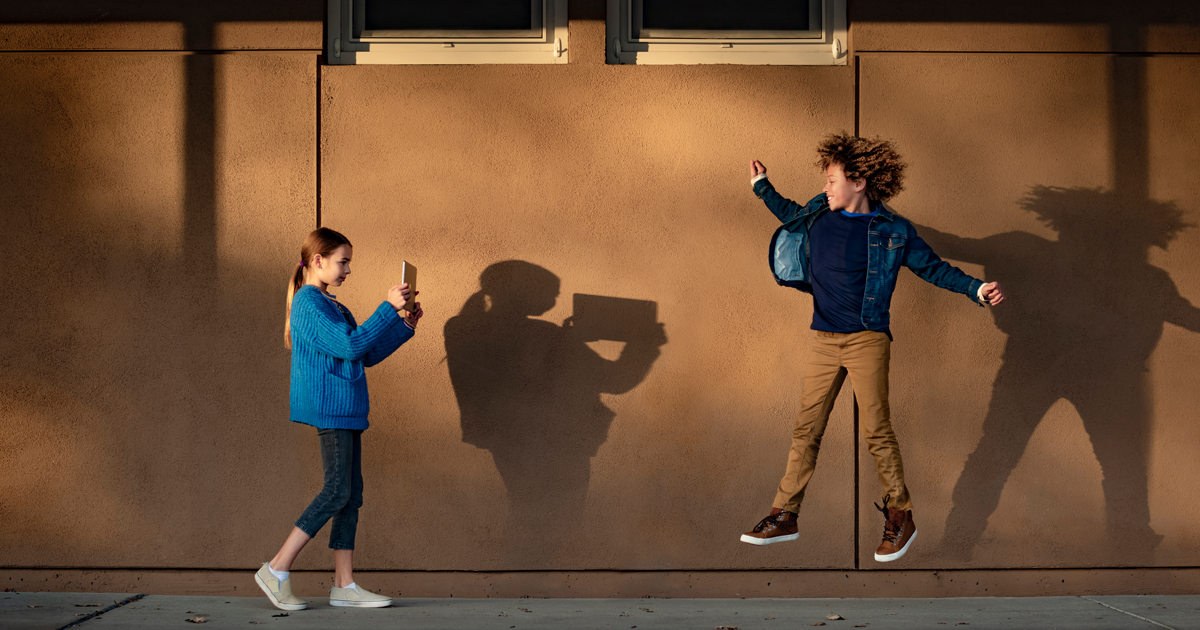
Everyone Can Create is a series of ebooks produced by Apple Education. Using Apple's simple approach, these books train educators how to use iPads to produce amazing multimedia creations. The series of books include:


  • Drawing
  • Photo
  • Video
  • Music


The ebooks are easy to follow, and they provide hands-on learning opportunities for educators to equip themselves with the skills to support multimedia projects in the classroom. These ebooks can be downloaded to the Books app on your iPad. Definitely worth a peek:
education - k-12 - everyone can create

education - k-12 - everyone can create

Everyone Can Create teaches students new skills to develop and communicate ideas through video, photography, music, and drawing on iPad. From quick introductory activities to skill building project guides, teachers have a range of fun and meaningful ways to ignite creativity with any lesson, at any grade level.

launch apple.com

Take your students on a virtual field trip Take your students on a virtual field trip

zoom_out_map

Virtual field trips are an amazing way to take your students to destinations all over the world. Using VR Expeditions, students view 360° images of a location chosen by their teacher. They hold VR ViewMaster goggles to their eyes and see the location from all sides as if they are standing there. The teacher directs the experience on a tablet and guides the students on the field trip. Teachers can read information on the tablet that describes what the students are seeing.


Thanks to a generous donation from Brian Wilch last spring, I am thrilled to announce that I have the licenses and the hardware to offer 30 VR units for full-class experiences! Please contact me to test these out and to arrange for virtual class field trips.


Below is a link to VR Expeditions available on the devices. You will be prompted for a password when accessing this site. Copy and paste this password: XK!sJ86sNq2Lt5d9 . You can then search for keywords on the list by typing CTRL+F (or CMD+F on iPad or Mac).

RobotLAB VR Expeditions List

RobotLAB VR Expeditions List

RobotLAB VR Expeditions List.

launch robotlab.com
The above website is passworded. Please copy and paste this password to access it:

XK!sJ86sNq2Lt5d9

Celebrating National Hispanic Heritage Month Celebrating National Hispanic Heritage Month

The Media Center is celebrating National Hispanic Heritage Month, which runs from September 15 - October 15. Each year, Americans observe National Hispanic Heritage Month by celebrating the histories, cultures and contributions of American citizens whose ancestors came from Spain, Mexico, the Caribbean and Central and South America.


The Media Center has a book display that contains a variety of books written by Hispanic authors or that contain Hispanic characters. The books cover all fiction genres and also include biographies, non-fiction, and graphic novels. Please encourage your students to browse these books to enhance their perspective of the Hispanic experience in America.

National Hispanic Heritage Month
zoom_out_map open_in_new

Checking your library account Checking your library account

Teachers are able to check their library account to see what items they are currently borrowing. Here's how:


  1. Click on the iSearch icon on the main library website.
  2. Select My Account in the top-right corner.
  3. For the User ID, type your 7-digit employee ID number.
  4. For the PIN, type your birthday in MMDD format. (Use four digits. Eg., April 9 is 0409.)
  5. Select the Checkouts tab to see your current loans.

---------------------------------------------- ----------------------------------------------

Contact Mr. Robitaille

zoom_out_map

Email: robitaia@hudson.k12.oh.us
Website: https://www.hudson.k12.oh.us/domain/798
Location: Hudson, OH, USA
Phone: (330) 653-1412
Twitter: @aussieandrew

View past newsletters at https://www.hudson.k12.oh.us/Page/14764

Andrew Robitaille
Andrew is using Smore to create beautiful newsletters
Loading indicator

close
Powered by