






Seesaw this Spring!
Every month, Seesaw makes timely updates to the Seesaw Library! Make sure to share these collection updates with your teachers:
🏴☠️ Brand new Story Pirates Idea Storms lessons are now available in the Seesaw Library under the English Language Arts subject tile! This 3-5 collection provides students with bite-sized creative writing exercises from our friends at Story Pirates.
- 🕵🏽 Reflect on learning throughout the year with Seesaw’s new digital portfolio collection, Highlights! The Highlights collection is broken up into two types of journaling opportunities: Portfolios and Pages. Highlights Portfolios allow students to capture their work inside of Seesaw across all core subject areas, thus creating a digital portfolio for students, teachers, and families to see growth over time. Highlights Pages give a templatized way for students to reflect
- 📚 Library : Check out this month's featured collections , including lessons for Earth Day on April 22nd!! Share the April Classroom Dailies .
- 🎥 Seesaw Webinars: Come learn with Seesaw Experts during Seesaw’s new Webinar Series . April’s theme is SPED and the Power of the Learning Loop. Can’t attend live? Not a problem! Register and receive a recording of the session.
☀️ Summer School: Review Seesaw’s Summer Learning Collections to help prevent summer slide and keep students engaged over their break. See how to set up your summer school classes here .


April 2024 NEWSELA RESOURCES
SAVE TIME WITH AI Newsela’s new AI enhanced features can help teachers save time while continuing to provide the best content for the best classroom.
- Subject specific Tier III vocabulary words
- Graphic organizers provided with every article
- Article topic tags
- Article planning suggestions and more!
●APRIL RESOURCES:
- National Poetry Month
- Start exploring with their curated monthly content calendars. They suggest timely content for every day of the school week to help your students boost background knowledge and build consistent reading routines.


Curipod
How to create a writing prompt and give students instant AI feedback to assist them with their writing.
by @bradjdale
https://timetotalktech.com/2024/03/how-to-create-writing-prompt-and-give.htl

Diffit
Check out this student activity templates on
called a Moment in Time Activity.
See the full example here created by @MsGreeneEdu
Make your own for any topic at http://diffit.me

Quizizz & Youtube
🙋🏽♂️"How cool would it be if there were a button right on YouTube so you could, in one click, generate a fun quiz based on the video?"
🤔 Quizizz team: "Done! And it will be made in seconds!"
😎 Chrome extension link:https://chromewebstore.google.com/detail/quizizz-ai-turn-any-websi/jnegnfbcjklhkmoihoakeijbealomipg…


Adobe Creative Challenge
🌿Sprout your creativity this Earth Month with @AdobeExpress Creativity Drives Change Challenge!
Use @AdobeExpress to create multimedia projects that promote sustainability! 🌍
Share your projects with #AdobeEduChallenge for a chance to win 👉 https://adobe.ly/3VBUC9M

The Great N. American Eclipse
Peggy Reimers shares four fun activities connected to The Great North American Eclipse 🔐 Digital Breakout ☀️ All About the Sun Game ✏️ Creative Myth Writing 🛑 Digital Stop Motion

The Achievery
Engage your students with lessons inspired by The LEGO Movie, Scooby Doo, Wonder Woman, Aquaman and more!
Discover hundreds of FREE pre-made lessons from #TheAchieveryVisit http://TheAchievery.com today and get lesson plans for tomorrow4442/enroll
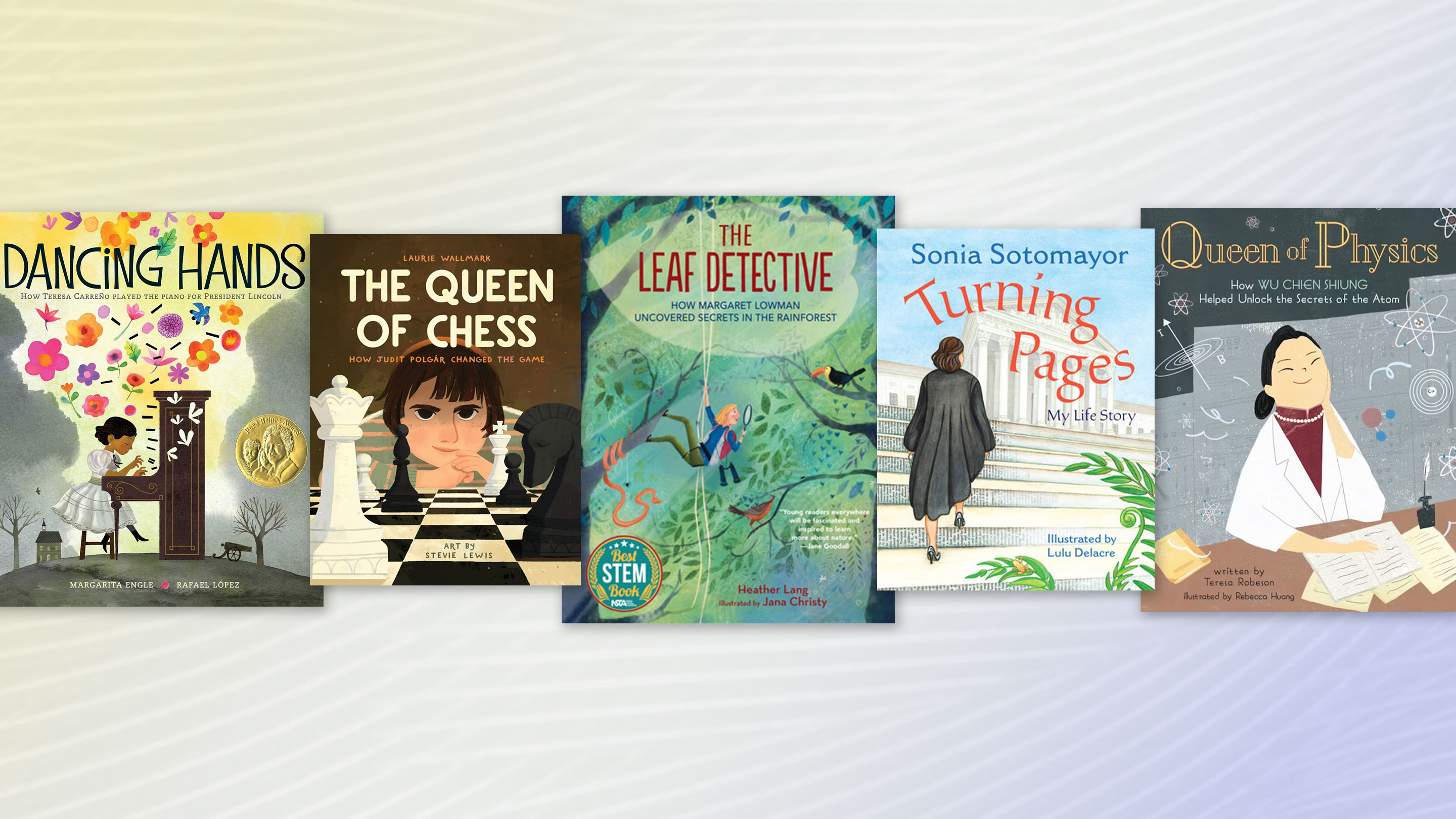

Earth Day Resources
Earth Day was first celebrated on April 22nd 1970 to recognize the achievements of the environmental movement and support the protection of the Earth's natural resources.
The official theme for 2024 is "Planet vs Plastics" and our selection of free teaching resources are designed to help students understand environmental issues and discuss ideas to help save the planet.


SO COOL.....
1. Diffit!! I'm going to keep diffit on my list until I convince everyone just how cool it is!! Diffit - is an AI tool that will modify texts at different levels and in different languages. In addition, Diffit will create a summary, key vocabulary words, comprehension questions, and open-ended questions that work really well for class discussions. Try it and you will see that it is worth it's weight in gold! 💰🍀💚
2.Flaticon - Download Free Icons and Stickers for your projects. Images made by and for designers in PNG, SVG, EPS, PSD and CSS formats.
3. JoyPixels - brings your favorite emoji characters to digital sticker format featuring hilarious phrases that will emojify your life!
4.. Genially - Design and create interactive and animated content with Genially
5. Curipod is an interactive presentation tool for making lessons. You can create your own lessons or use our AI generator to create engaging and interactive lessons and activities. Curipod makes great engagement slides/activities. Check out the brain breaks!

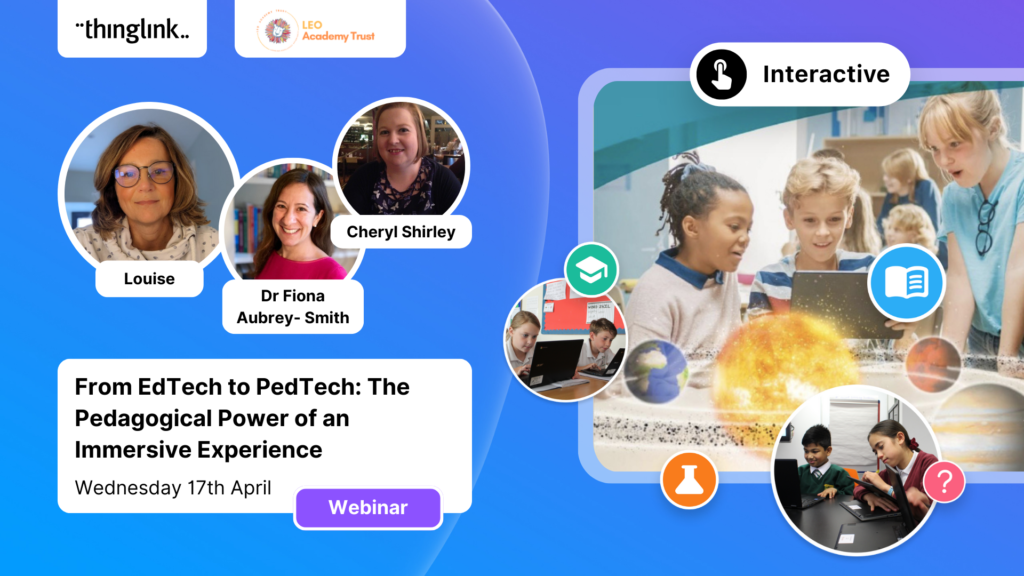

Apple Professional Learning Specialist
Apple Professional Learning Live Explore helpful resources, practice new skills, and reflect on ways Apple technology can support great learning and teaching. These hands-on virtual sessions run for approximately 60 minutes and are offered twice daily.
- Visit apple.co/apl to learn more and register.
💥NEW!!! 💥- Apple has launched a new professional learning hub for educators called the Apple Education Community, which expands on the resources previously hosted on the Apple Teacher Learning Center and adds a brand new educator Forum, now live in beta.

EUGENE 4J RESOURCES TO HELP YOU GET THE YEAR STARTED!





Curriculum Administrator - Educational Technology
Email: huntley_ju@4j.lane.edu
Website: https://sites.google.com/view/huntley-edtech/justin-huntley
Location: 200 North Monroe Street, Eugene, OR, USA
Phone: 541-790-7587
Twitter: @JustinHuntley
SERVICES: In Class Support, Co-Lesson Design + Delivery, Demonstrations, Individual-Group-School Professional Development, Research, Whatever it takes to support your edtech use!