remove_red_eye 312
page background
Logo

Technology Newsletter April 2024

Technology Newsletter April 2024
TechnologyNewsletter April 2024

STAFF LAPTOP REFRESH UPDATE: STAFF LAPTOP REFRESH UPDATE:

open_in_new zoom_out_map
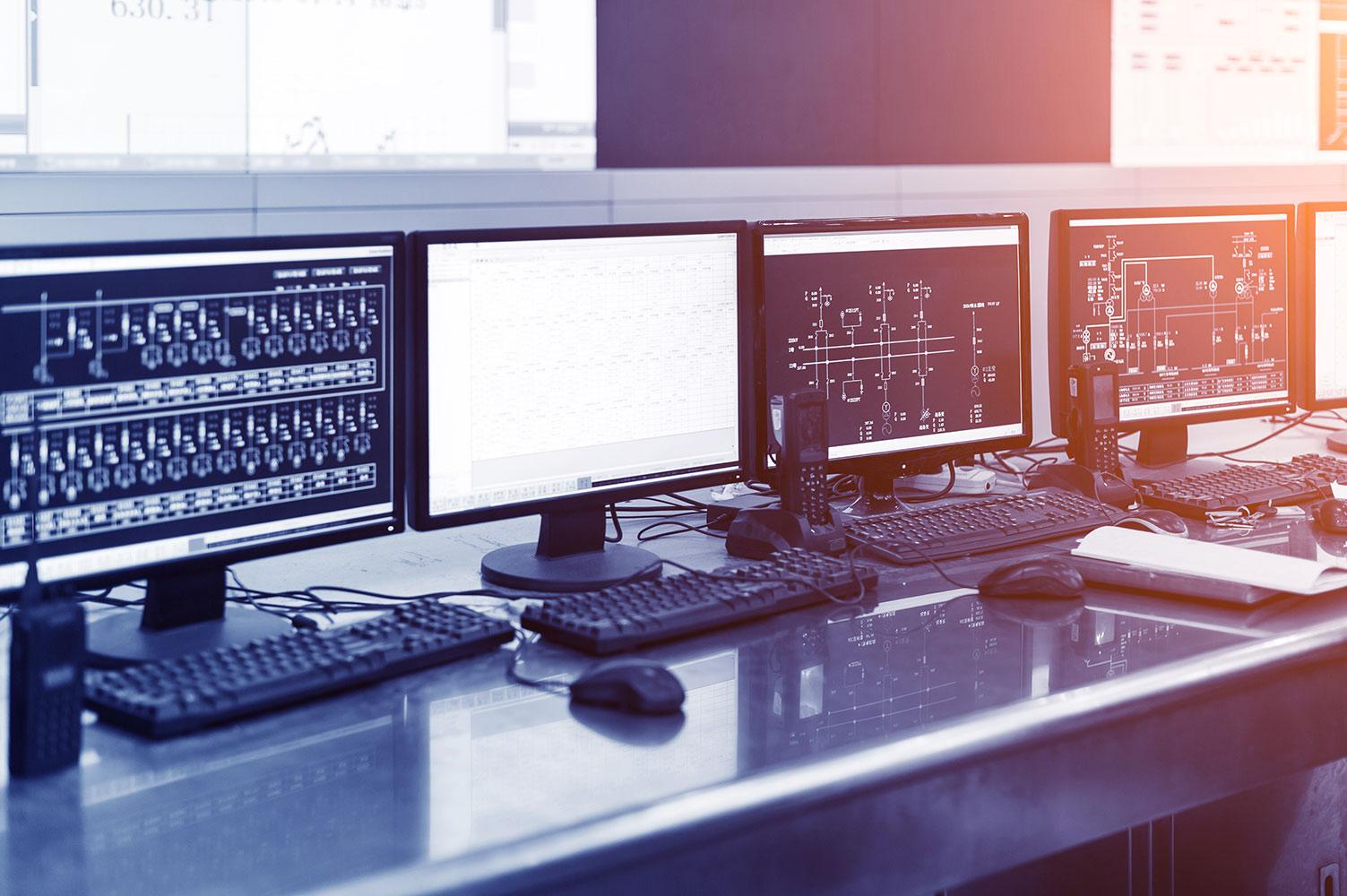
The Technology department is once again refreshing staff devices with a newer, slimmer, more powerful laptop with better battery life. We are refreshing the oldest laptops first and will continue until everyone is on the newer model. We have replaced approximately 30% at each district so far. We hope to have the refresh completed by the end of 2024. If you have not been contacted for a replacement yet, don’t worry, you will be. To help prepare for an easy transition to your new laptop we suggest that you ensure that all of your files are in your Google Drive and not located on your local hard drive. For information on how to access your Google Drive CLICK HERE.
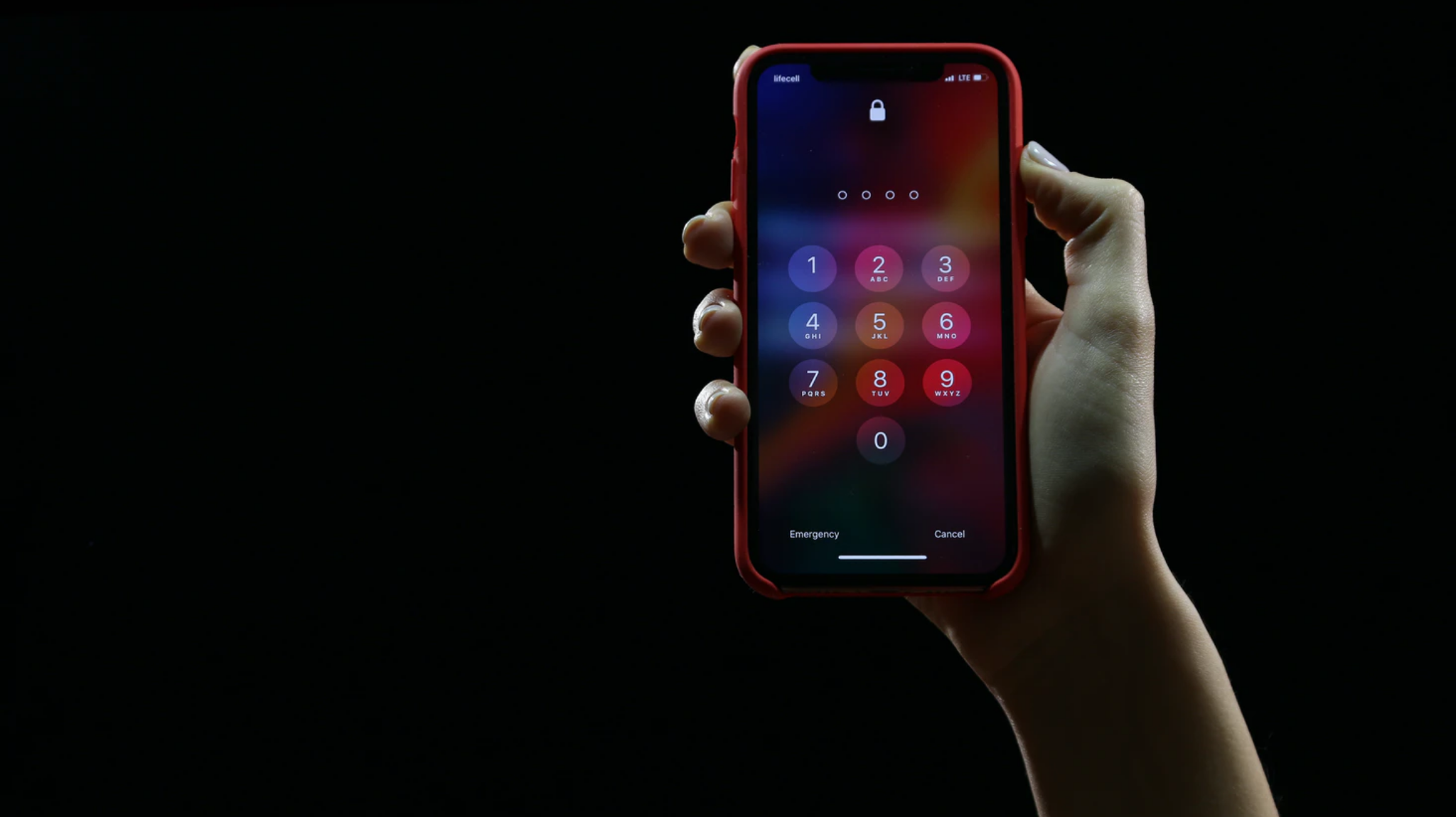
πŸ”MFA (2FA) - What is it and why do I need it? πŸ”MFA (2FA) - What is it and why do I need it?

6 Reasons You Need Multi-Factor Authentication (MFA) | Expert Insights

6 Reasons You Need Multi-Factor Authentication (MFA) | Expert Insights

Whether you just want to meet compliance requirements or develop a powerful multi-layered access environment, your organization needs to implement MFA.

launch expertinsights.com
open_in_new zoom_out_map

What's on the district's approved SOPPA third-party app list?

CLICK HERE


Interested in using an app or website not on the district's approved list? Please use the TECHNOLOGY APP/WEBSITE REQUEST form to submit a request.

Student Google Files Student Google Files

zoom_out_map

Access for Returning and Graduating Students

Google accounts for those students returning in the fall will NOT be deleted or deactivated. Students will keep their Google accounts (and Chromebooks) including all files & email contained in their Google accounts, until they graduate.


Graduating students will have their network and Google accounts deactivated on August 1st. Please let your senior students know that if they wish to take their Google files with them, they should follow the directions specified at the bottom of District 120's technology page: www.d120.org/technology under the β€œSeniors: Export your Google Data!” section.


If a staff member wants to keep examples of senior student work, they should make a copy or they will lose access to the file on August 1.

Did You Know ❓❓❓ Did You Know ❓❓❓

A staff member at District 120 can dial a staff member at District 75 by dialing *75 and entering the extension when the auto attendant answers?

Also

A staff member at District 75 can dial a staff member at District 120 by dialing *120 and entering the extension when the auto attendant answers?

Copyright & Fair Use

Showing movies in class and on campus Showing movies in class and on campus

open_in_new zoom_out_map

MHS uses SWANK to allow staff to legally show movies in the classroom and on campus.


Follow these simple steps to see if a movie you would like to show is in legal compliance:


  1. Go to the website www.swank.com
  2. Click on the search in the upper right hand corner
  3. Click on the drop down box and select "K12 Licensing"
  4. Enter the title of the movie you would like to show and if it appears under the results, then it can legally be shown here at MHS.


Click Here to learn more about SWANK movie licensing

Did You Know ❓❓❓ Did You Know ❓❓❓

It is highly recommended that a computer reboot happens at least once per week to fully allow your programs to restart so they can perform at their optimum level. This also clears the RAM and the processor cache. Shutting completely down multiple times per week is ideal and would definitely earn you a gold star 🌟in the IT department.

How to get your events publicized: How to get your events publicized:

If you have any events or content that needs to be published on our website, social media, school TV monitors, or even the MHS marquee, please remember to use the Content Submission Form (The form can be found on the staff intranet)

Technology@D120.org
847-949-2200 - Ext. 1300
Loading indicator

close
Powered by